Translate



Hi all,
Trados Studio 2024 SR1 - 18.1.3.6657, Windows 10
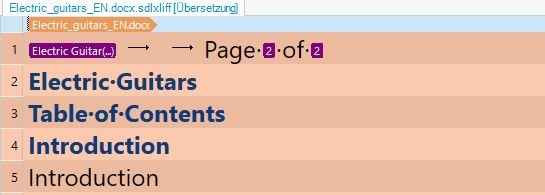
I just noticed that the "Select all" field at the left of the filename in the editor all of a sudden has stopped working.
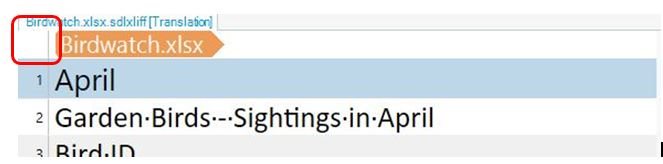
I came across this error in a previous release of Trados 2024, so I updated to the current version right now, hoping that this would help, but the error persists.
It is independent of whether I filtered some segments or displayed everything.
Please restore this functionality, it is so helpful.
TIA
Best regards
Annette (from Manfred's account)
Removed AI Suggestion
[edited by: Manfred Altmann at 10:17 AM (GMT 0) on 17 Jan 2026]