


Unnecessary enters in target file

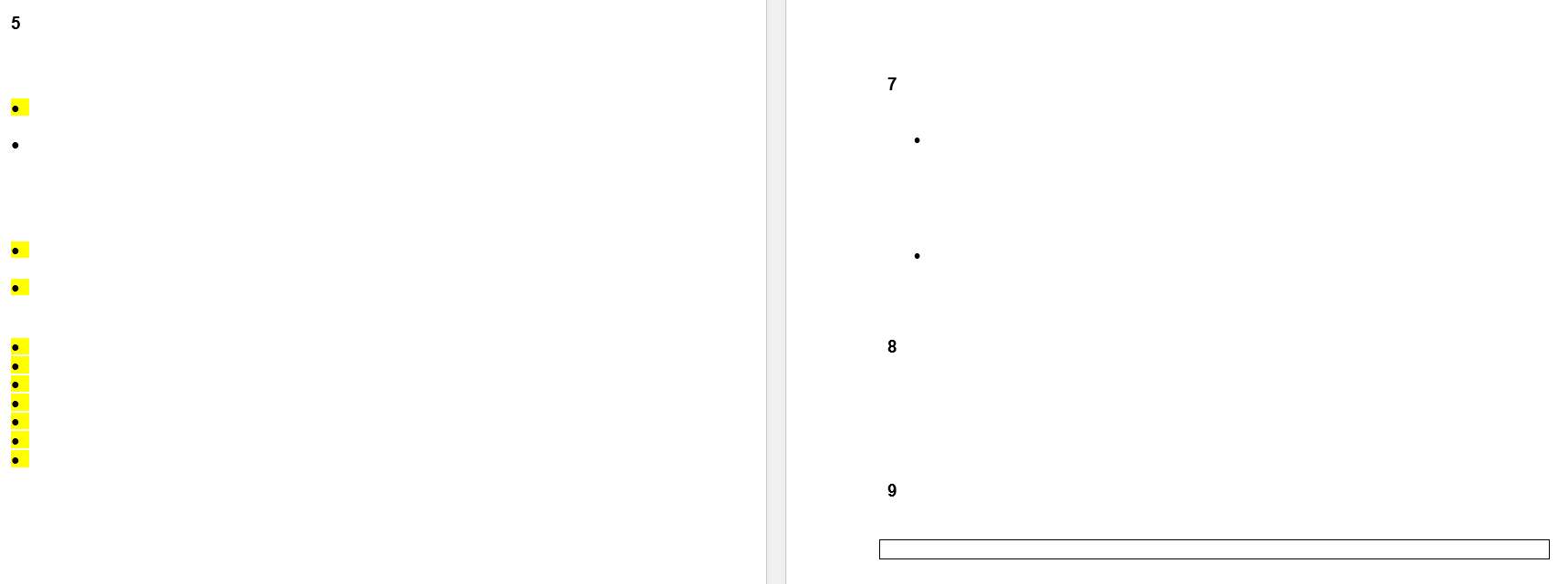
Lately Trados Studio has been placing unnecessary enters in my target files. I don't know where these enters come from; I can't see them in Studio. How do I resolve this problem? Thanks Screenshot showing a document with numbered lines and bullet points, some highlighted in yellow, indicating formatting inconsistencies or unnecessary line breaks.


Generated Image Alt-Text
[edited by: RWS Community AI at 8:24 AM (GMT 0) on 19 Jan 2026]
emoji
Parents Reply
  •  

    I tested this with a DOCX containing tracked changes and don't have a problem.  So the issue is going to be related to the content of your DOCX.  Can you take a copy of the source file, save it somewhere else and then do this:

    1. identify a paragraph that matches where you are seeing this problem.
    2. delete everything in the document apart from this paragraph
    3. open this reduced DOCX, save the target, and see if the same thing happens
    4. if it does, change anything in that paragraph you consider confidential and make sure the problem still occurs with this changed version.
    5. share that version by attaching to your reply
    6. if it doesn't, look for another part of the document that does :-)

    Then we can review the problem for real and it'll make it easier to see where the problem is coming from.

    Paul Filkin | RWS Group

    ________________________
    Design your own training!

    You've done the courses and still need to go a little further, or still not clear? 
    Tell us what you need in our Community Solutions Hub

    emoji
Children

