
 Translate



Hi,
I just installed Studio Freelance 2019 on a new PC, and when I try to save a project in Studio I get an error message saying that "access to path C://...Autosave... is denied". Not sure why it mentions C: since the project is opened from G:, which I downloaded the file to. I'm using Windows 11 and I use Google Drive. I have uninstalled OneDrive, so that shouldn't be the problem. I attach a screen shot of the error message (in Swedish).
I'd be grateful for any help!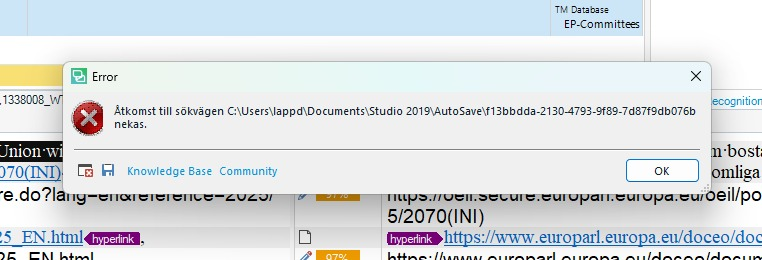
Generated Image Alt-Text
[edited by: RWS Community AI at 8:12 AM (GMT 0) on 5 Mar 2026]


