
 Translate



I am keeping an instance of Trados Studio 2022 17.2.9 because all the releases after that release, including all releases of Trados 2024 try to show me all the files that are in the project in the Batch processing window.
It works fine if you have few files in a project, but if you have hundreds of files and many languages, then Trados cannot process it.
In version 2022 17.2.9 the folders are shown not the files, so the problem does not exist.
Is there any way to revert to the previous settings or force Trados not to show me the files?
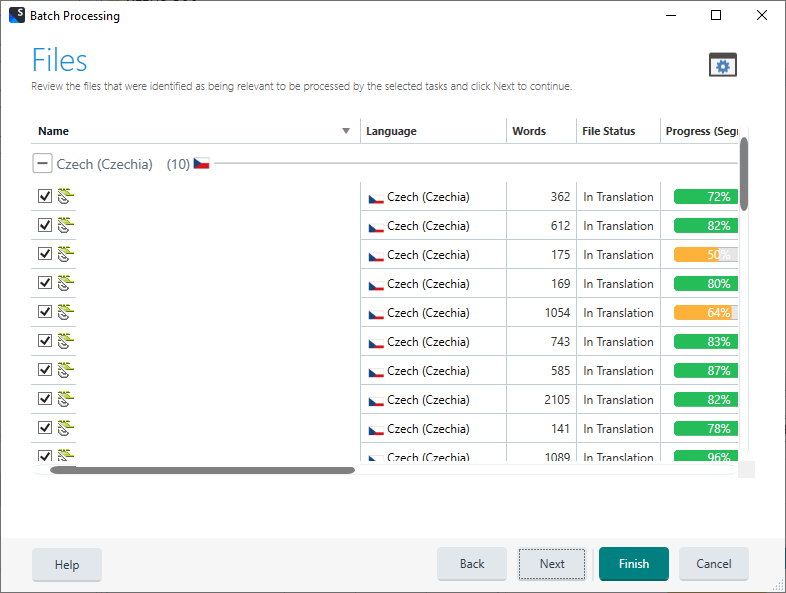
This is the window which causes Trados running out of memory:
Generated Image Alt-Text
[edited by: RWS Community AI at 11:11 AM (GMT 0) on 13 Mar 2026]
