Translate



Hi Everyone,
Since a few months I keep getting this kind of notification on Windows when I open Trados or when I perform a task (opening a file for translation, proofreading, creating a package).
This notification appears randomly.
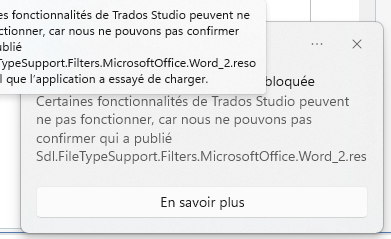
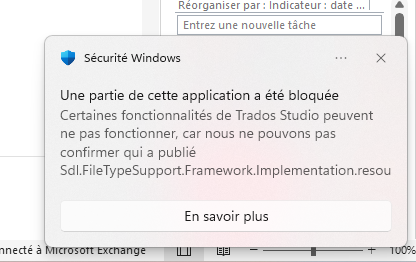
The information in the notification depends of the action I'm doing.
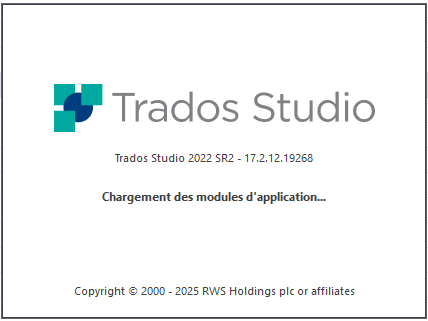
Yesterday, I couldn't even open Trados anymore. All it was doing is showing me the startup information then nothing:
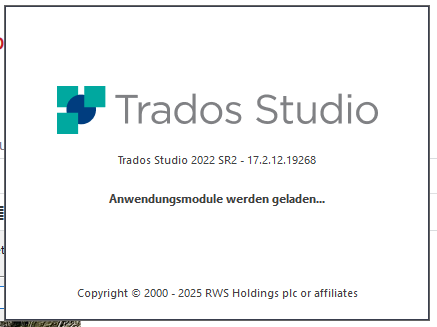
This is not my screenshot, it comes from the post below. But I wanted to illustrate the only thing I could see yesterday when trying to open Trados.
Same kind of issue as this person: Trados Studio 2022 SR2 - 17.2.12. 19268 will not start anymore + Plugins not working
I could'nt even uninstall it. Repair it did nothing. I had to turn off Smart App Control to be able to uninstall and reinstall properly.
I thought that since then I made a fresh intall this kind of notification won't appear anymore but unfortunately not... These notifications still appear and I don't know why...
And these notifications sometimes block me in my work as Trados can't perform what I'm requesting as some plugin are blocked by SAC.
I'm using Windows 11. I have done absolutely no change on my TRADOS installation. And I'm pretty sure it's an issue with Smart App Control but I don't understand why...
THank you for your help.
Feel free to reach me if you need more information.
Pierre
I'm usin : Trados Studio 2022 SR2 - 17.2.12.19268
Removed AI Suggestion
[edited by: Pierre Normand at 9:34 AM (GMT 1) on 10 Apr 2026]