
 Translate



Since last week, I have been working in Studio 2024 and besides an unusual number of sudden deaths without warning or error messages, my editor screen suddenly became cross-eyed. Can I simply proceed, should I stop, save and restart? And more importantly: why is it happening?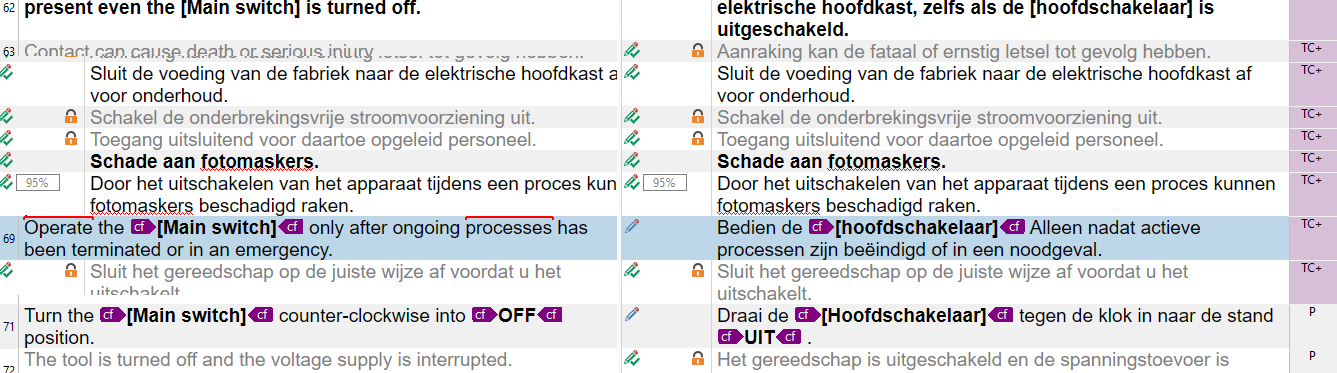 ,
,
Removed AI Suggestion
[edited by: Frank Van T Veer at 6:17 PM (GMT 1) on 12 Apr 2026]


