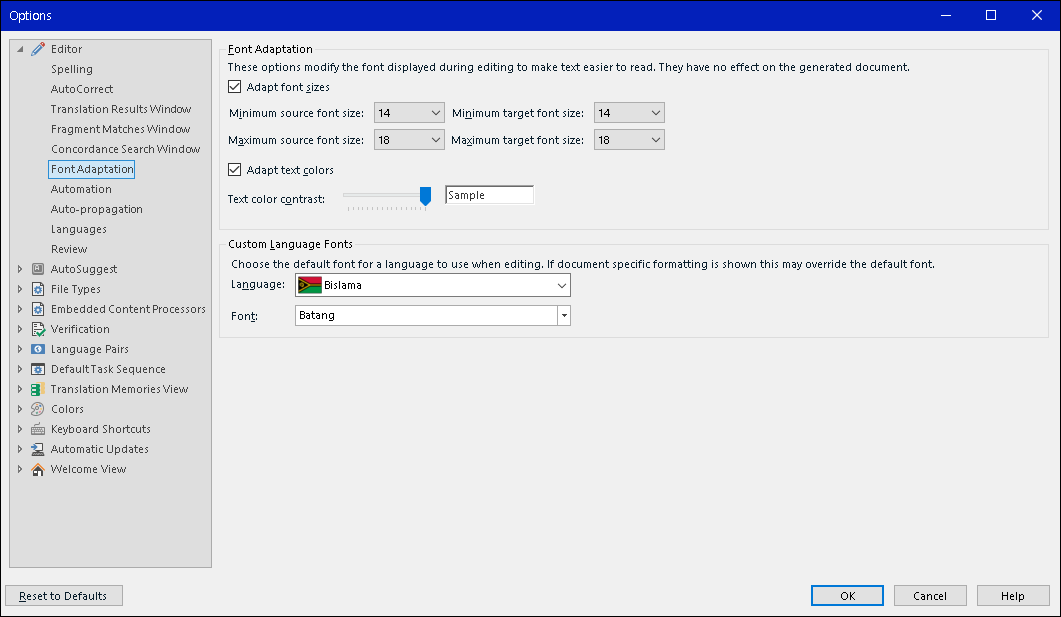
Height of row(s) becomes too much higher then ever.

I'm with version 2017, Win10.

Trying to review a Ko>En project(single sdlxliff file).

I have never seen this kind of strange row height ever.

Actually it works but, looks quite ugly.

How can I make it to normal ?
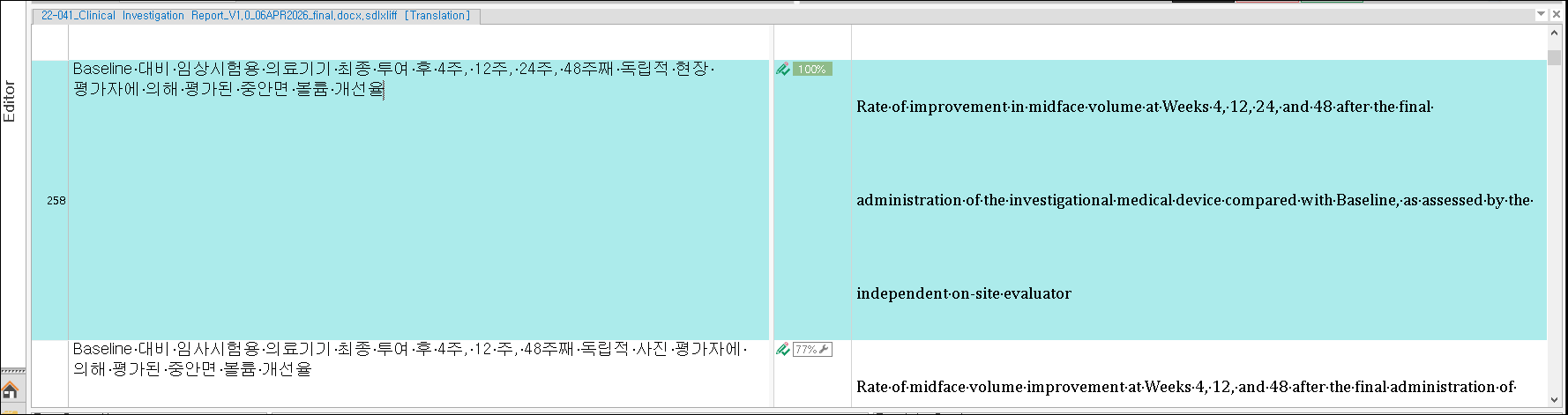
Trados Studio editor view showing a translation project with mismatched row heights. Source text in Korean and target text in English are displayed in a light blue background.

Trados Studio options menu under 'Font Adaptation' settings. Font size and color adaptation options are shown, with 'Bislama' language selected and 'Batang' font applied.

- Oh, segment 54 looks good though.

Thanks..


I'd like to make the others looks like segment 54.
[edited by: Jaesang Park at 2:37 AM (GMT 1) on 30 Apr 2026]

emoji
Parents Reply Children
No Data