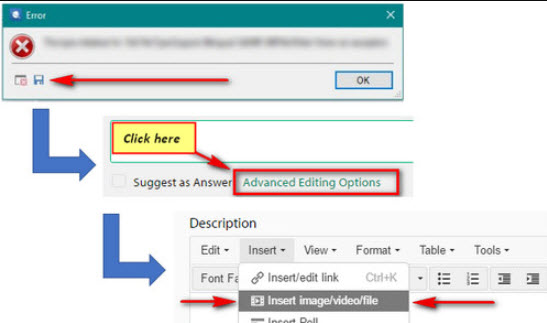
"Cannot validate SDL plug-in" Studio 2015

Studio 2015 keeps crashing. It started with a message saying "out of memory server" and then I got blank Windows when I tried to use Studio commands. I decided to save my work, but then came the message "cannot validate SDL plug-in: sdl.desktop.Platform. implementation.... dll".

I went to the Windows control panel and launched a repair procedure but it didn't fix my problem.

Someone to help me out of this? I'm starting a very large assignment and can't afford to loose days before fixing this.


Thanks,


Ariane

Parents Reply
  • Hi ,

    Could be a windows update, anti-virus update, some other invasive software update... very hard to tell why things work one day and not the next. The normal solutions would be a complete reset. Rename this folder (just add _old to the end or something, it's not important what you rename it to) and restart Studio:

    c:\Users\[USERNAME]\AppData\Roaming\SDL\SDL Trados Studio\12.0.0.0

    So the path would become this:

    c:\Users\[USERNAME]\AppData\Roaming\SDL\SDL Trados Studio\12.0.0.0_old

    Then run a repair on Studio. You could remove all plugins you installed in the past too, but I think you said you have not installed any so this probably isn't needed.

    If that doesn't help then I think you need to have support help you.

    Paul Filkin | RWS

    Design your own training!
    You've done the courses and still need to go a little further, or still not clear? 
    Tell us what you need in our Community Solutions Hub

Children