Translate



Does that make any sense? I'm reviewing documents and started by looking at inconsistencies so I've run verification. I need the record of the changes to be kept so the translator can make changes to the finished document. 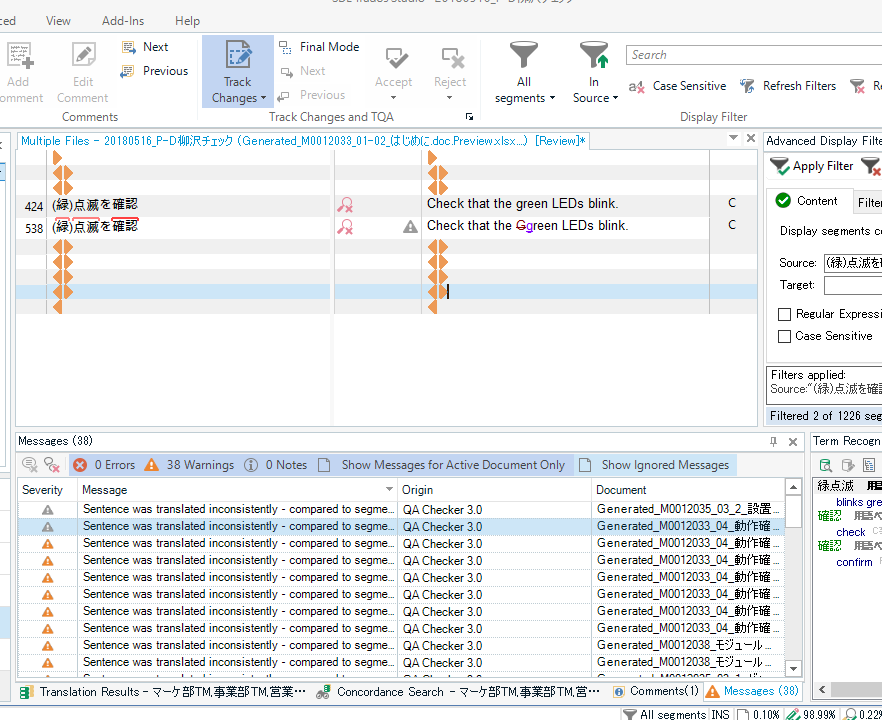
But if I approve the first occurrence of a repeat, it does auto propagate the data but leaves no record that a change occurred. See below. The crossed out uppercase G is gone now so the translator won't know that a change happened here and can't make the necessary corrections to the final document. I swear this has never happened before. Even auto-propagated changes are recorded if "track changes" is on. "Final mode" is off. I just did the same thing while opening for translation. Still won't show changes. The original files are Excel files generated from xliffs. I used bilingual excel so I could open multiple files at once soasto maintain as consistency between them. Can anyone explain this, please?
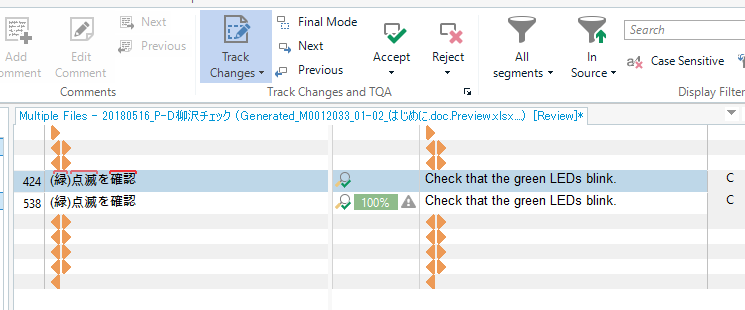
Before approving:
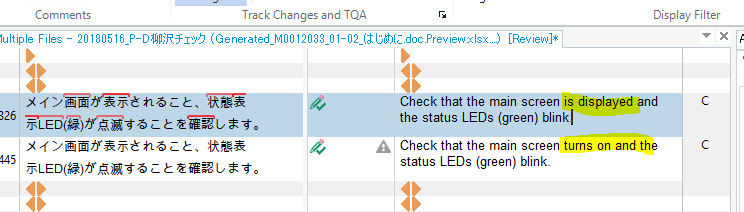
After approving:
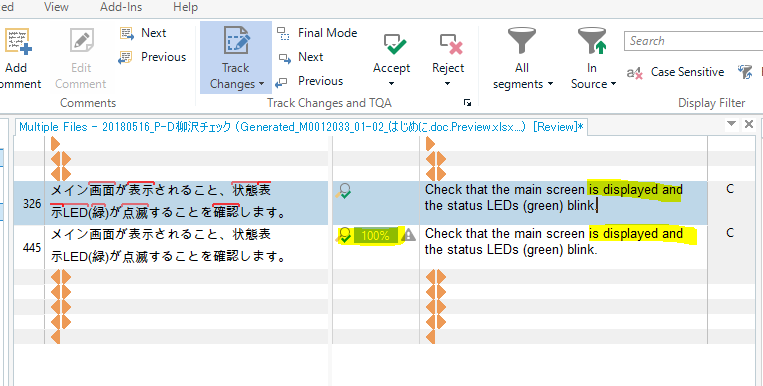
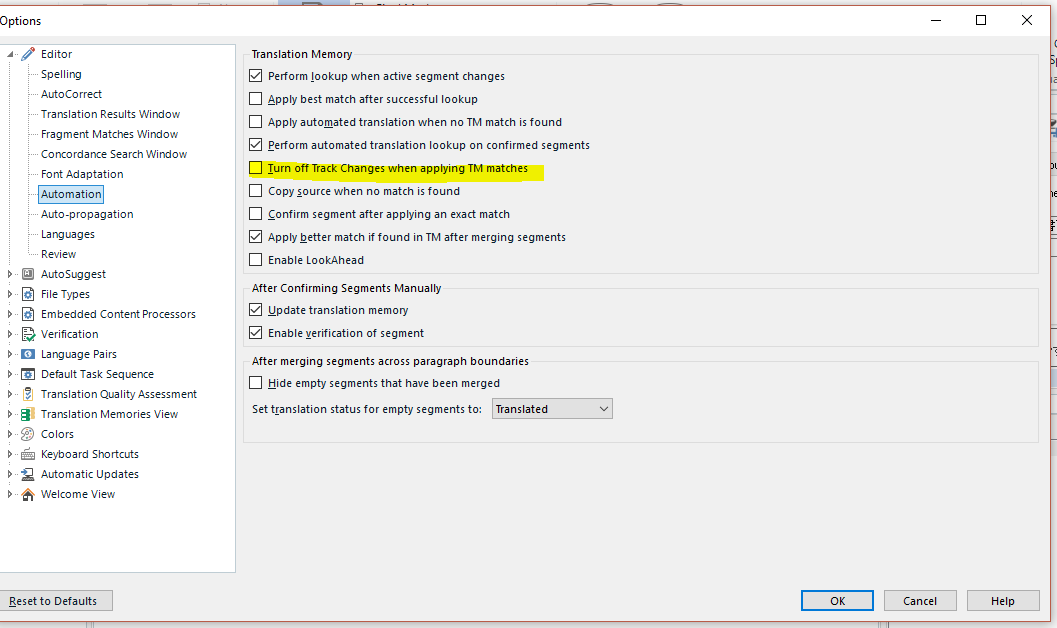
I need the record of the change to say visible. Toggling track changes off/on or restarting makes no difference.
Just tried a different project where it's working properly.
Before approving:
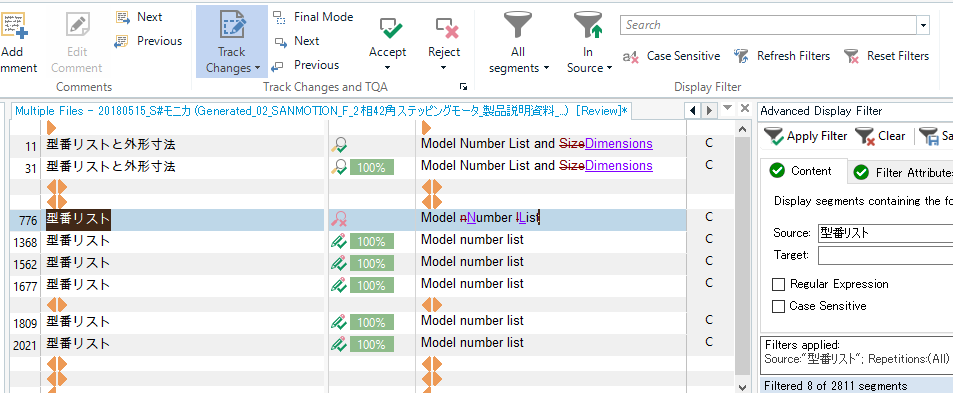
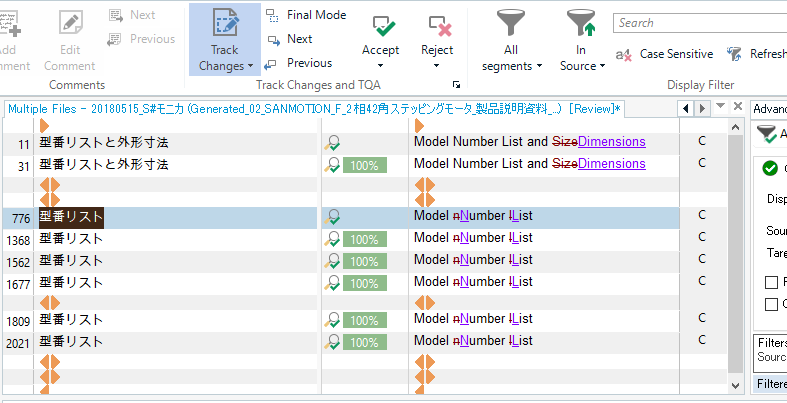
After approving. Autopropagated and changes recorded.
Generated Image Alt-Text
[edited by: Trados AI at 2:13 PM (GMT 0) on 28 Feb 2024]