


The Trados cloud platform will be undergoing maintenance on Saturday, 9th May 2026 between 05:00 to 17:00 UTC. During this time, you will not be able to log in to the Trados platform.

Unable to save target content in Excel due to a mismatch with the source document

Hi

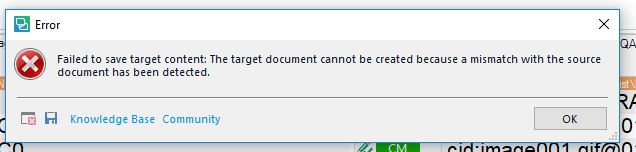
I have just received a Trados package from a customer which includes a source file in Excel. I (still) use Trados Studio 2017 for my translation jobs, and I uploaded the package to Trados without any problems. The 'challenges' occurred when I wanted to save the target content as I received this error message:

'Error message in Trados Studio stating 'Failed to save target content. The target document cannot be created because a mismatch with the source document has been detected.'
Below is the full view of the error message:
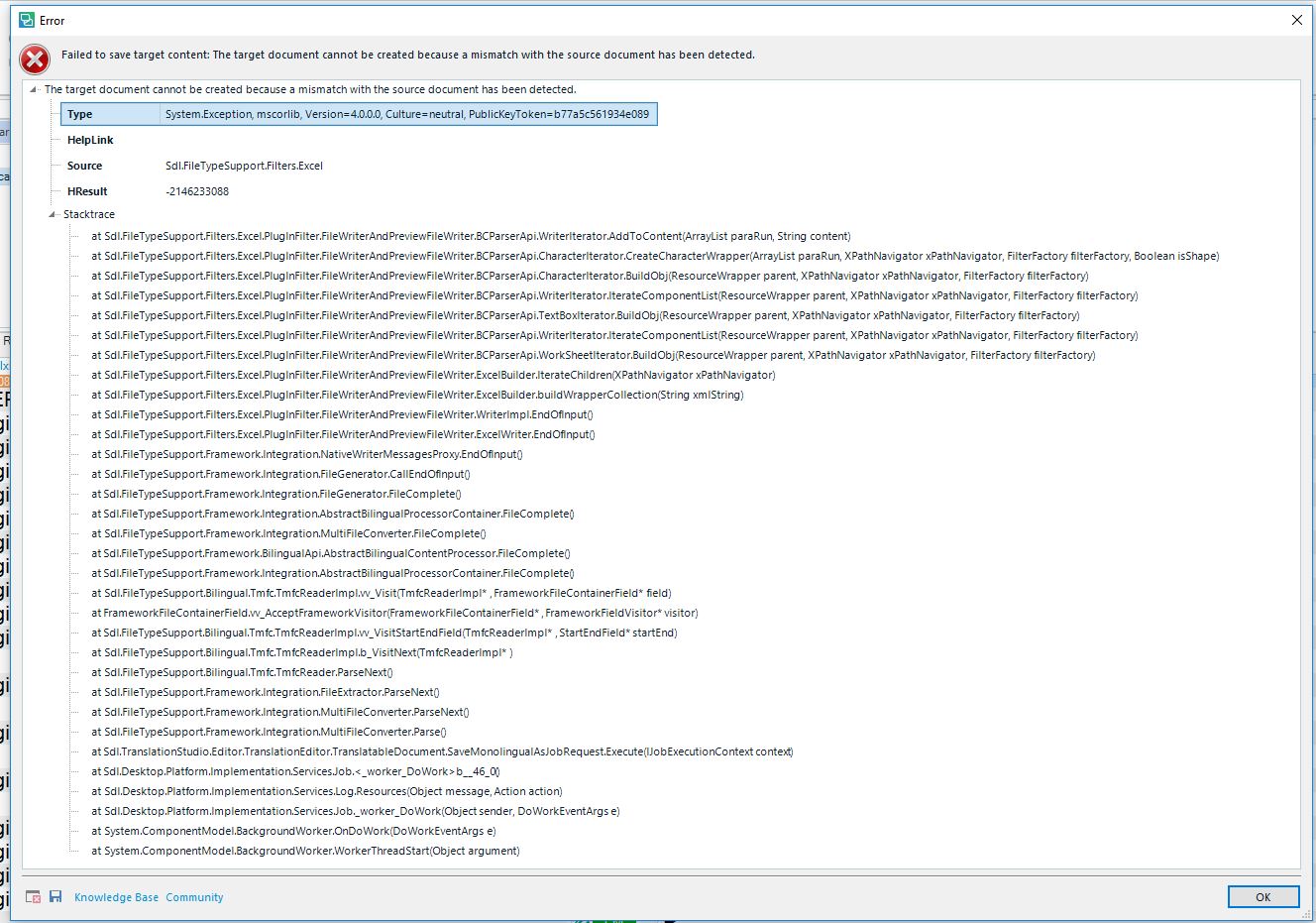
Detailed error log in Trados Studio showing multiple file paths and error codes indicating issues with saving the target content.

As I have to deliver the completed translation on Wednesday, the 29th of August in the afternoon, I really would appreciate a quick tip on how to solve this issue as soon as possible.

Best regards 

Susan Murphy Lamprecht


Generated Image Alt-Text
[edited by: Trados AI at 2:07 PM (GMT 0) on 28 Feb 2024]
emoji
Parents Reply
  • Hi  

    I was referring to the original source file, not a corrected one. If she's working with a package that doesn't have the source file AND it was not embedded into the SDLXLIFF because it was larger than the settings used when the project was created then the only way to deal with this is to ask for the source file from the client.

    If the source file was embedded and just not included separately then your solution to "try" and save the source file might work. But my guess would be that if the target won't save then the source probably won't either.

     All good ideas though... perhaps  will advise how this was solved and put our minds at rest.

    I have a feeling the problem is not related to a missing embedded file, neither a missing Excel source.  The message suggests a corruption as there was a mismatch so it probably found something to go on and then failed to make it work.

    Paul Filkin | RWS

    Design your own training!
    You've done the courses and still need to go a little further, or still not clear? 
    Tell us what you need in our Community Solutions Hub

Children