


The Trados cloud platform will be undergoing maintenance on Saturday, 9th May 2026 between 05:00 to 17:00 UTC. During this time, you will not be able to log in to the Trados platform.

Unable to save target content in Excel due to a mismatch with the source document

Hi

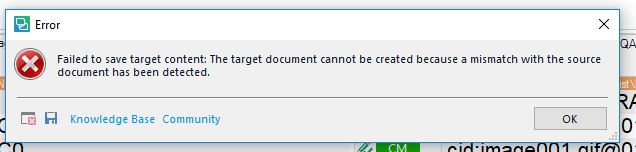
I have just received a Trados package from a customer which includes a source file in Excel. I (still) use Trados Studio 2017 for my translation jobs, and I uploaded the package to Trados without any problems. The 'challenges' occurred when I wanted to save the target content as I received this error message:

'Error message in Trados Studio stating 'Failed to save target content. The target document cannot be created because a mismatch with the source document has been detected.'
Below is the full view of the error message:
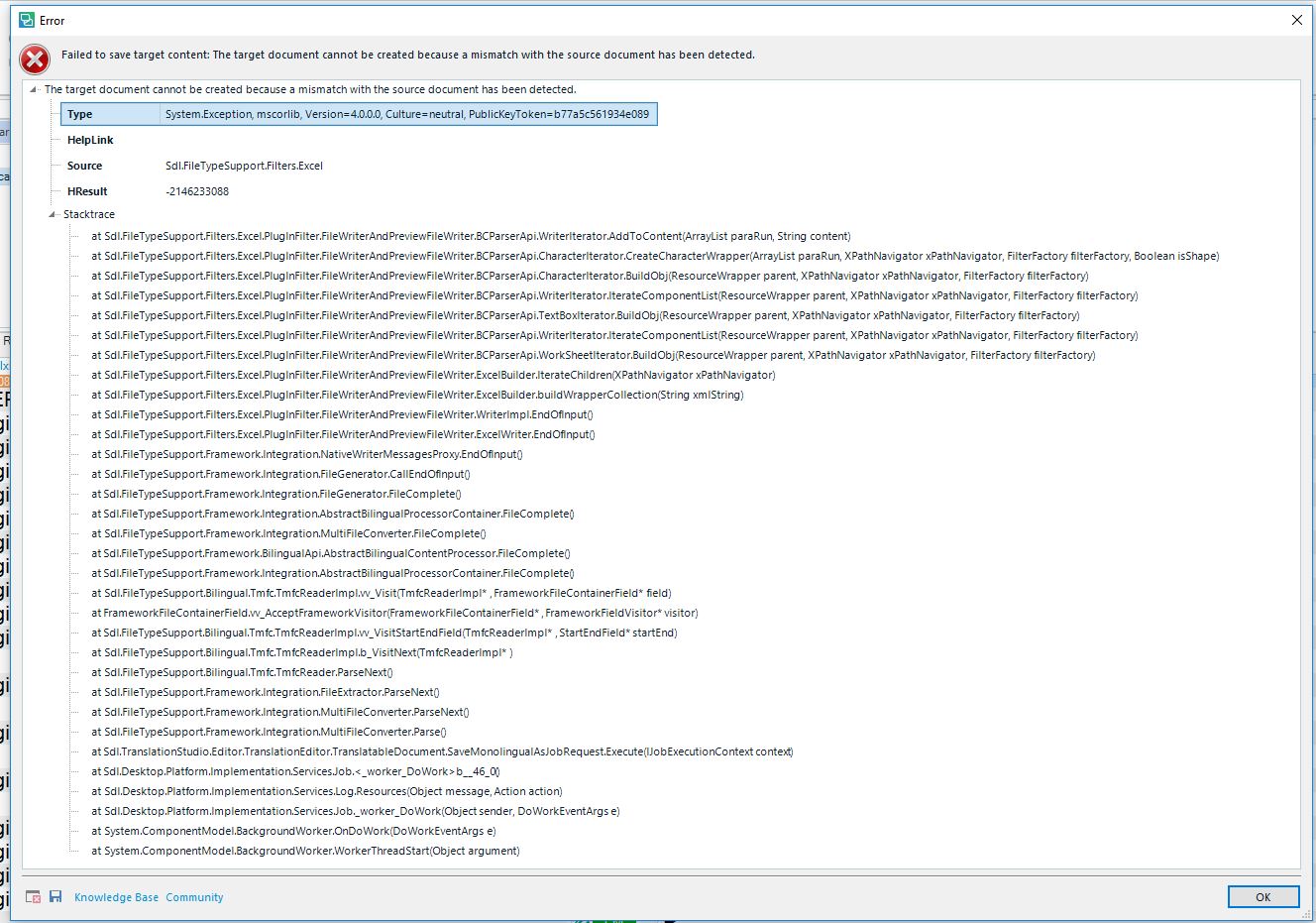
Detailed error log in Trados Studio showing multiple file paths and error codes indicating issues with saving the target content.

As I have to deliver the completed translation on Wednesday, the 29th of August in the afternoon, I really would appreciate a quick tip on how to solve this issue as soon as possible.

Best regards 

Susan Murphy Lamprecht


Generated Image Alt-Text
[edited by: Trados AI at 2:07 PM (GMT 0) on 28 Feb 2024]
emoji
Parents Reply
  • Hi 

    That's excellent news Susan, thanks for sharing that. As it came to you as a package, the Project Manager was happy to receive a package back. Problem solved!

    Most clients are happy with that, or even with just the SDLXLIFF file, and I only save to target if I have the appropriate software to read the file I've been working on. 

    Further to our discussion on tag verification yesterday when I sent you this link: Verifying translations

    Here is where you access the settings in Studio for the verification processes described, under Project settings:

    (Number Verifier is an extra plug-in that I downloaded from the SDL AppStore)

    You can set what you want to check and how you want to check it, which makes for a better translation.

    You can run the verification then with the sdlxliff file open in Studio, by pressing F8 or clicking on Verify on the Review tab of Studio.

    Have a super day!

    All the best

    Ali :)

Children
No Data