Translate



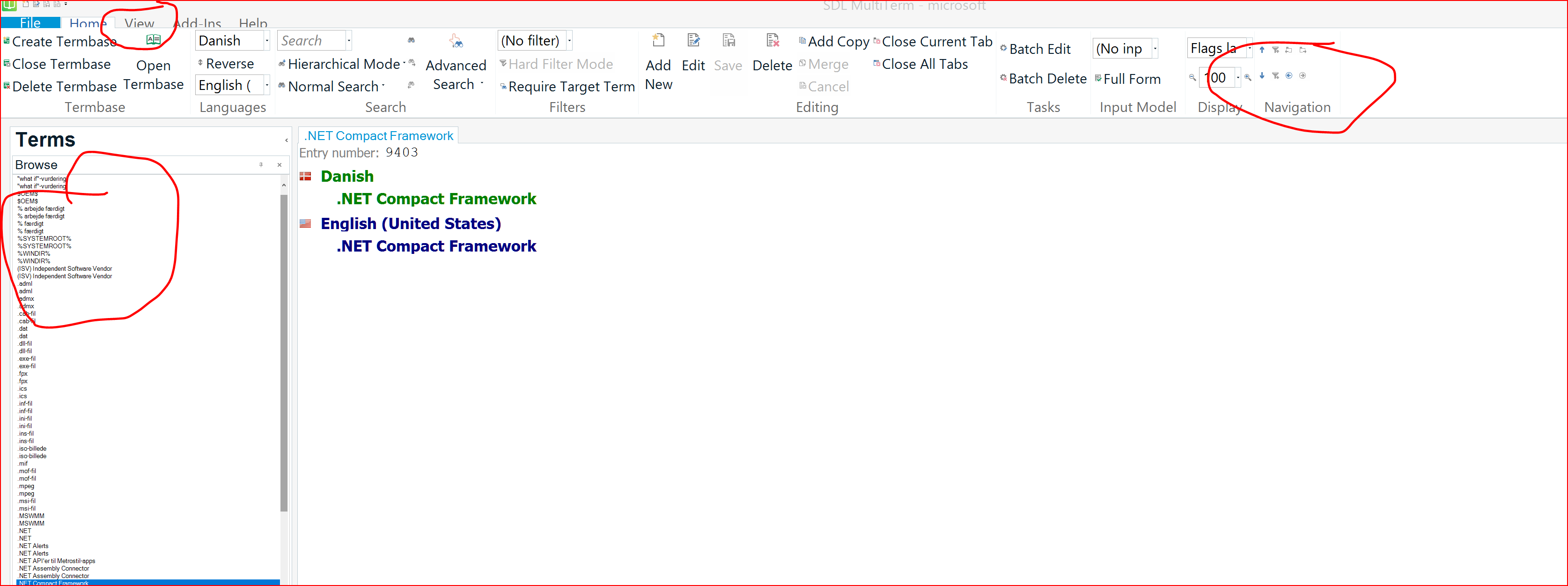
I finally got around to upgrading to 2019 from 2017. After having lived with the tiny font in the Terms window in MultiTerm 2017 (both in the desktop version and in Studio), I was sure 2019 would not have those issues. After all, 4K monitors are quite commone. But nope - the terms are still displayed with font 2 (so it seems).
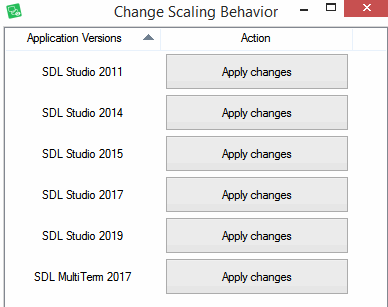
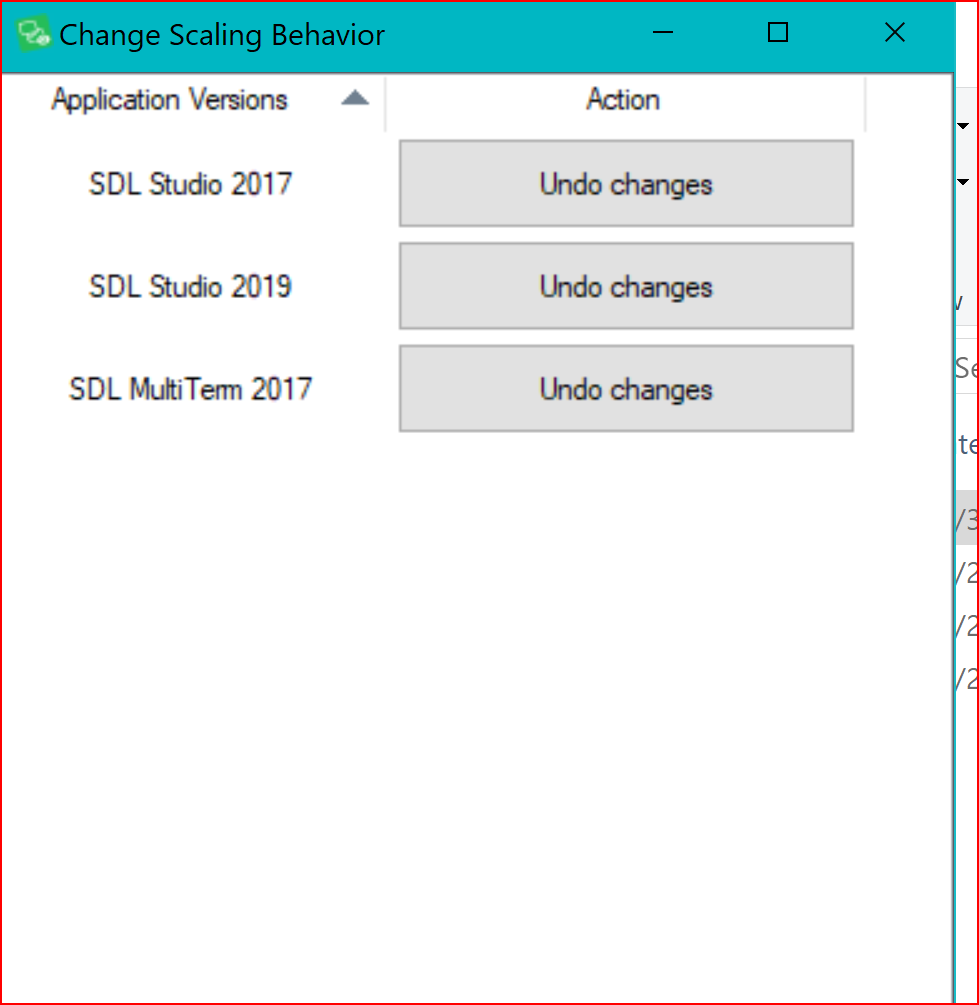
And yes, I have installed the Change Scaling Behavior app - MultiTerm 2019 is not even a choice there!
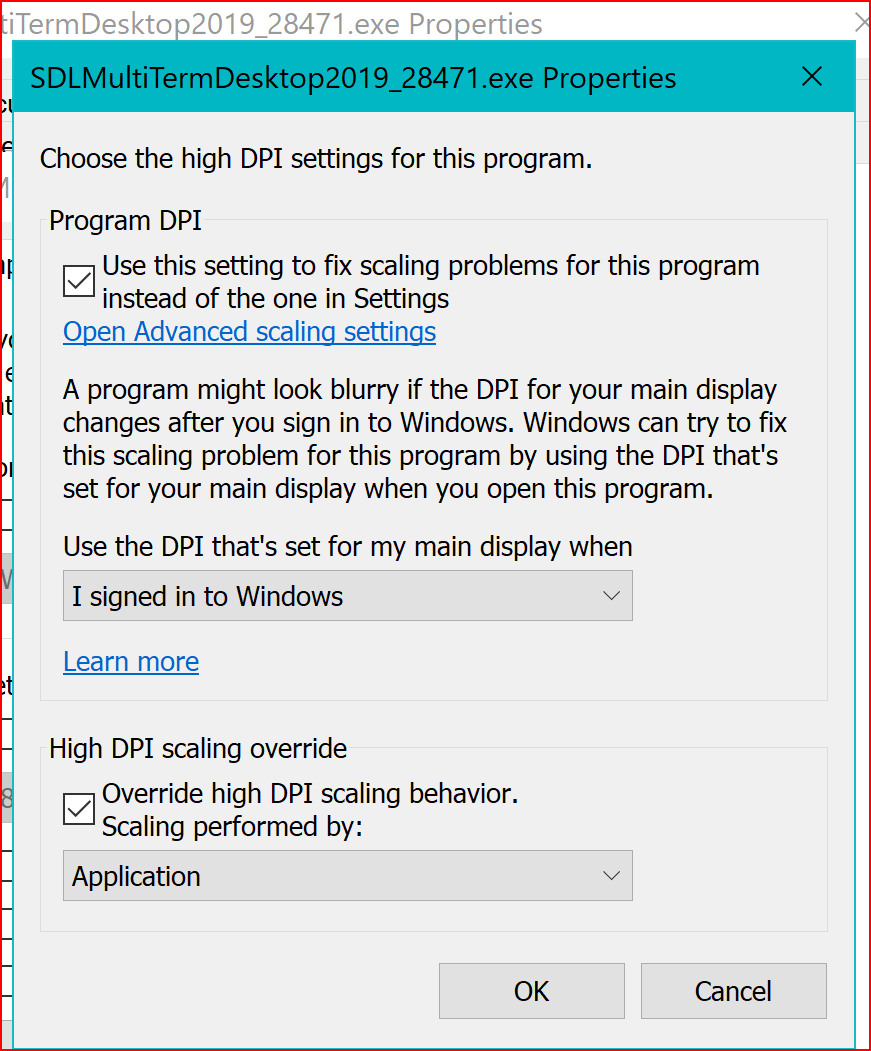
I have the same high DPI settings for MultiTerm 2019 as I do for Studio 2019, but apparently that doesn't make a difference.
I have not worked in Studio 2019 since I upgraded, but I didn't see any display issues when I opened it the first time, so hopefully this "only" pertains to MultiTerm. Which is still bad enough, because all other programs seems to be able to adjust to high resolution automatically - even the free ones!!
Does anyone have any suggestions how this can be fixed? I don't understand why this continues to be an issue; I would expect more considering the price for the software.
TIA
Dorte
Generated Image Alt-Text
[edited by: Trados AI at 10:10 PM (GMT 0) on 28 Feb 2024]