Icons and file extensions in Trados 2019

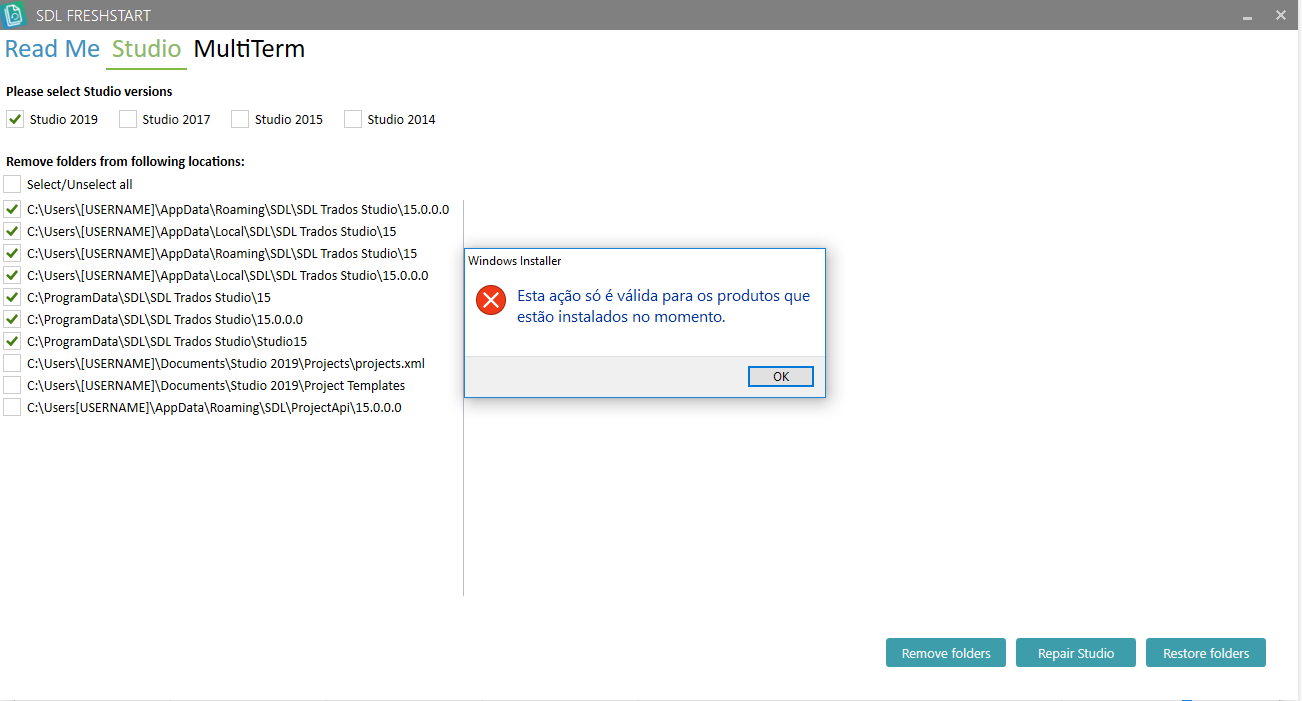
My Trados 2019 has been showing some bugs, eg icon is the same for all file extensions, I cannot open sdlxliff files, and when I open a Word doc in English it considers English as target language, so it underlines all the words in the target column. I have tried the repair function in control panel but it didn't work. Any other ideas before I try reinstalling? Thank you!

Parents Reply
  • Hi, Steven. Thank you for your reply.

    The icons were blank when I installed the new version, then I managed to turn them into that green standard icon, but it is the same icon for all extensions. SDLPROJ, for instance, is not showing that "little basket". Also, I cannot open SDLPROJ files. I have to open SDLXLIFF and create a new project.

    The issue with the underlined words is that it underlines almost all words in the target column (in red) as if they were spelling mistakes, I believe that's because it doesn't recognize PTBR as target language - although this has been specified when I configured the project.

    I hope it is clear now. Sorry, English is not my native language and I am not very proficient in IT language either :)
Children