Translate



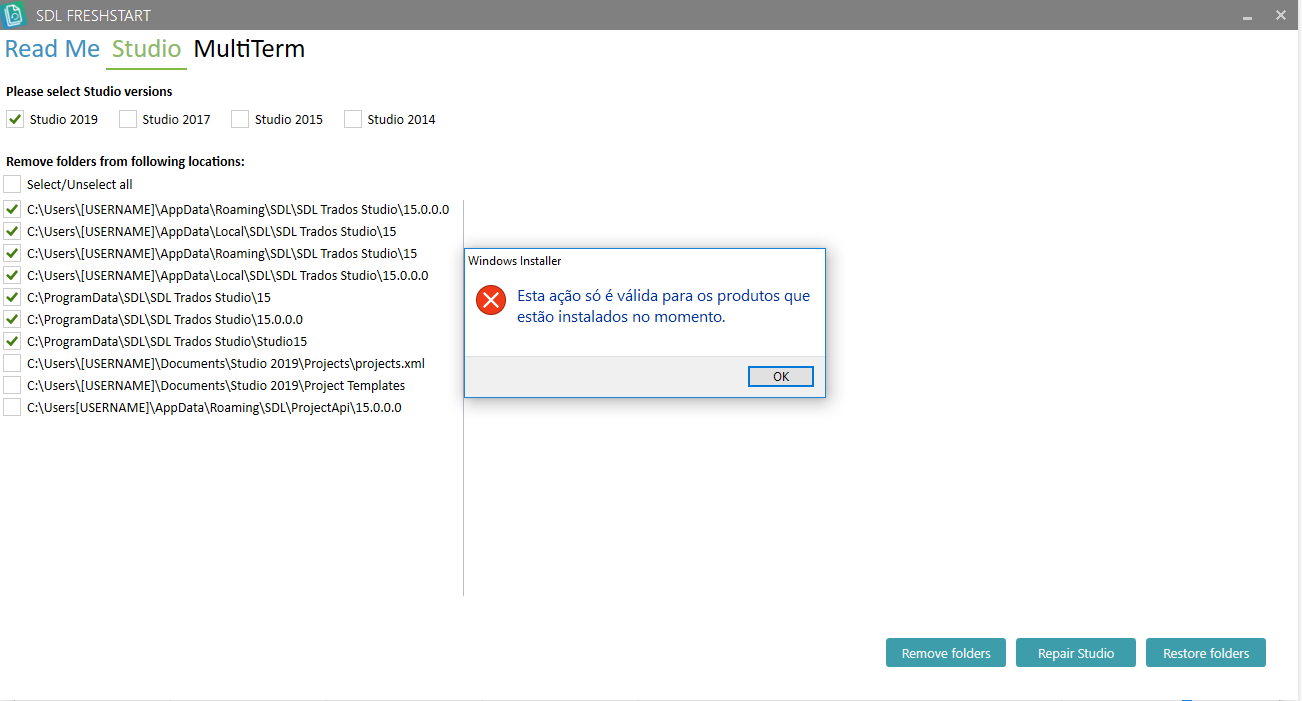
My Trados 2019 has been showing some bugs, eg icon is the same for all file extensions, I cannot open sdlxliff files, and when I open a Word doc in English it considers English as target language, so it underlines all the words in the target column. I have tried the repair function in control panel but it didn't work. Any other ideas before I try reinstalling? Thank you!

RWS Community