Translate



Hi everyone,
I'm very new to Trados and to this community, so I hope I've posted this in the right forum. I'd be grateful if you would shed some light on this issue.
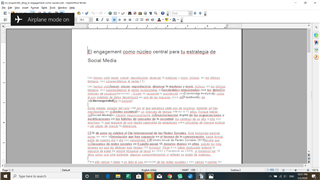
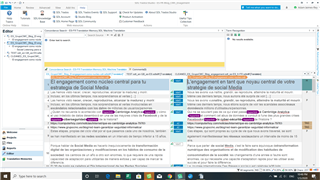
I pasted a text from a webpage into OpenOffice Writer which left lots of formatting issues (see "Source file_ES" attached). Trados ran this as a translatable file, so I thought this would be fine. I kept all the tags while translating (See "editor" attached).
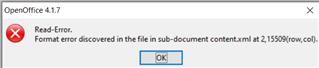
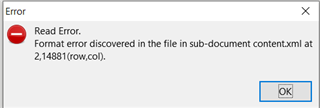
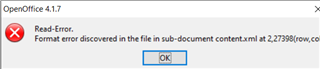
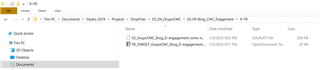
Then after having translated the entire document and saved the target (which can be seen from "OpenDocument Text file" attached), I get an error message (attached) stating:
"OpenOffice error 4,1.7 - Read error - Format error discovered in the file in sub-document content XML at 2,23667 (row,col)"
Does anyone know how I can avoid this problem? Was it due to the original formatting issues in the source document? If so, apart from removing all formatting, what else can I do to fix this from the source? There are grey spaces that separate words, I don't know how they got there nor how to remove them.
Thanks for your help in advance.
Adam
Generated Image Alt-Text
[edited by: Trados AI at 7:41 PM (GMT 0) on 28 Feb 2024]