 Translate



I get this message when I try to launch Trados.
What can I do ?
Thanks
M.Anne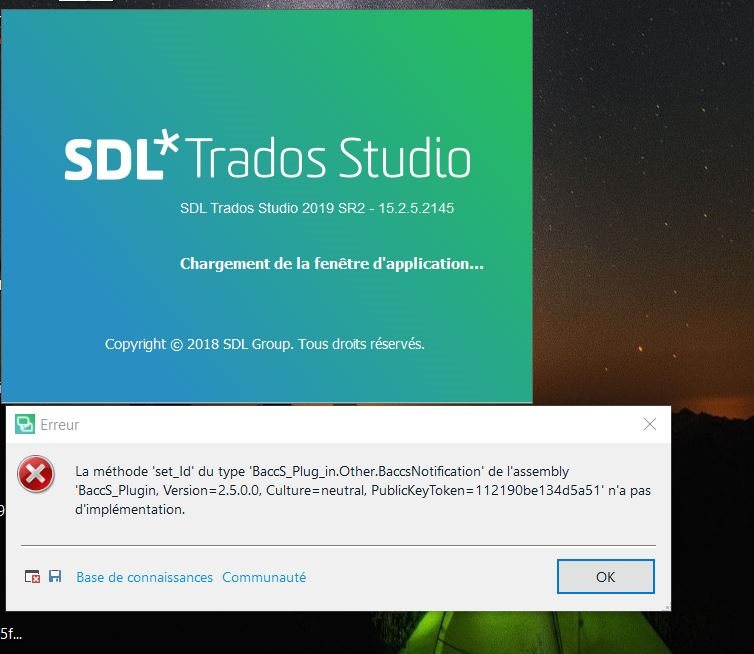
Generated Image Alt-Text
[edited by: Trados AI at 7:51 PM (GMT 0) on 28 Feb 2024]


I get this message when I try to launch Trados.
What can I do ?
Thanks
M.Anne
You need to uninstall the old plugin you are using for BaccS. This is no longer supported and only this one is going to work:
https://appstore.sdl.com/language/app/sdl-trados-business-manager-lite/985/
Paul Filkin | RWS
Design your own training!
You've done the courses and still need to go a little further, or still not clear?
Tell us what you need in our Community Solutions Hub
You need to uninstall the old plugin you are using for BaccS. This is no longer supported and only this one is going to work:
https://appstore.sdl.com/language/app/sdl-trados-business-manager-lite/985/
Paul Filkin | RWS
Design your own training!
You've done the courses and still need to go a little further, or still not clear?
Tell us what you need in our Community Solutions Hub

Thank you, but I get the following message when trying to do what you suggest.
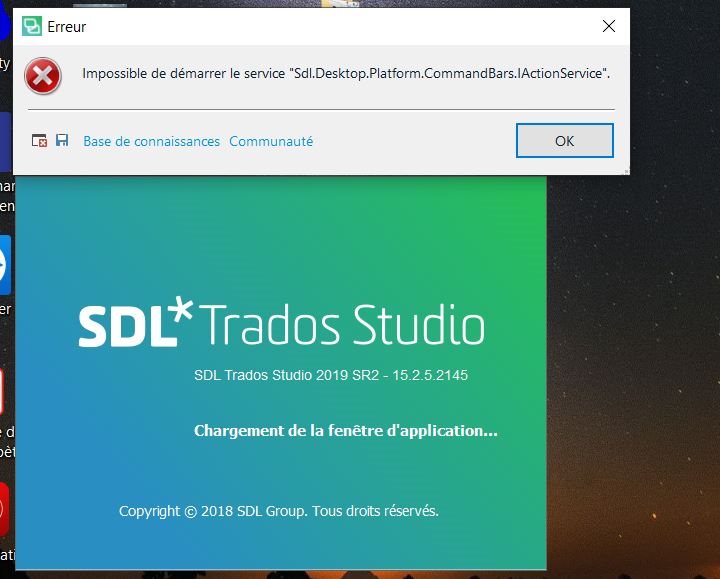


It would have helped if you added the error stack to your post and not just a screenshot:
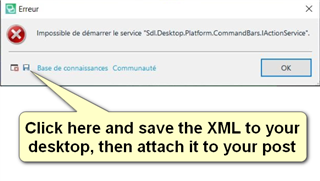
However, this error is most likely caused by not removing the old plugins correctly. So for a resolution please try deleting this folder:
c:\Users\[USERNAME]\AppData\Roaming\SDL\SDL Trados Studio\15\Plugins\
Then run a repair installation through your wndows control panel and restart Studio.
Paul Filkin | RWS
Design your own training!
You've done the courses and still need to go a little further, or still not clear?
Tell us what you need in our Community Solutions Hub

Good morning,
I followed each component of your formula but I did not find :
c:\Users\[USERNAME]\AppData\Roaming\SDL\SDL Trados Studio\15\Plugins\
Here is what I found :
c:\Programmesx86\SDL\SDL Trados Studio\Studio15\PlugIns
There are a lot of files inside the folder PlugIns
Is it the one I have to delete ?
Also, regarding a repair installation, where can I find this in the control panel ?
Is it via System and maintenance / Security and maintenance ? By personal curiosity (and I am doing my best to explore), I tried Start maintenance, and it gave me today’s date with a comment being : No action required.
But after doing that, I tried to restart Studio, and I got the same previous error message again.
There may be translators who know with a little help, how to solve IT issues, but this is not the case for everyone…
Thank you in advance for your answer.
M.Anne
Let me know if you have time this morning and I'll do this with you over Skype. I think it wll be a lot faster than the toing and froing like this. Drop me an email when you're ready - pfilkin@sdl.com
Paul Filkin | RWS
Design your own training!
You've done the courses and still need to go a little further, or still not clear?
Tell us what you need in our Community Solutions Hub