Translate



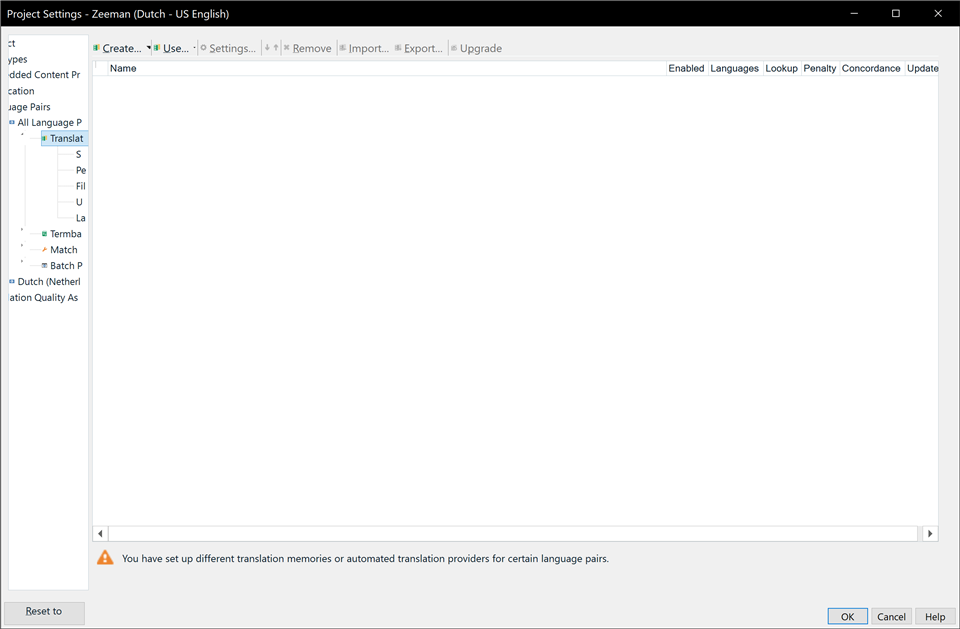
In Project Settings, the left column with the various pages is always very skinny, meaning the entries are always cut off. I can make it wider on an ad-hoc basis, but it always resets to being skinny next time, which is very annoying. It seems like the software should prevent this from happening, or at least default to a width that allows everything to fit on the screen. I have a 4K Ultra HD screen (3840x2160), so there are plenty of pixels to work with.
See screenshot:
Generated Image Alt-Text
[edited by: Trados AI at 8:19 PM (GMT 0) on 28 Feb 2024]