Translate



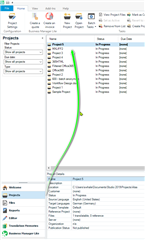
Hello, I've just purchased SDL Trados 2019. I am trying to translate my first document but I can't.
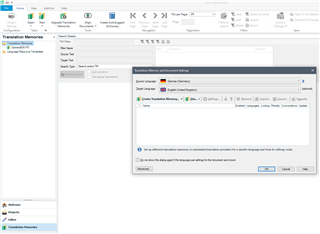
I open the software, I click File then Translate a single document, I choose a docx file, I choose the target language (French) and then when I click OK nothing happens (see attached file) and there is no error message or warning. If I click on Cancel I exit this window but my docx file is not opened, of course. Why the OK button does not work? DOCX Thanks
Generated Image Alt-Text
[edited by: Trados AI at 9:21 PM (GMT 0) on 28 Feb 2024]