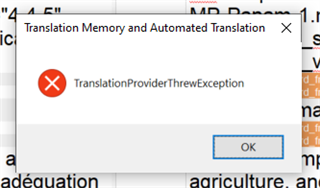
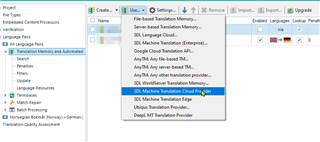
Error message TranslationProviderThrewException

I have the error message TranslationProviderThrewException popping up every few seconds, but only when I am using SDL Language Cloud Machine Translation to populate Autosuggest. I have been using Studio 2019 Freelance for over a year, and 2017 and 2015 before that, and this has only just started happening. I only have to click on the cross in the error box to get rid of it, but it is slowing me down badly as it pops up so frequently. I can see similar queries over the years, some of which were resolved by repairing TMs - but this happens even with new, empty TMs, and stops when I disable Language Cloud. Any suggestions gratefully received.

Parents Reply
  • Hello Steven,

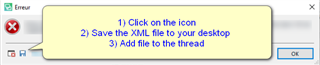
    Thanks for your quick reply! There is no icon in the error box - it looks like this. So I don't know how to see the full error stack. I've also stopped getting any suggestions from Language Cloud in Autosuggest even when it is enabled. My subscription is up to date.

    Error dialog box in Trados Studio with a red cross icon and the message 'TranslationProviderThrewException'. An 'OK' button is available for acknowledgment.

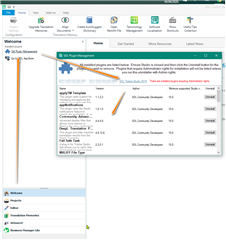
    1) My resources are all saved locally on my hard drive, and I only back up manually to Dropbox.

    2) It's a local project - I never work in GroupShare. The problem happens both with project packages sent by clients, and with projects I create myself.

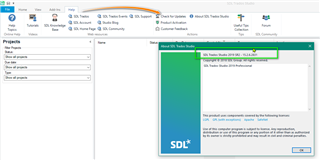
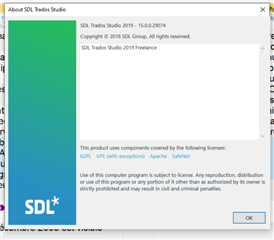
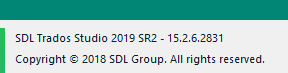
    3) I have Trados Studio 2019 Freelance.

    Thank you.

    emoji


    Generated Image Alt-Text
    [edited by: Trados AI at 9:26 PM (GMT 0) on 28 Feb 2024]
Children