The Trados cloud platform will be undergoing maintenance on Saturday, 9th May 2026 between 05:00 to 17:00 UTC. During this time, you will not be able to log in to the Trados platform.

Message overload when adding new project based on a previous project

I prefer to start projects on the basis of previous projects for the same client/end-client.

When I do, I get five (5) messages before I can do my thing.

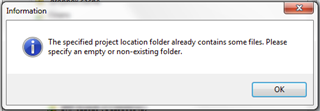
Message 1 (triggered by the project used to add the previous job):
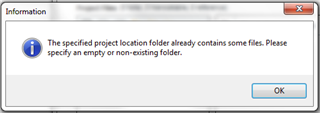
Information dialog box in Trados Studio warning that the specified project location folder already contains some files and asks to specify an empty or non-existing folder.

Message 2 (when selecting a different project):
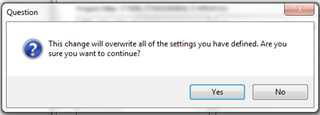
Question dialog box in Trados Studio asking for confirmation that the change will overwrite all of the settings defined and whether the user wants to continue.

Message 3 (without having done anything):
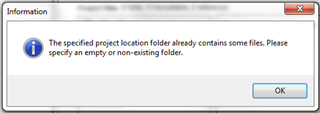
Information dialog box in Trados Studio warning that the specified project location folder already contains some files and asks to specify an empty or non-existing folder.

Message 4 (without having done anything):
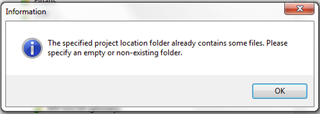
Information dialog box in Trados Studio warning that the specified project location folder already contains some files and asks to specify an empty or non-existing folder.

Message 5:

Information dialog box in Trados Studio warning that the specified project location folder already contains some files and asks to specify an empty or non-existing folder.

The irritation mounts each time I have to click on the five OK buttons in order to get started.

I understand why a message is appropriate, but one should be enough.

I wonder if someone could tell me that this message sequence is by design, and what I can do to get rid of some of them (other than using project templates).

All the best,

Jon


Generated Image Alt-Text
[edited by: Trados AI at 9:38 PM (GMT 0) on 28 Feb 2024]

emoji