Translate



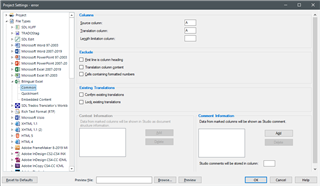
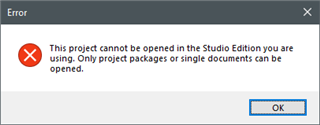
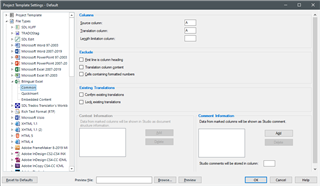
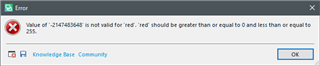
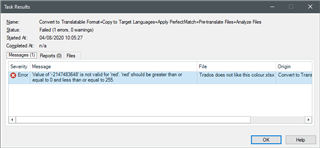
I receive Excel files from a customer which require the use of the filetype Bilingual Excel to check string length limitations, but I cannot process them because I get this error
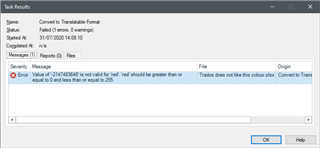
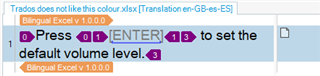
I have been able to find out the cause of this error, it is the colour used for part of the text in Excel (in this case [ENTER])

This is the file with that contains this single cell in A1
Trados does not like this colour.xlsx
A few additional remarks:
- if I use the standard Excel filetype I get no error
- if I change the colour to a standard green (see below) I get no error

Replacing all the occurrences of the colour not liked by Bilingual Excel requires too much time.
Is there a solution?
Stefano
Generated Image Alt-Text
[edited by: Trados AI at 11:41 PM (GMT 0) on 28 Feb 2024]