Translate



Hello everyone,
I have an issue with a termbase I'm using for a project that comes in in batches. It has about 350 entries.
I created it from a glossary and, with the first two batches, it worked fine. The client sends each batch in a different project package.
The TB is in a project-specific folder on a separate hard drive.
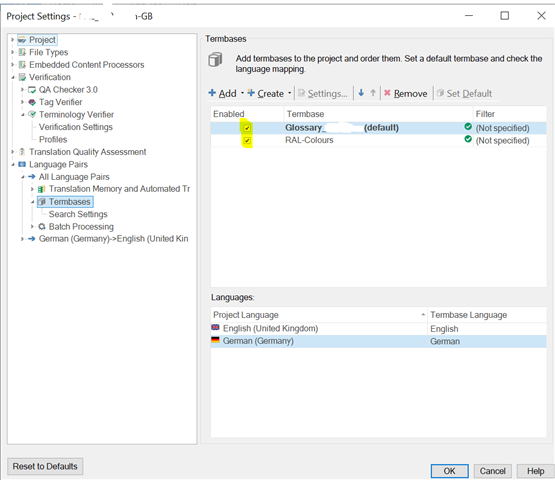
Starting from the third batch, even though the TB is attached and the TB file is not in read-only mode, terms will not be recognized while translating segments.
Entries are visible in the termbase viewer, but won't be highlighted in the editor.
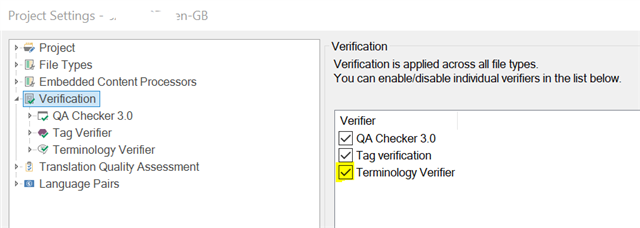
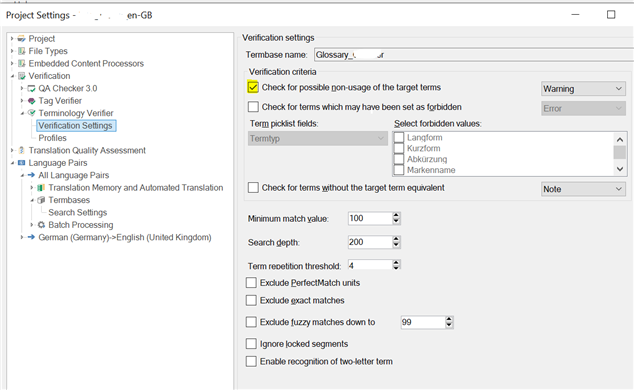
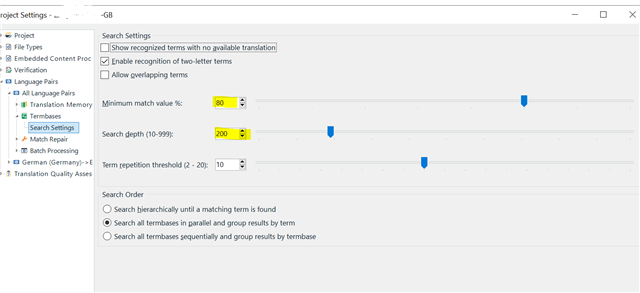
Please see the screenshot as a reference.

I already tried to reorganize the TB or any other suggestions found on this community, but nothing worked.
Any help is welcome.
Generated Image Alt-Text
[edited by: Trados AI at 10:18 PM (GMT 0) on 28 Feb 2024]