Seeing fuzzy matches after rows were approved

Bascially my question is a repeat of this: https://www.proz.com/forum/sdl_trados_support/276779-how_can_the_proofreader_see_the_fuzzy_matches.html?text=How%20can%20the%20proofreader%20see%20the%20fuzzy%20matches%3F%20(SDL%20Trados%20support)&print=1

I want to be able to see the match percentages after I've confirmed translations. In Trados, they disappear when you confirm a row, and I can't see an option to show them again.

Parents Reply
  • I'm working on a classified document, so can't provide a full screenshot. But you should get the gist of my issue from the below screenshot.

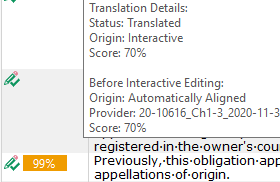
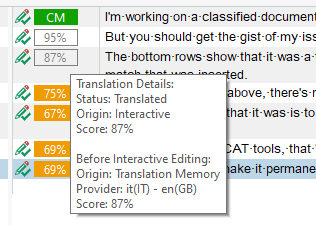
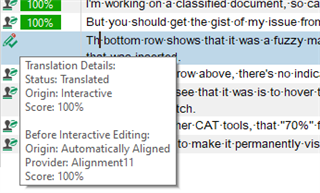
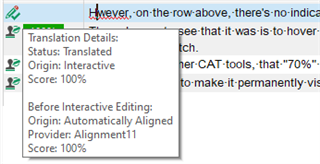
    The bottom row shows that it was a fuzzy match in an always-visible yellow box, because I didn't change the match that was inserted. However, on the row above, there's no indication that there was a match in the database. The only way to see that it was is to hover the mouse over the middle column to show the info box, which tells me it was a 70% match. In at least two other CAT tools, that "70%" figure would still be visible. Is there any way to make it permanently visible is SDL Trados Studio?

    Partial screenshot of Trados Studio showing a translation segment without visible match percentage. A yellow box indicates a fuzzy match at the bottom, but the row above lacks match info unless hovered over.

    emoji


    Generated Image Alt-Text
    [edited by: Trados AI at 11:57 PM (GMT 0) on 28 Feb 2024]
Children