Translate



Hello,
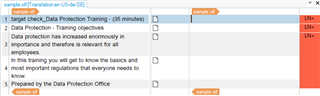
I have the following XLF file for translation.
/cfs-file/__key/communityserver-discussions-components-files/90/8284.sample.zip
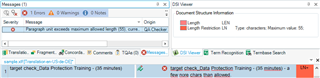
As you can see, each target element has a particular attribute ("length"), which denotes the character limitation for that segment.

To handle this file I used Paul's guide here: https://multifarious.filkin.com/2014/05/02/xml-length-restrictions/ (solution nr.4).
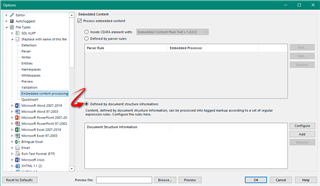
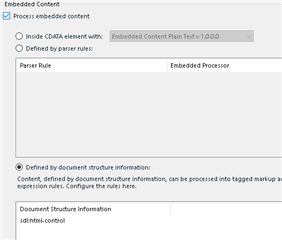
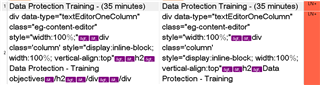
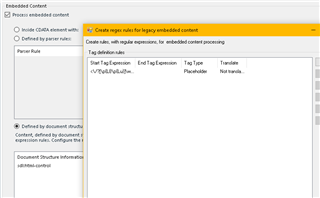
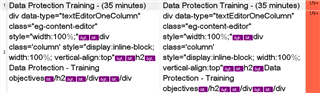
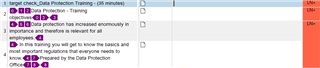
Everything went well, until the moment I enabled the following option because my source file has some HTML control characters:
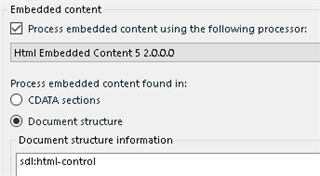
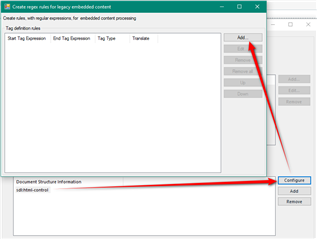
To my understanding, it's not possible to have the embedded content processor enabled and at the same time "play" with the advanced tag settings, is it?
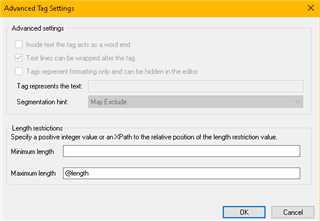
If so, is there a way to handle this file properly?
My custom file type is this: /cfs-file/__key/communityserver-discussions-components-files/90/8016.zip
Thanks,
Pavlos
Pavlos Ponos
Localization Engineer
Tell the world.
NLG GmbH
+30.2310.502.192 ext. 6259
NLGworldwide.com
Generated Image Alt-Text
[edited by: Trados AI at 12:08 AM (GMT 0) on 29 Feb 2024]