Translate



Hello everyone,
I am totally new to Trados and I'm trying to solve a very basic problem concerning text formatting. I searched the Web and this particular forum but I can't seem to find the answer to my specific question. I therefore apologize in advance if this has already been discussed here!
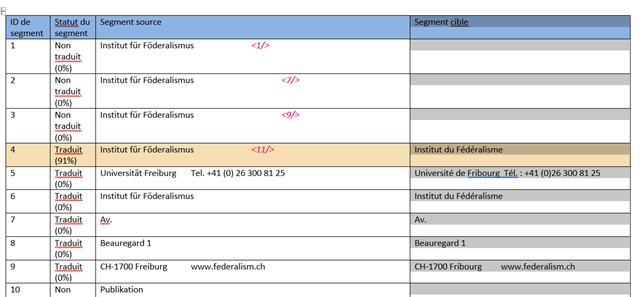
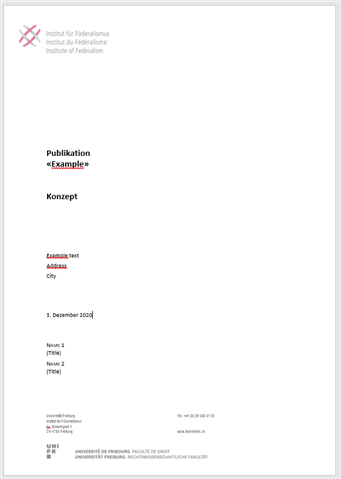
Let's say a customer sends me a Word file with a source text. Said customer doesn't ask me to work on Trados, they just want me to send them the translation as a Word file. Anyway, as a translator I prefer to do this translation on Trados to be able to use my translation memory. So I import the Word text into Trados, complete the translation and... here comes my question:
How do I get a Word file containing my translation AND displaying the original Word exact formatting?
Thank you so much in advance for your precious help!
Kind regards,
Lucas