
 Translate



Hello,
I trust you are well ;-)
I have been sent a TM export
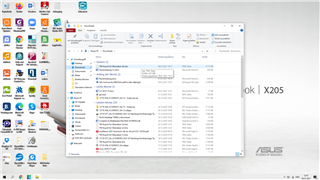
When I try to open this, it doesn't appear:
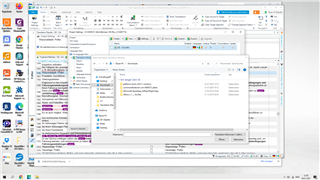
How can I then merge the newly imported TM with my existing TM?
The most important this is how can I open this in the first place
Trados certainly isn't for the faint-hearted I have to say maybe I need to do a course in it ;-)
Appreciate your help!
Ruán
Generated Image Alt-Text
[edited by: Trados AI at 12:30 AM (GMT 0) on 29 Feb 2024]


