Translate



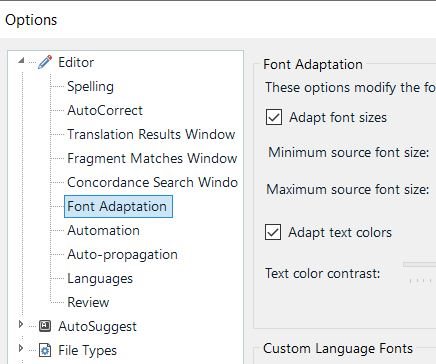
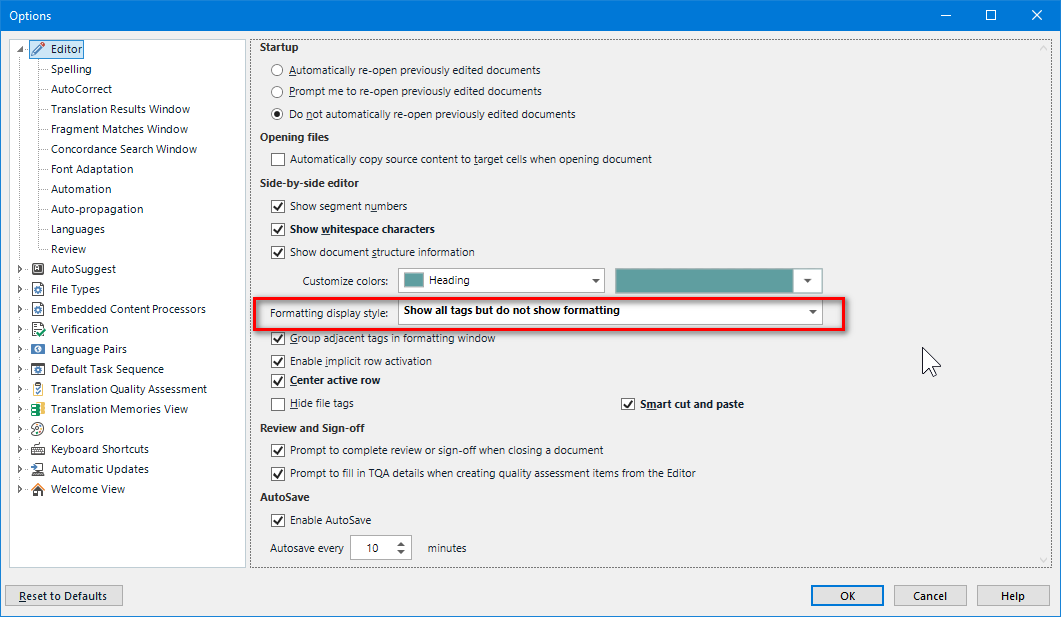
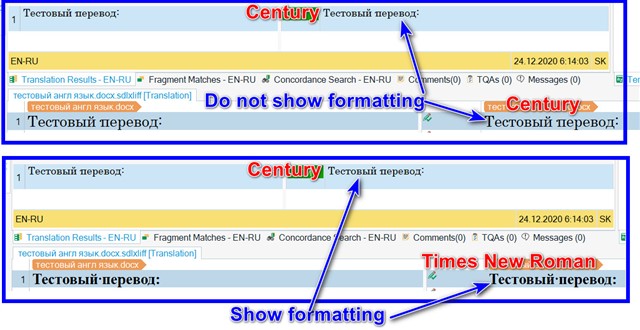
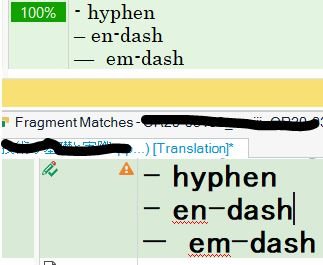
When I type a hyphen in Editor, it shows as an en-dash, so a hyphen and an en-dash look the same in the Editor window. The font is also not shown properly in Editor as set in Font Adaptation (the font was set in Century in the image below).
However, both a hyphen and the font are shown properly in TM (Translation Results). When I insert a hyphen using QuickInsert, it does show as a hyphen, so this happens when I type using a keyboard and only happens in Studio. Is there any way to fix this issue? I'd like to see the hyphen in the Editor window as I type. Thank you.
Generated Image Alt-Text
[edited by: Trados AI at 1:08 AM (GMT 0) on 29 Feb 2024]