Translate



Hi guys
I've been struggling with a strange phenomena ever since I upgraded to Trados 2021:
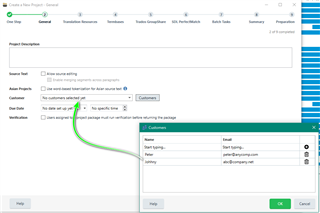
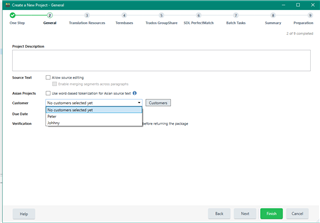
I can't select, edit, add or remove any customers from the list in the "Customers" window.
This is quite frustrating, as this is probably THE new feature I had been waiting for and now it doesn't work.
I still have to add my clients' names into the projects' "Name" field in order to know who the project was for, both for projects who have a Customer listed in the list of customers my projects.xml file and for project for new customers I'd like to add to my list of customers.
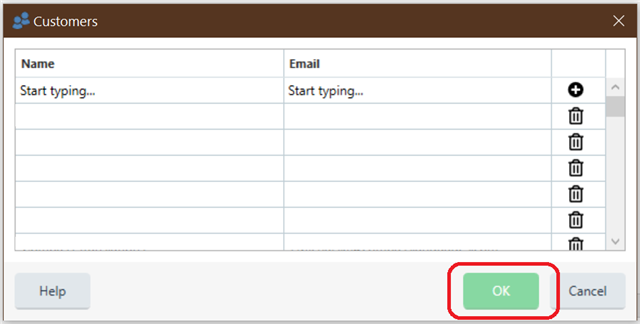
At the moment the main problem seems to be that the green "OK" button is permanently in "disactivated" mode, so if you'd like to select (specify) an existing customer for a project, add a new customer or edit an existing one, one can't click on the green "OK" button (I suppose to apply the selection/changes).
Any help would be appreciated, thanks!
Generated Image Alt-Text
[edited by: Trados AI at 2:54 AM (GMT 0) on 29 Feb 2024]