Deleted TMs keep showing up in parameters - Studio 2019 SR2 - 15.2.8.3007

Hello:

Even after I have deleted TMs I don't need anymore, they keep showing up again in the parameters when I want to open another TM (for any other project!). I have even deleted the corresponding projects in some cases, to no avail... Any solution for that?

Regards,

Jacques Garcia, Montreal

Parents Reply Children
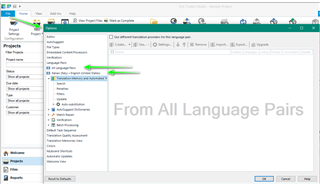
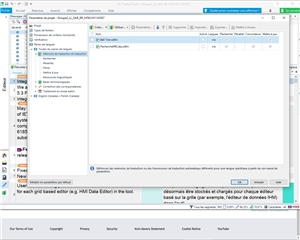
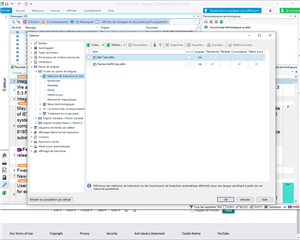
  • You have asked me for the "Language Pairs" and the Global Options views, not the All Language Pairs and the corresponding one in the Global options! Here are those ones:

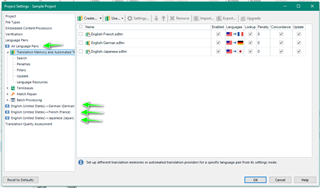
    Trados Studio screenshot showing the Language Pairs view with no visible errors or warnings.

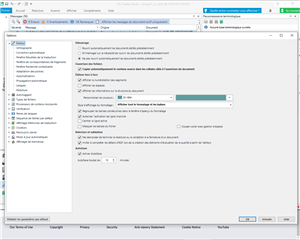
    Trados Studio screenshot displaying the Global Options view without any errors or warnings.

    Like I've already explained a few times, the two TMs that appear there have already been deleted and no longer appear in the dialog box that displays when you want to open a TM. I am not sure that seeing those views will be helpful... I had already mentioned that it was in the project settings screen. And the error message itself does say that those memories cannot be found and that by clicking "Cancel", they will be deactivated, but they keep coming back every single time I open a file.

    emoji


    Generated Image Alt-Text
    [edited by: Trados AI at 2:58 AM (GMT 0) on 29 Feb 2024]