Translate



Hi There
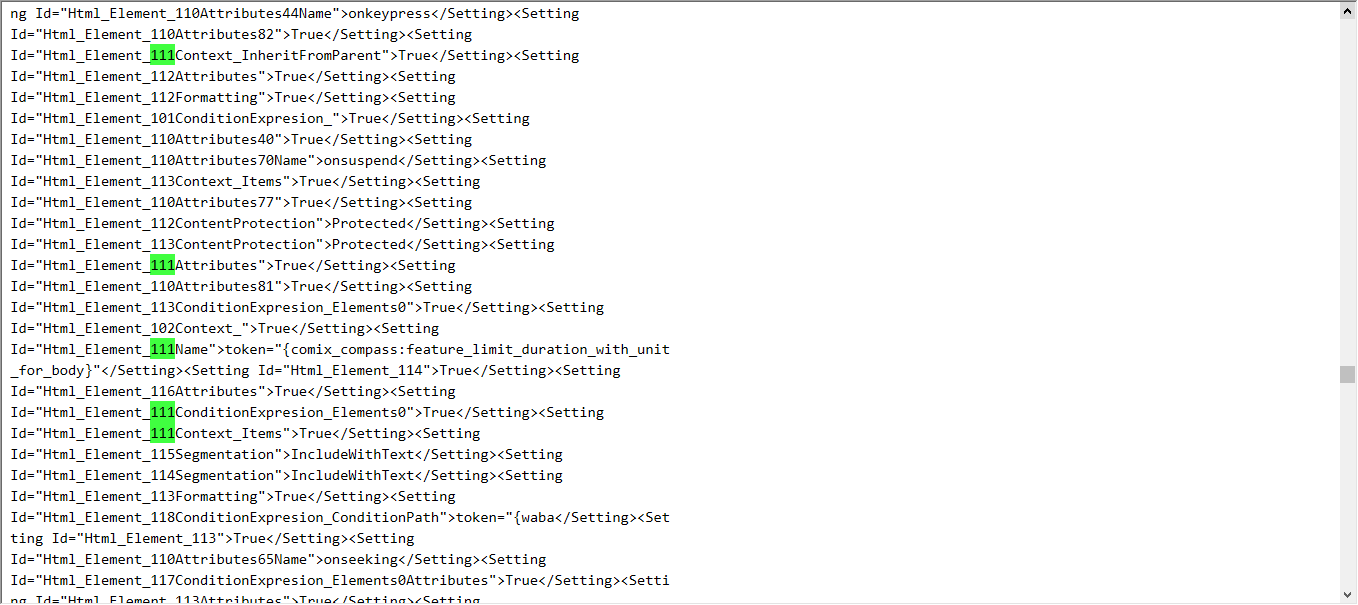
I use Trados Studio 2021 SR2 - 16.2.10.9305 to work on html files that contains some tokenized variables like {benchmark option}.
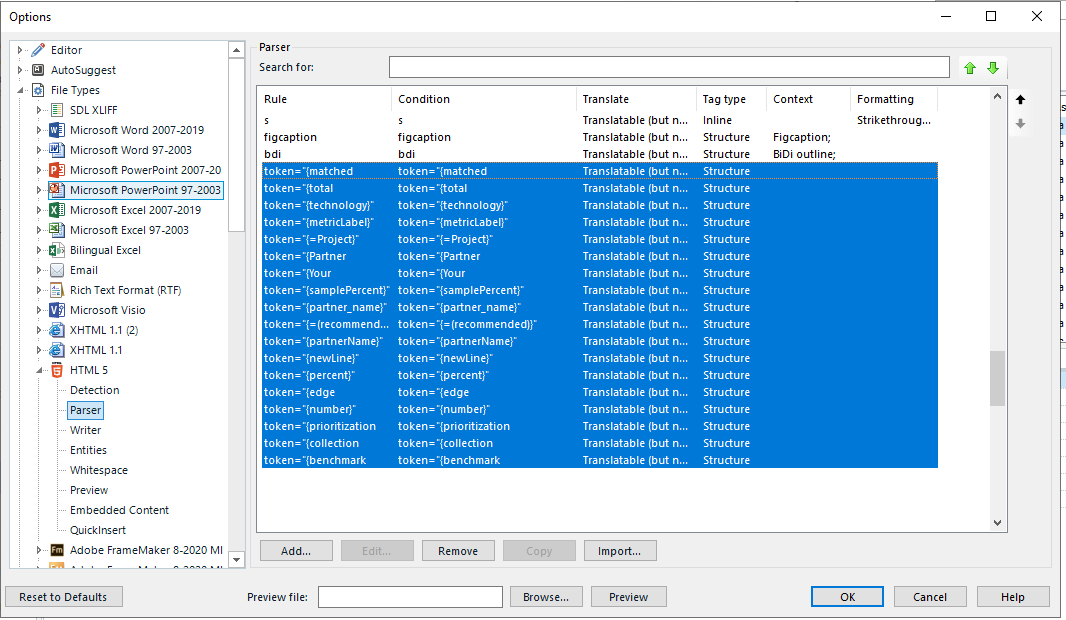
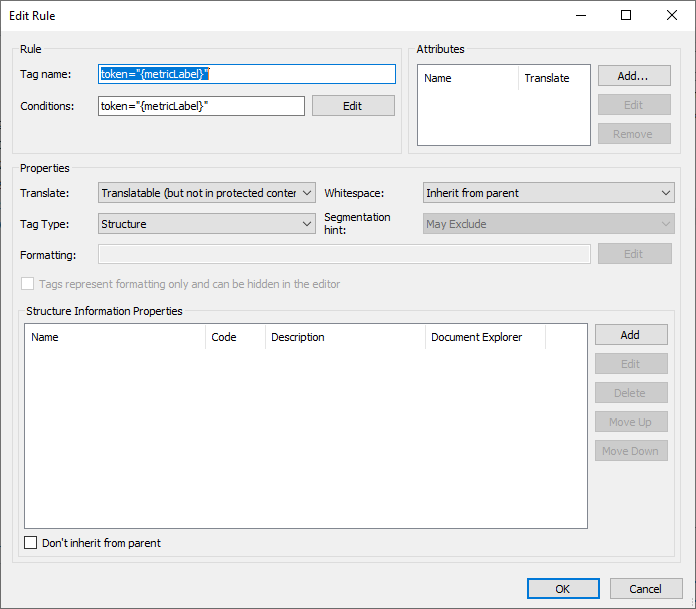
To display those variables as untranslatable tags in editor. I go to file types > HTML > Parser, and I press Import. I browse to the file and the varibles are imported. For the the tags to work properly, I edit thier properties to be:
- untranslatable;
- inline
- include with text
Some files contains too many of these tags, and I have to make these edits one by one.
My question is:
How can I edit them in bulk?
or
Are there any other way to get trados to read those variables as untranslatable inline tags?
Thank You
Generated Image Alt-Text
[edited by: Trados AI at 6:54 AM (GMT 0) on 29 Feb 2024]