How to translate a website using Trados Studio 2019-2022

Dear Community,

I would need to know how to translate a single page of a website and also if Trados Studio can manage the translation of a complete website (from A to Z).

Normally, I would ask the client to provide me an excel file with all the text to translate, in order to come up quickly with a quote and translate.

Now, in this case it looks like the client won’t be able to provide such excel file. I really need to come up with a “Plan B” to provide a quote, and finger crossed, then start the translation.

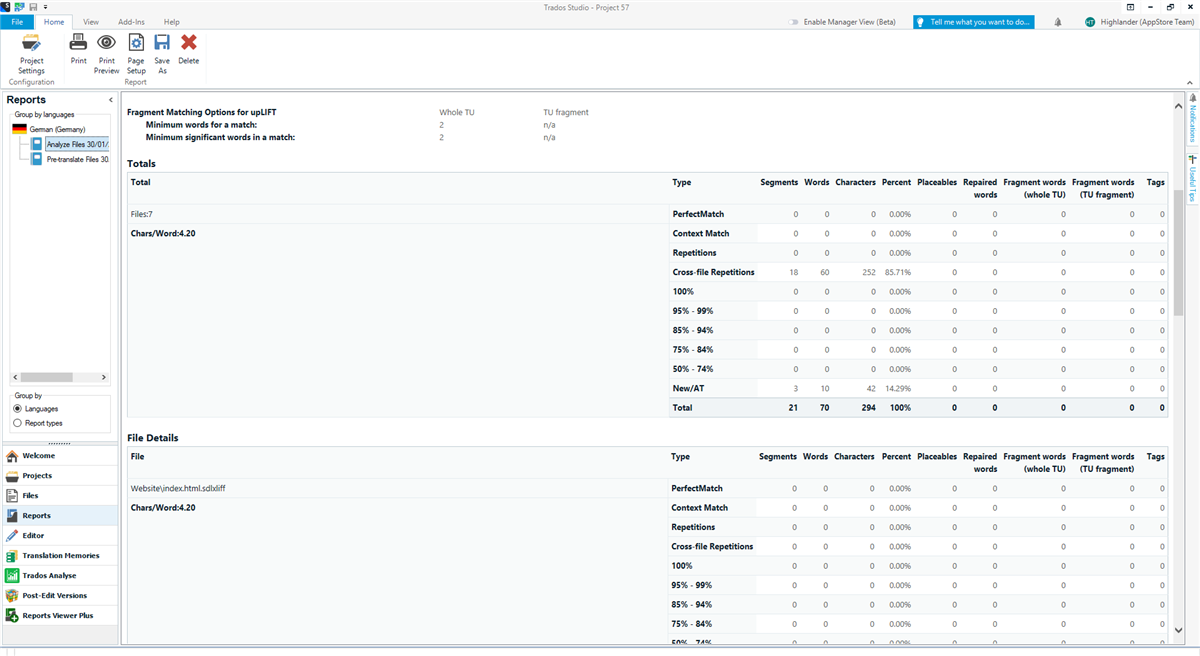
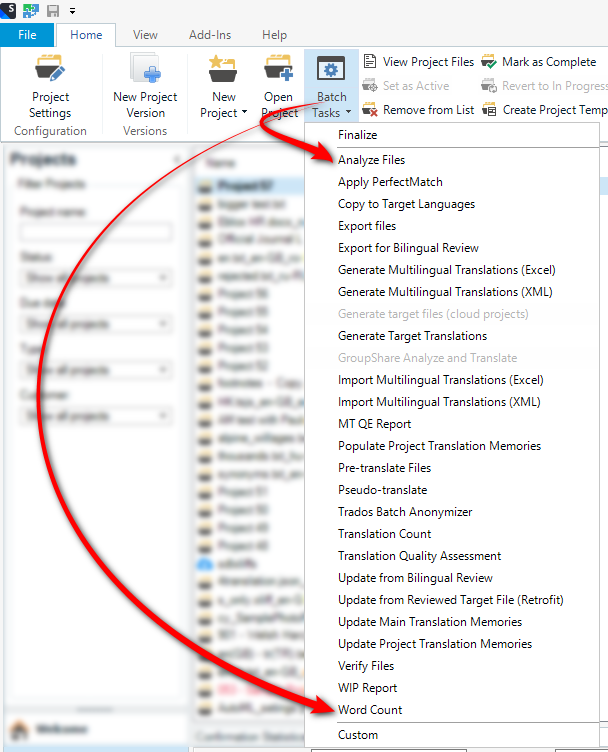
My basic understanding is that I would need to save the various website pages from Chrome (or Microsoft Edge) in a HTML format, import these pages in Trados Studio, figure out how many words there are in order to provide a quote, then create a dedicated project, translate and send the output files to the client. Or, politely ask the client the provide the HTML pages they need to translate.

Could you please “guide” me step by step? I am not super “tech savvy”

I am using Trados Studio 2019 R2, will switch soon to 2022.

Many thanks!

Marco

emoji
Parents
  •  

    Well... the normal approach doesn't seem very helpful as your client would have to take these strings and recreate the html pages by copy pasting the translations which seems a bit of a waste of time.

    Surely if your client is asking you for translated versions of their website they must have some mechanism for putting them somewhere so they get used?  Given this they would surely prefer it if they gave you their html pages, you translated these and then sent them back?  Seems a lot less work to me.

    But if you want to download the entire website... and this means you may actually end up translating work your client didn't even ask for (another good reason to ask them for the files)... the this site seems to have some useful tools:

    https://www.geckoandfly.com/32437/download-websites/

    Once you've downloaded just create a project in Studio, drop all the files and folders into the project, and Studio will manage this for you.  When you're done and you save the target project you'll have the same structure but fully translated.

    I didn't explain how to do that specifically because it's basically the same as translating any files in Studio.  The fact it's html makes no difference.  But if you have a specific question we can always help you with that.

    In the meantime perhaps you'll get some help from others who do this type of work regularly.

    Paul Filkin | RWS

    Design your own training!
    You've done the courses and still need to go a little further, or still not clear? 
    Tell us what you need in our Community Solutions Hub

    emoji
Reply
  •  

    Well... the normal approach doesn't seem very helpful as your client would have to take these strings and recreate the html pages by copy pasting the translations which seems a bit of a waste of time.

    Surely if your client is asking you for translated versions of their website they must have some mechanism for putting them somewhere so they get used?  Given this they would surely prefer it if they gave you their html pages, you translated these and then sent them back?  Seems a lot less work to me.

    But if you want to download the entire website... and this means you may actually end up translating work your client didn't even ask for (another good reason to ask them for the files)... the this site seems to have some useful tools:

    https://www.geckoandfly.com/32437/download-websites/

    Once you've downloaded just create a project in Studio, drop all the files and folders into the project, and Studio will manage this for you.  When you're done and you save the target project you'll have the same structure but fully translated.

    I didn't explain how to do that specifically because it's basically the same as translating any files in Studio.  The fact it's html makes no difference.  But if you have a specific question we can always help you with that.

    In the meantime perhaps you'll get some help from others who do this type of work regularly.

    Paul Filkin | RWS

    Design your own training!
    You've done the courses and still need to go a little further, or still not clear? 
    Tell us what you need in our Community Solutions Hub

    emoji
Children