Bilingual Excel format not applied when opening a document

Dear community!

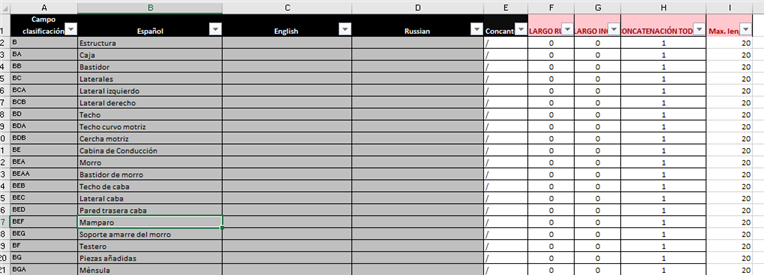
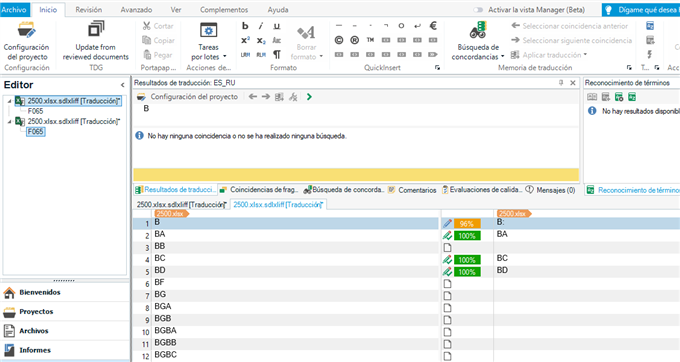
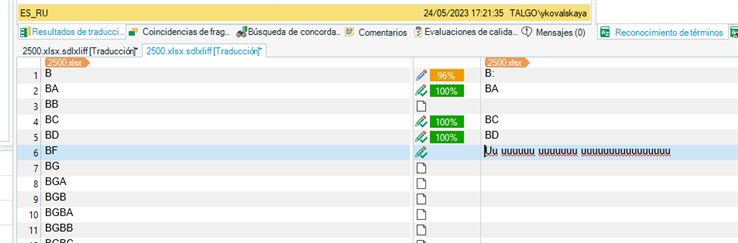
Trying to prepare a bilingual Excel so that the translation from column "Requisito" would go directly into the column "Requirements". All the necessary configuration (previous to the opening of the file) is done, however, the Editor window shows the entire content of the document and when translations are done, they are not inserted into the F column (Requirement), but appear in their original cells (Requisito column):
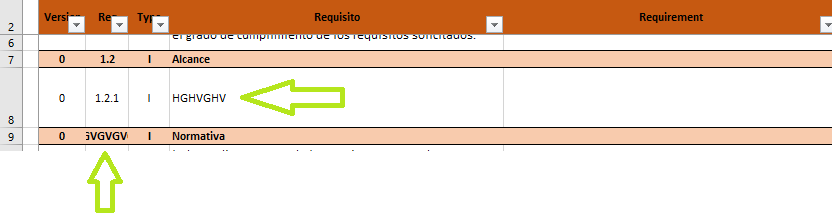
Screenshot of an Excel spreadsheet with Trados Studio error, showing translations in 'Requisito' column instead of 'Requirement' column despite configuration. Green arrows point to incorrect placement.

I checked the configuration with a another (newly created) Excel, containing cells with text and numbers and several columns and it works just fine (segments with numbers only are excluded and only text content is shown). 

Maybe the reason is the format of the document I am working with (with all these pop-ups)?

Can anything be done? Or just translate as a common Excel and then fix it manually?

Thanks in advance!


Generated Image Alt-Text
[edited by: Trados AI at 11:09 AM (GMT 0) on 29 Feb 2024]

emoji
Parents
  •  

    however, the Editor window shows the entire content of the document

    This seems to be a give away that you are not actually using the filetype you think you are.  If all the file content is being brought into the editor the you are most likely already using the "common" Excel filetype and not the Bilingual Excel filetype at all.

    I would check your project templates to make sure that the Bilingual filetype is set up so it can actually be used.

    Paul Filkin | RWS Group

    ________________________
    Design your own training!

    You've done the courses and still need to go a little further, or still not clear? 
    Tell us what you need in our Community Solutions Hub

    emoji
  • Dear Paul!

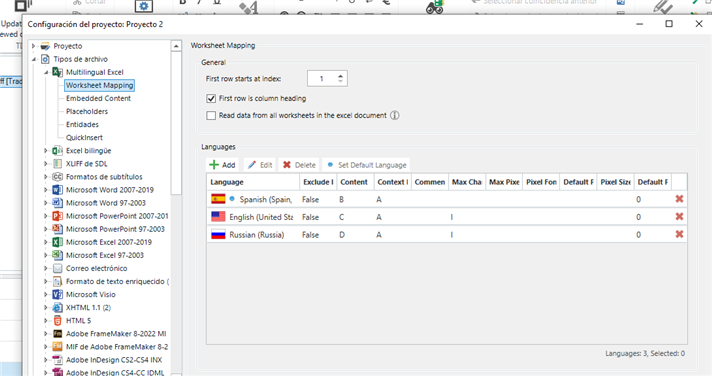
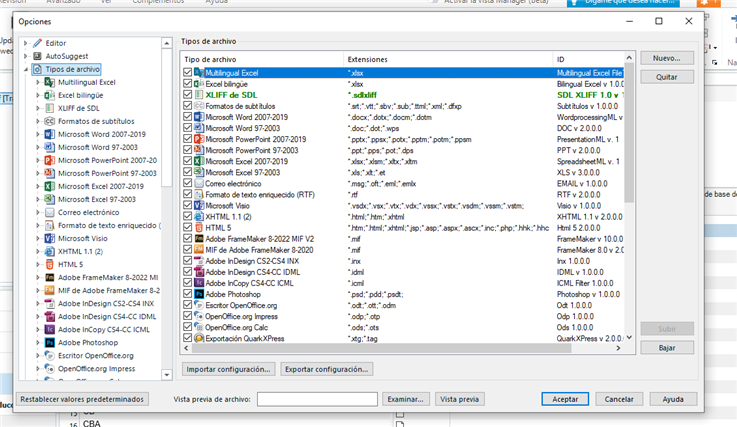
    I am actually working on this translation now and these are the settings that "did not work" (highly probable I´ve done smth wrong):

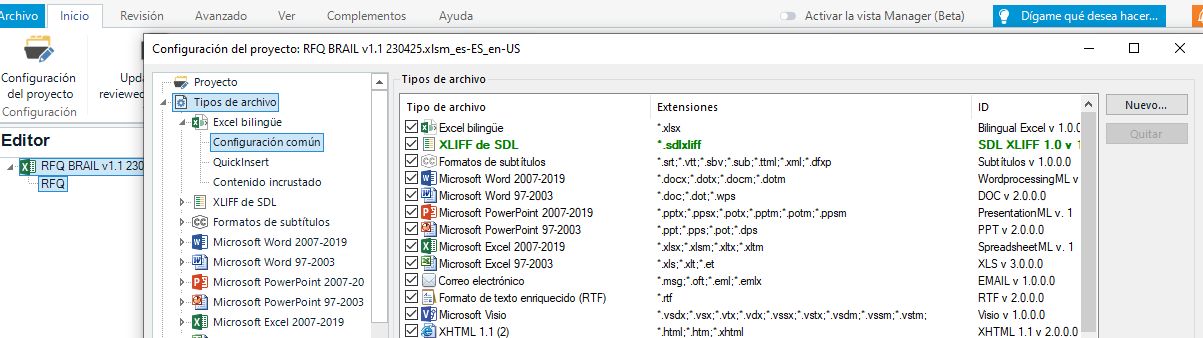
    Trados Studio project settings window showing Bilingual Excel format moved up in the file types list.

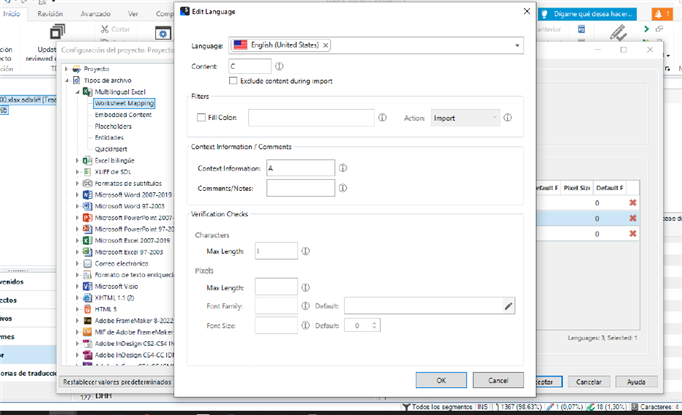
    So, firstly, I moved the Bilingual Excel format up in the list of file types and then, in the common configuration I did this:

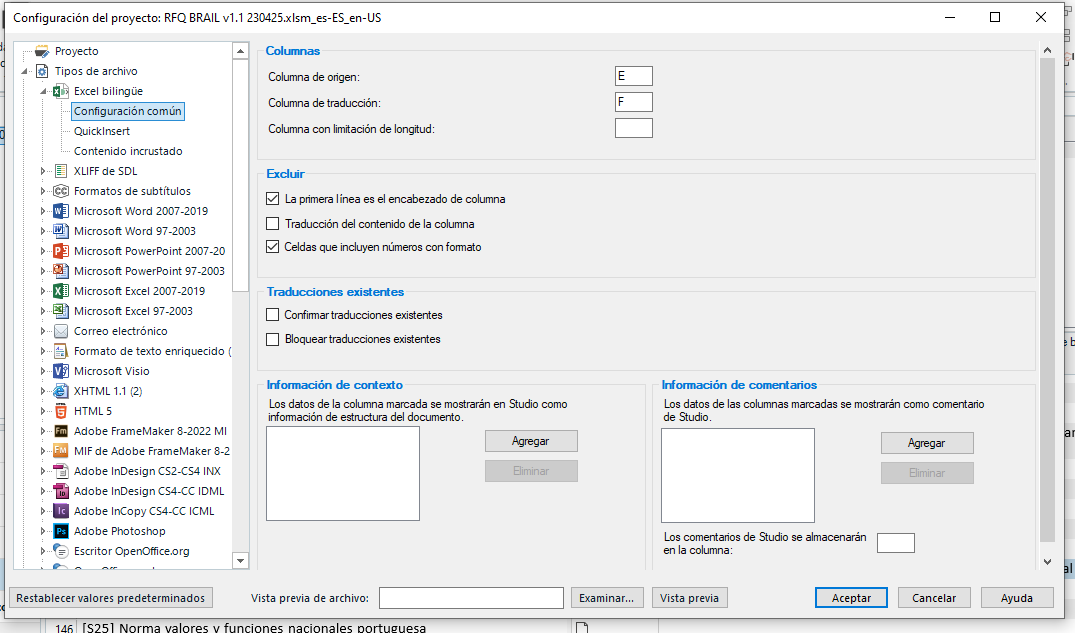
    Trados Studio common configuration window with source column E and target column F set for Bilingual Excel format.

    Even the preview shows me all the fields and content. 

    So, after that I created a very simple Excel and opened it with these same Trados settings and it worked perfectly, opening only the texts from the column I indicated.

    Is there any possibility of sending you/ posting the table I am working on? I will remove all confidential data, I am sure the error is caused by the type of this excel table.

    Thanks in advance!

    emoji


    Generated Image Alt-Text
    [edited by: Trados AI at 11:09 AM (GMT 0) on 29 Feb 2024]
Reply
  • Dear Paul!

    I am actually working on this translation now and these are the settings that "did not work" (highly probable I´ve done smth wrong):

    Trados Studio project settings window showing Bilingual Excel format moved up in the file types list.

    So, firstly, I moved the Bilingual Excel format up in the list of file types and then, in the common configuration I did this:

    Trados Studio common configuration window with source column E and target column F set for Bilingual Excel format.

    Even the preview shows me all the fields and content. 

    So, after that I created a very simple Excel and opened it with these same Trados settings and it worked perfectly, opening only the texts from the column I indicated.

    Is there any possibility of sending you/ posting the table I am working on? I will remove all confidential data, I am sure the error is caused by the type of this excel table.

    Thanks in advance!

    emoji


    Generated Image Alt-Text
    [edited by: Trados AI at 11:09 AM (GMT 0) on 29 Feb 2024]

Children