Translate



As I need to move from my old PC (Win10) to a new PC (Win11), I installed Trados Studio 2021 to the Win11 machine.
I deactivated Trados on the Win10 machine, and activated Trados on the Win11 machine.
As far as I opened previous projects, I did not have any problem.
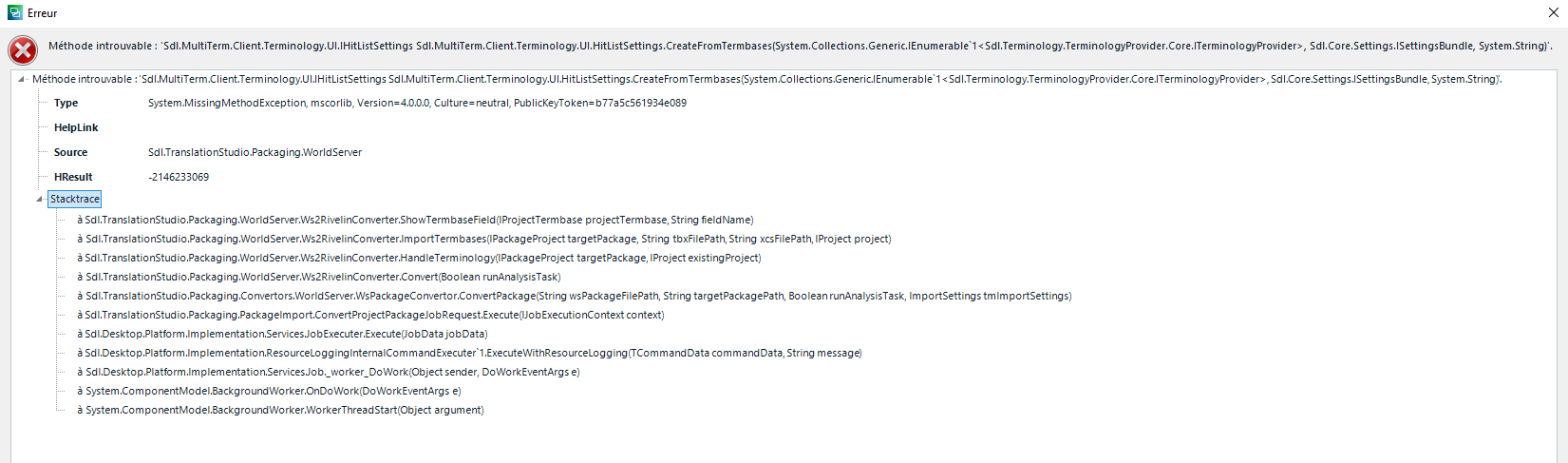
However, I could not open the package that I exported from World Server.
The downloaded package seems not to be linked to Trados Studio as seen with a blank icon (instead of Trados Studio icon) on top (see attached).
When I open the package so as to be associated with Trados Studio, Trados Studio opens but the project is not embedded.
Would you please let me know how I can fix this problem.