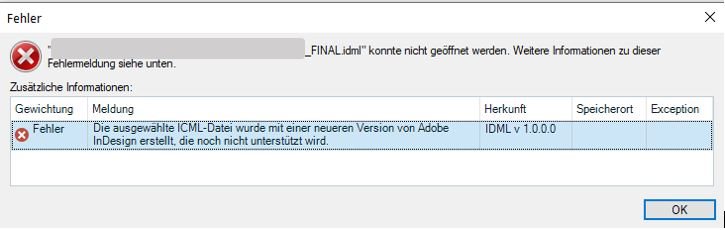
Failed to open .idml file >> the version is too new an not supported by Trados 2022

I tried to open a .idml file and I got the following error : The selected file was created by a newer version which is not supported yet.(see printscreen her below)

How can i fix this ?

Is there an update from Trados coming soon ?
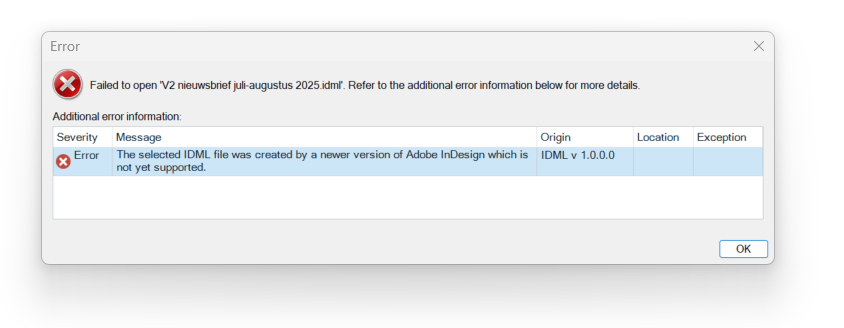
Error dialog in Trados Studio showing the message: Failed to open V2 nieuwsbrief juli-augustus 2025.idml. The selected IDML file was created by a newer version of Adobe InDesign not yet supported.


Generated Image Alt-Text
[edited by: RWS Community AI at 6:57 AM (GMT 1) on 16 Jun 2025]
emoji
Parents Reply
  •  

    It is a bit confusing, but probably technically correct.  An IDML package is a ZIP of XML parts.  Text stories inside it follow the ICML schema (InCopy Markup Language).  The IDML being parsed probably contains stories (or linked InCopy stories) with a newer ICML version than the Trados IDML filter supports.  So the parser tries to read the stories but throws a version-mismatch error, and then tells you where the source of the problem lies... the InCopy stories.

    So it looks as though the IDML was exported from a newer InDesign build, or it includes InCopy-linked .icml stories saved by a newer build, and the Trados IDML parser rejects the story version.

    Was your solution to check the box to ignore the supported versions only?  Or something else?

    Paul Filkin | RWS

    Design your own training!
    You've done the courses and still need to go a little further, or still not clear? 
    Tell us what you need in our Community Solutions Hub

    emoji
Children