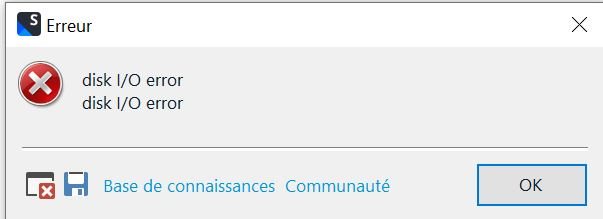
Translate



Good morning,
I imported an Excel file with 2,936 segments 2 days ago into Trados Studio by clicking ‘Browse’ on my computer and translating it as a single document.
I managed to work on the target file for the first time and to save my work (XLIFF file + project file with the same name).
I also tried ‘Save Target As’ and successfully got a bilingual target file.
Yesterday, I tried to open the file again in two ways from the Files tab in Studio - using the ‘Open for Translation’ pencil icon in the taskbar, and right-clicking.
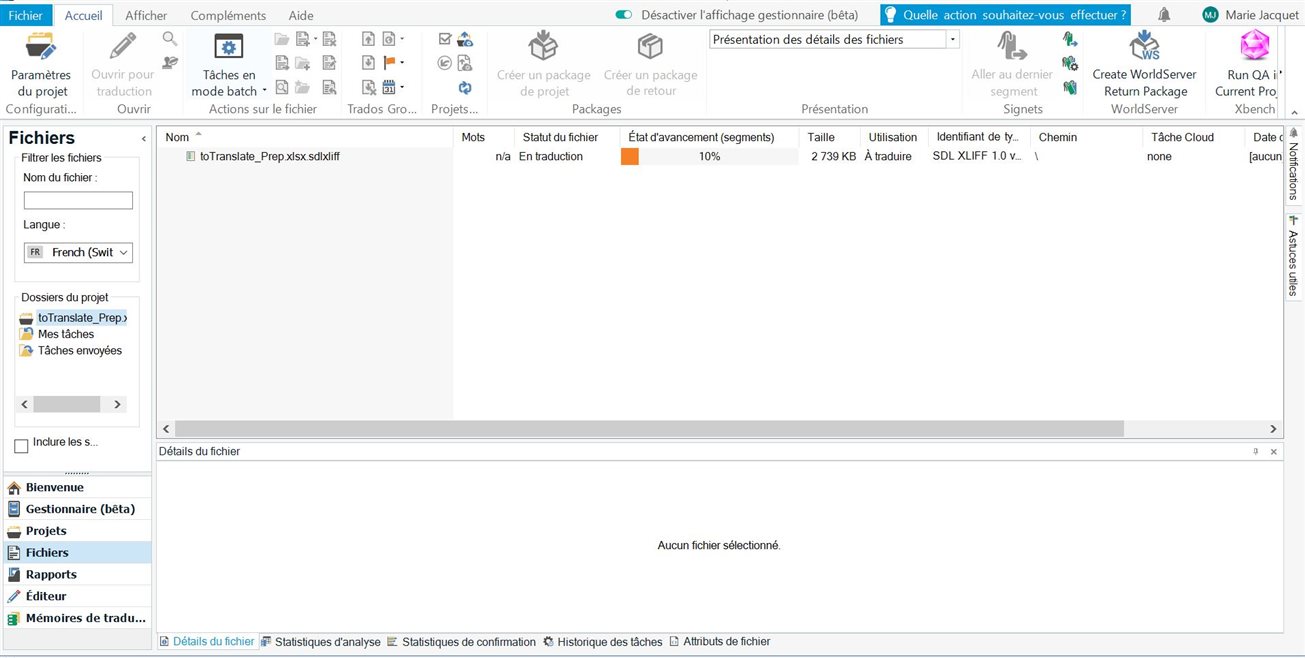
It took quite a while before I finally received the following message:
Failed to open ‘XXXX.xlsx.sdlxliff’
SDL XLIFF validation error: Data error (cyclic redundancy check) - see below
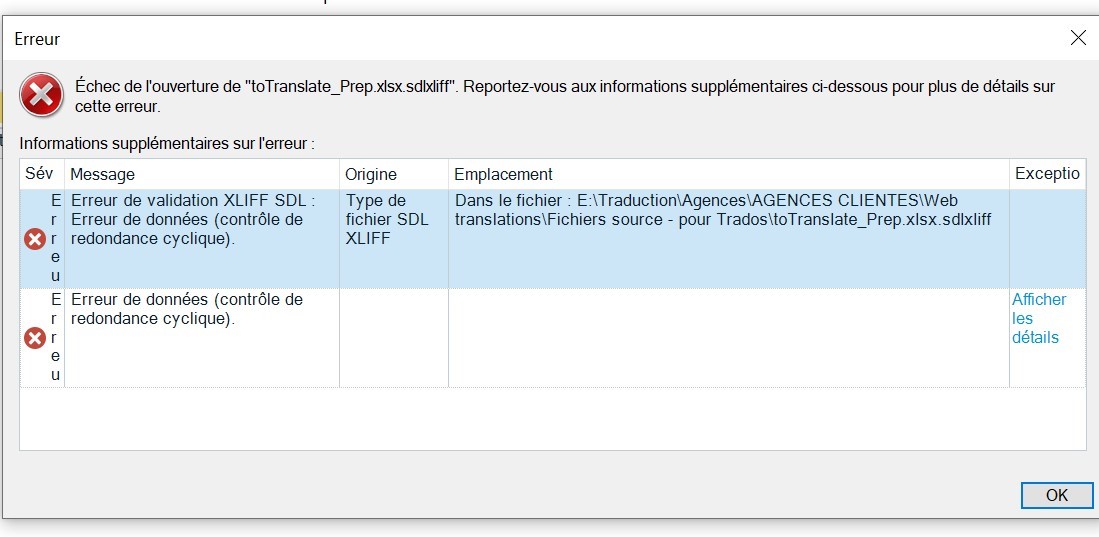
I tried to start all over again (deleting file and project from Studio and computer, and importing new ‘blank’ xlsx.sdlxliff file).
It opened fine, and thanks to the translation memory, I was able to quickly find my initial translations. However, after saving and attempting to open it again, I got the same data error message as above.
Just before this xlsx file, I should point out that I had worked in exactly the same way on two html files, and everything went very well.
What should be done?
Thanks
Marie-Anne
Removed AI Suggestion
[edited by: Marie-Anne Jacquet at 3:38 AM (GMT 0) on 7 Dec 2025]