
 Translate



Good morning,
I have a technical issue in SDL Trados 2019 that I cannot solve at all, I have looked at past links and contributions in the Community with regards to the following error but nothing has worked.
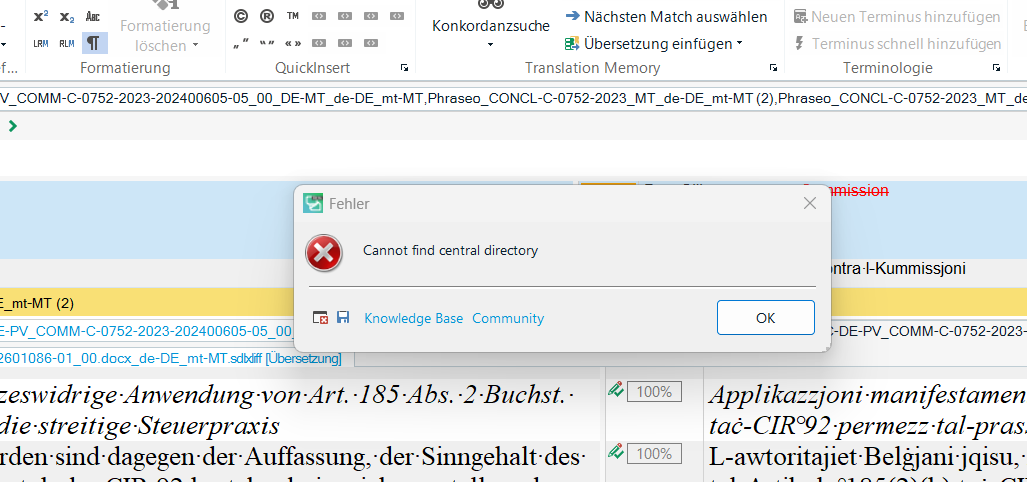
I am trying to preview the target text in Word 2021 from Trados but I am getting the error: Cannot find central directory.
I have also tried to save target text as as well but I get the same error.
I have tried opening a new SDL project in Trados and then pasting the .sdlxliff document, which has my translation at 74% progress and opening it in project.
What else can I do? I am contractually obligated to send translation in .docx.
Thank you in advance!
Charlene.
P.s. Translation must contain tags and non-breaking hyphens and spaces too.
Full version number SDL Trados Studio 2019 SR2 15.2.8.3007
Removed AI Suggestion
[edited by: Charlene Farrugia at 9:54 AM (GMT 0) on 18 Feb 2026]



