Cannot open Powerpoint file with embedded Excel files

I'm trying to create a project with a Powerpoint file containing embedded Excel files. I'm using Studio 2024 and the file cannot be converted. I get an out-of-memory error. It is a big file (145 kb). Any help with this? 
Thanks in advance

Martha


Removed AI Suggestion
[edited by: Martha Fillastre at 8:02 AM (GMT 1) on 16 Apr 2026]

emoji
  • Probability score: 0.7  

    Question improvement suggestion: Provide the exact error message you are receiving, as well as the operating system you are using. This will help in diagnosing the issue more effectively.  

    In the meantime, based on the information you have provided, here is a suggested answer to your question:  

    Hello Martha,  

    It sounds like you're encountering an out-of-memory error when trying to open a PowerPoint file with embedded Excel files in Trados Studio 2024. Here are some steps you can take to resolve this issue:  

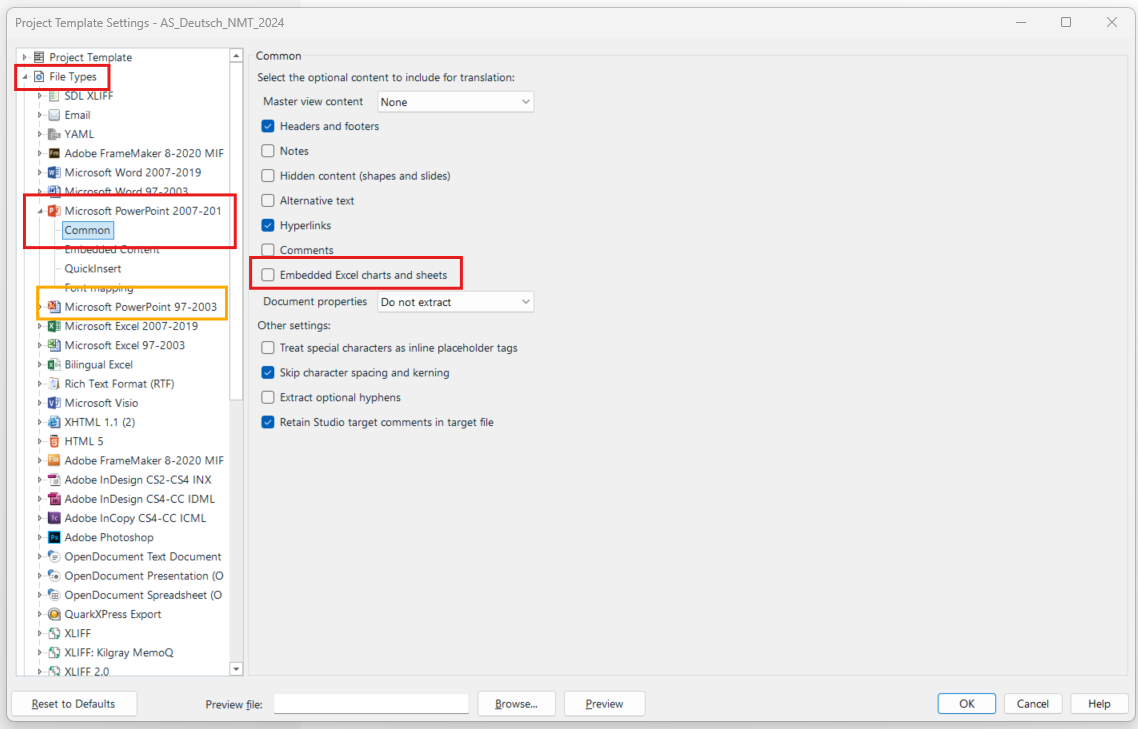
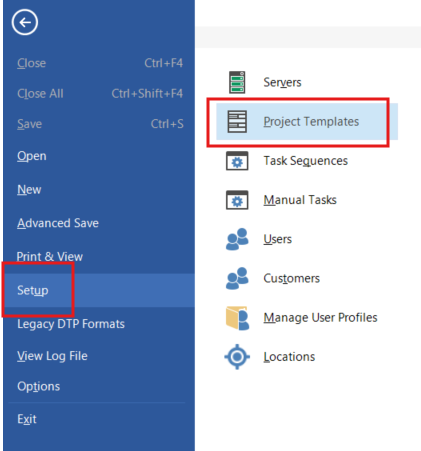
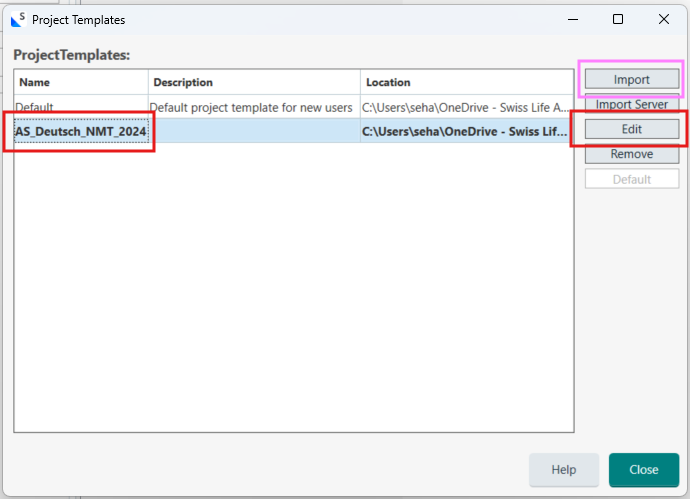
    **Step 1:** Open Trados Studio and navigate to `File > Options > File Types`.  

    **Step 2:** Select `Microsoft PowerPoint 2007-2016` and go to the `Common` section.  

    **Step 3:** Disable the option for `Embedded Excel charts and sheets`. Click `OK` to save your changes.  

    **Step 4:** Try to recreate your project in Trados Studio with the modified settings.  

    If the issue persists, consider the following workaround:  

    **Step 5:** Open the PPTX file in Microsoft PowerPoint (preferably 2013 or later).  

    **Step 6:** Go through each slide that contains embedded Excel spreadsheets. Double-click on each spreadsheet and make a minor change (like adding and removing a space in a cell).  

    **Step 7:** Save the PowerPoint file after making these changes.  

    **Step 8:** Now, try opening the modified PPTX file in Trados Studio again.  

    This process should help extract the content of the embedded Excel files for translation. If you continue to experience issues, it may be beneficial to reduce the file size by splitting it into smaller parts or simplifying its content.  

    I hope this answer addressed your question. If not, please reject the answer, add the question improvement suggestion information, and click the RWS Community AI checkbox on the right to try again.  

    RWS Community AI

    emoji