Translate



Hello!
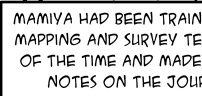
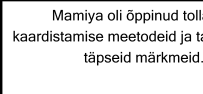
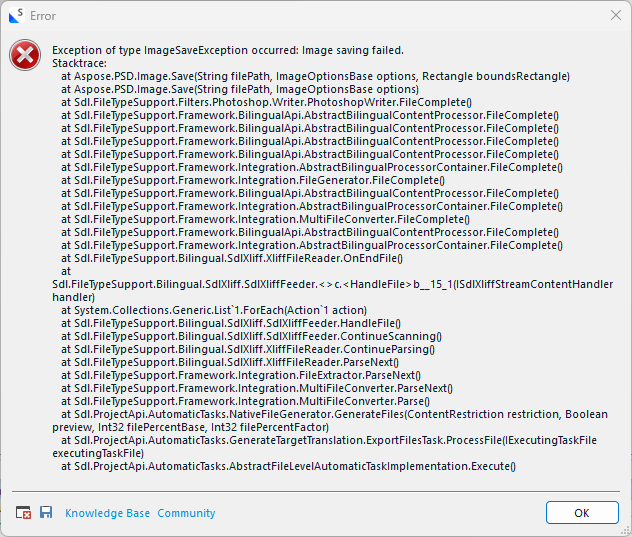
I'm having a hard time working with PSD files. I used to get some odd errors, but I figured that could be because I didn't have the right font. Now, I got the fonts that are used in the original PSD (and installed them to my Windows). I tried in Krita, and the font works on my system: I can edit and type using it on my machine.
However, something odd still happens when I take one of these PSDs through Trados: the font that is in the import file gets mapped into some default font, like Times New Roman or similar, i.e., the input font does not get preserved. I no longer get any errors in the PSD import/translation/export process, just the font in the target file has been changed.
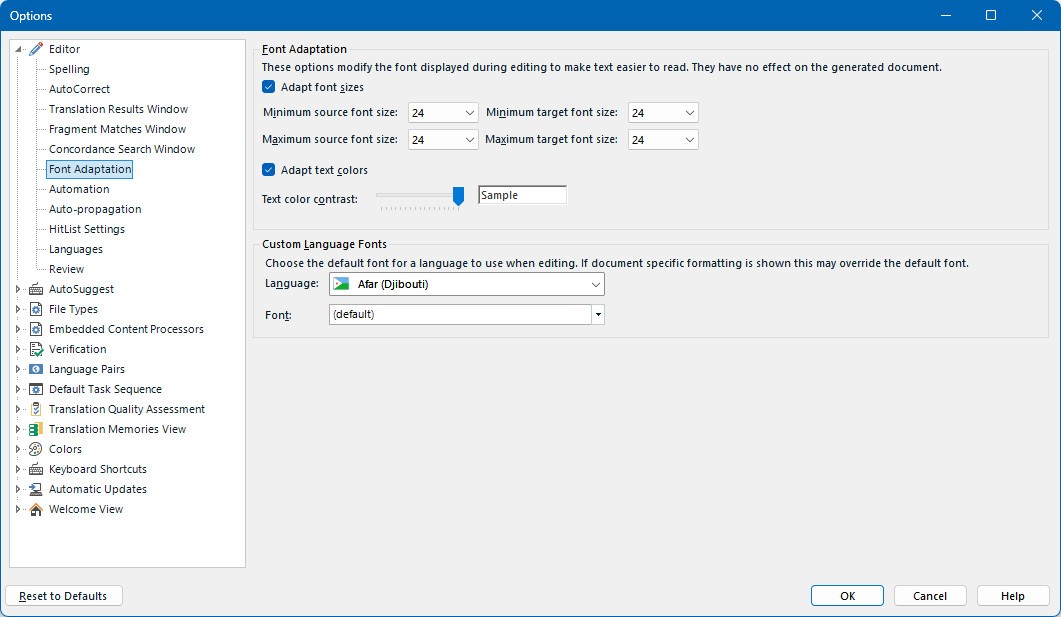
Insofar as I can see, there are no settings to force mapping of any font using the PSD file.
To be clear, I want my exported file to use exactly the same font with the translated text as in the source file. How can I achieve this?
This is using Trados Studio 2024 SR1 - 18.1.3.6657.
Cheers
Added information that I no longer get any errors, it's the output that's not correct.
[edited by: Koit Rikson at 10:53 AM (GMT 1) on 3 May 2026]