Problems when trying to deactivate my license

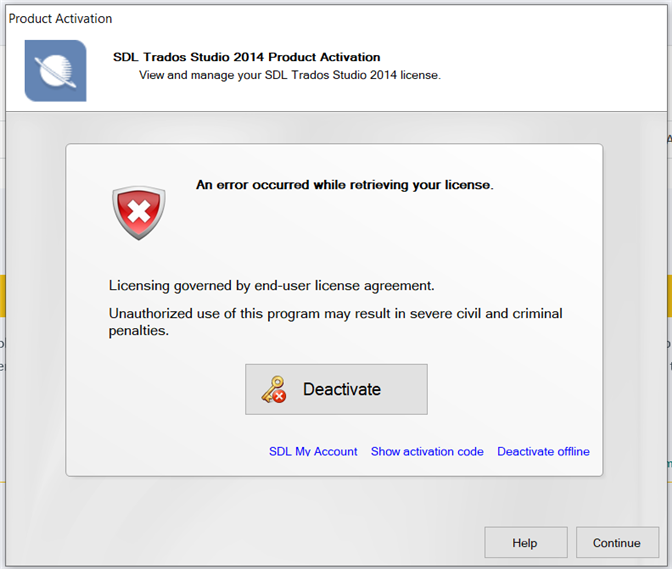
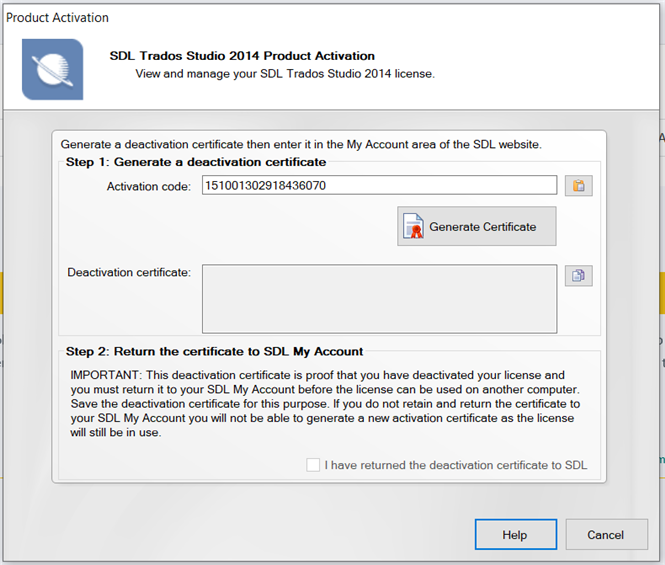
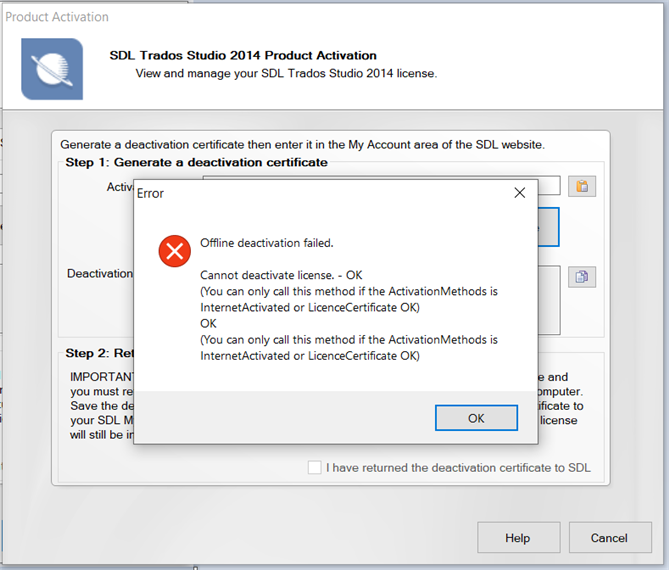
When opening SDL Trados Studio 2014 Freelance Plus a pop-up window warns about an error when trying to recover the license. One of the options is "off-line deactivation" but after trying to generate the certificate I get another error message "Cannot deactivate license". Please I need help with this as I've been struggling several days with this issue.

emoji
Parents Reply
  • Dear Sorin,

    Yes, thank you for your suggestion, it seems like using a trial 30 days version is an urgent solution which will help with my client, but this is a temporary solution for a more general issue - since I didn't plan at the moment to purchase newer version of Trados (maybe in the future), which was working fine until now -you can also see that on my SDL RWS account there is no expiry date for my license:

       SDL Trados Studio 2014 Freelance Plus license information showing 1 user, 1 in use, 0 available, 0 extra activations, and no expiry date.

    So there must also be a way to continue using the product without making me buy a new SDL version...

    I really hope there is an appropriate solution for this issue. Thank you in advance!

    Please let me know.

    Sincerely,

    Alex

    emoji


    Generated Image Alt-Text
    [edited by: Trados AI at 1:44 PM (GMT 0) on 4 Mar 2024]
Children