Translate



Hello,
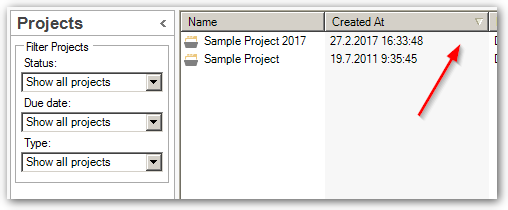
Usually this is not a problem, but sometimes, when I add a file under a project, the files order just becomes alphabetical, whereas I want the files to be ranked by the date I added them under the project. I have tried by "Sort by", but there is no way I can sort by date... just other options like "due date", etc., but this is not helpful as I never add any due date to my projects.
How can I "reset" this? This used to be good, I must have clicked on a wrong button. I tried "reset window layout", but this doesn't change anything as this is used for something else I think.
As some of my projects include more than 100 files, it's making it difficult for me to find my files easily.
Thanks!

RWS Community