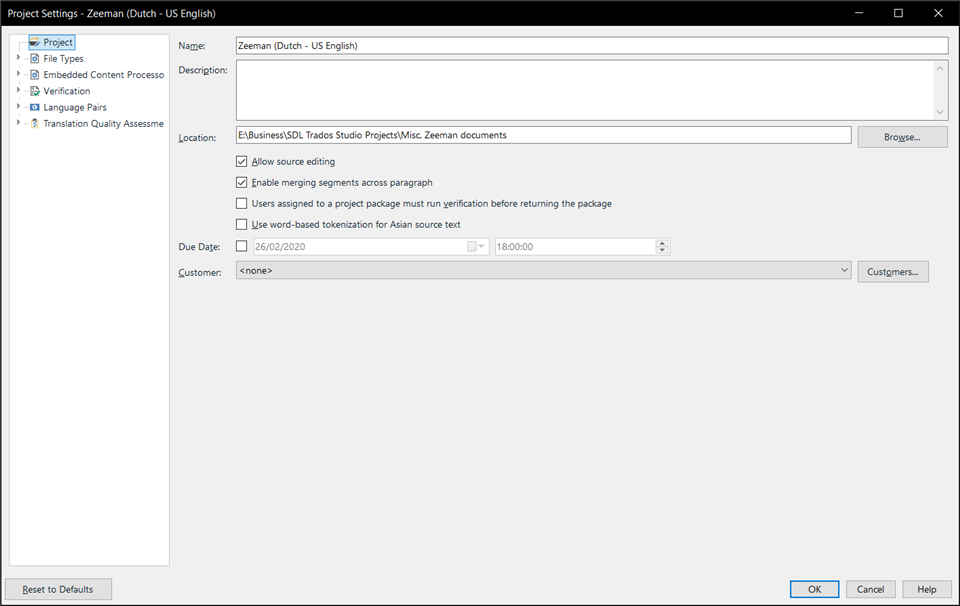
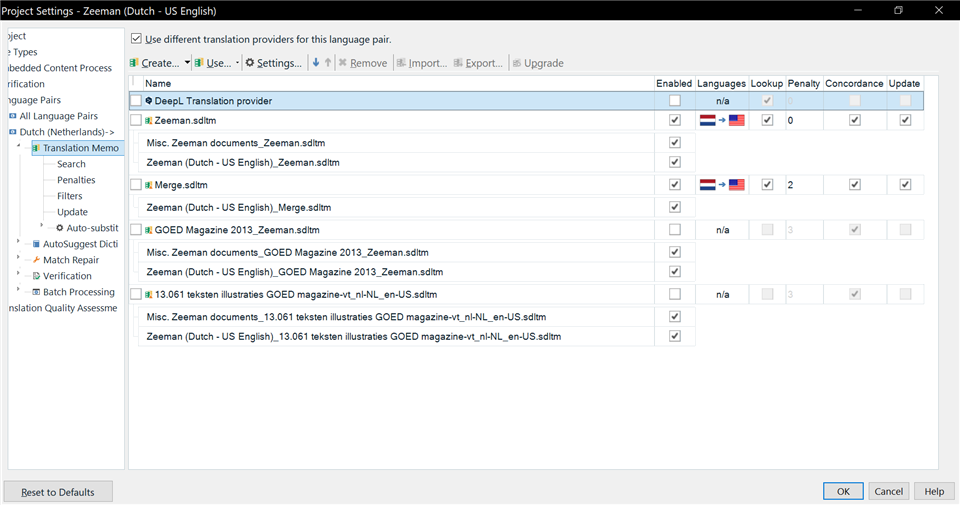
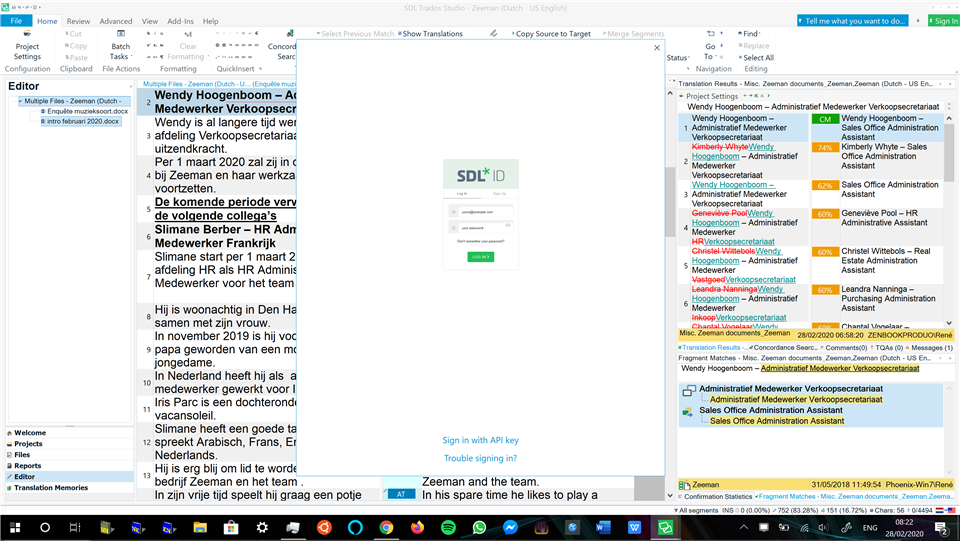
Very thin menu column in Project Settings in Trados Studio 2019 SR2

In Project Settings, the left column with the various pages is always very skinny, meaning the entries are always cut off. I can make it wider on an ad-hoc basis, but it always resets to being skinny next time, which is very annoying. It seems like the software should prevent this from happening, or at least default to a width that allows everything to fit on the screen. I have a 4K Ultra HD screen (3840x2160), so there are plenty of pixels to work with.

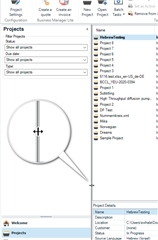
See screenshot:
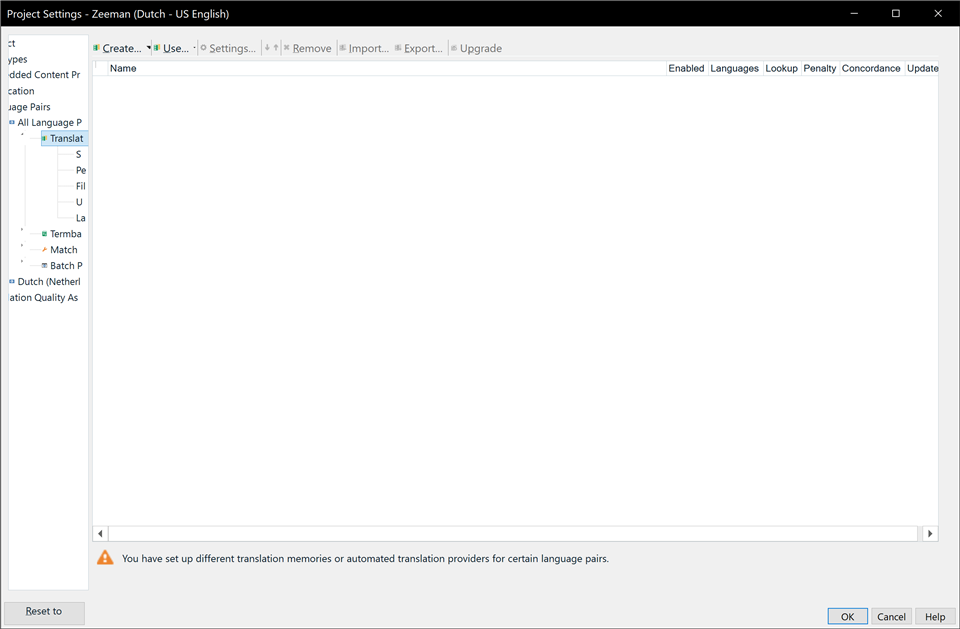
Trados Studio Project Settings window with a narrow left column, cutting off the text of various pages such as 'Translation Memory and Automated Translation', 'Language Pairs', and 'Batch Processing'. A warning message at the bottom reads 'You have set up different translation memories or automated translation providers for certain language pairs.'


Generated Image Alt-Text
[edited by: Trados AI at 8:19 PM (GMT 0) on 28 Feb 2024]

emoji
Parents Reply
  • Hi Ali,

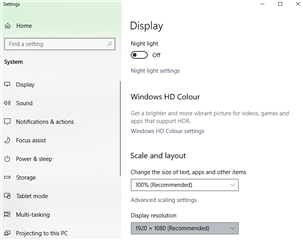
    Good idea to test that! It did become a more normal width after changing the resolution to 1920x1080, but that also changed the scaling from 250% to 125% automatically, and the scaling seems to be the thing Trados is really struggling with:

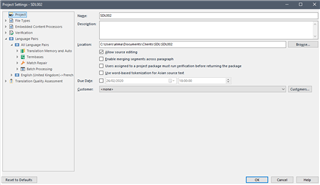
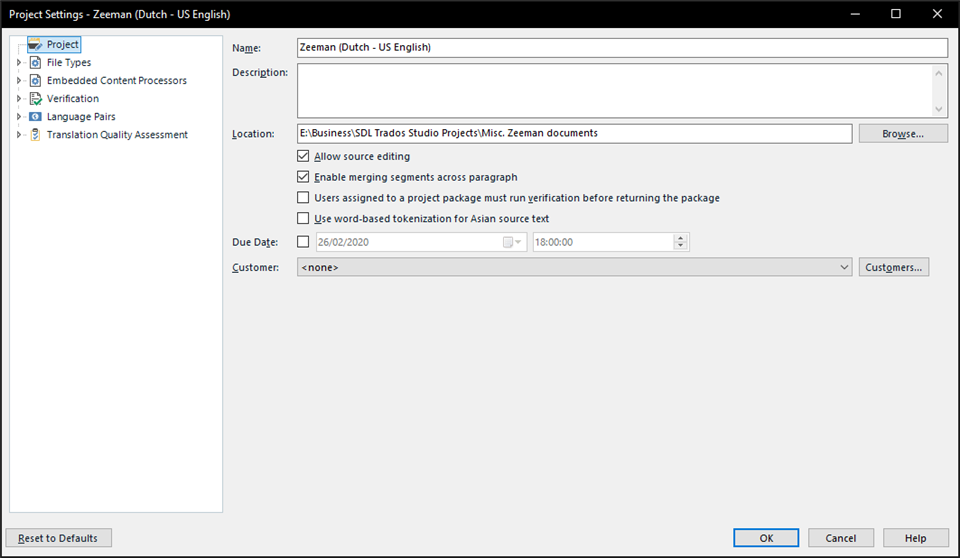
    Here is 1080p with 100% scaling:

    Trados Studio Project Settings window at 1080p resolution with 100% scaling, displaying options for file types, verification, and translation quality assessment.

    1080p with 125% scaling:

    Trados Studio Project Settings window at 1080p resolution with 125% scaling, showing slightly truncated text and options due to increased scaling.

    1080p with 175% scaling:

    Trados Studio Project Settings window at 1080p resolution with 175% scaling, with text and options significantly truncated and harder to read due to high scaling.

    Scaling is completely essential on modern high-DPI screens like my 4K laptop's (which even has a secondary half-height 4K screen built in above the keyboard :') ), so obviously turning it off is not a solution.

    But hopefully this report will help the developers sort out the programming so it properly supports Windows 10's display scaling :)

    Will this be flagged to them?

    Thanks,

    -René

    emoji


    Generated Image Alt-Text
    [edited by: Trados AI at 8:19 PM (GMT 0) on 28 Feb 2024]
Children