cannot start my first translation, click on OK does not work

Hello, I've just purchased SDL Trados 2019. I am trying to translate my first document but I can't.

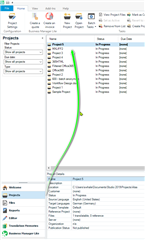
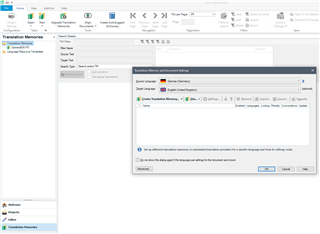
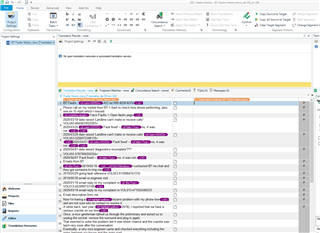
I open the software, I click File then Translate a single document, I choose a docx file, I choose the target language (French) and then when I click OK nothing happens (see attached file) and there is no error message or warning. If I click on Cancel I exit this window but my docx file is not opened, of course. Why the OK button does not work?Screenshot of SDL Trados Studio 2019 showing the 'Translate Single Document' dialog box with a selected DOCX file and target language set to French. The OK button is visible but not functioning.DOCX Thanks


Generated Image Alt-Text
[edited by: Trados AI at 9:21 PM (GMT 0) on 28 Feb 2024]
emoji
Parents Reply
  • Hi ,

    Is this happening with any file or just this particular one?

    I would suggest that the software is freezing at the point of checking the source language of the document and that clicking on the double arrow reactivates the process.

    Clicking on the double arrow should not be necessary.

    Try opening the source document (in Word if it's a word document), then highlighting all the text in it and making absolutely sure the whole document is standardised to the correct source language. Then see if the process works.

    There may be sections in the document that have language content that isn't one of your five languages (if you're working with the Freelance version of Studio). That might bring things to a halt maybe...

    Just one possible cause...

    If that doesn't help, create your own new test document and ensure it's set to the source language that you're going to translate from. If that works correctly on 'File > Translate...' then it's the source document you were trying to work with that's triggering the problem.

    If it doesn't work then try reinstalling SDL Trados Studio...

    All the best,

    Ali Slight smile

Children