Translate



Guys, sorry for this ... I know this is a really MINOR thing BUT ...
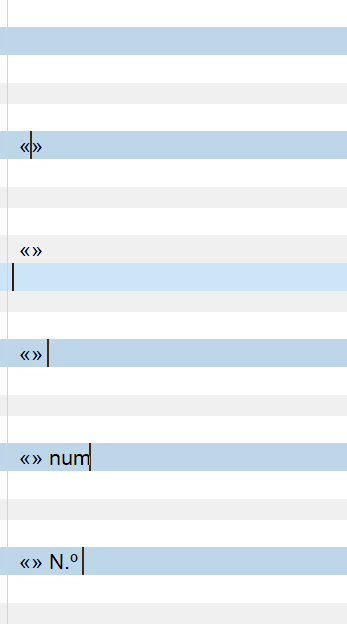
Is it possible to set Studio so that it does NOT put a white space between punctuation marks, brakets&Co?
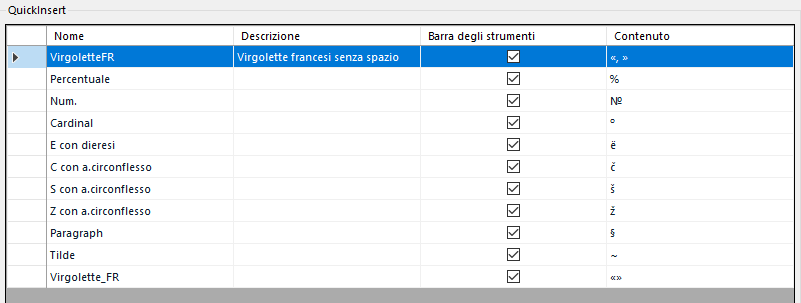
I do not know in english, but in Italian is it wrong to write " word " ... it should be "word". So «this one is correct» and «_this one is not_».
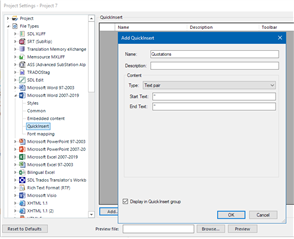
I use Quick insert quite a lot but every time I have to remove internal spaces
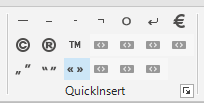

Can we set this somewhere in Studio and fix this little thing?
Many thanks.
Pietro
Generated Image Alt-Text
[edited by: Trados AI at 9:10 PM (GMT 0) on 28 Feb 2024]