Strange mouse scrolling behaviour in Studio 2021 concordance window

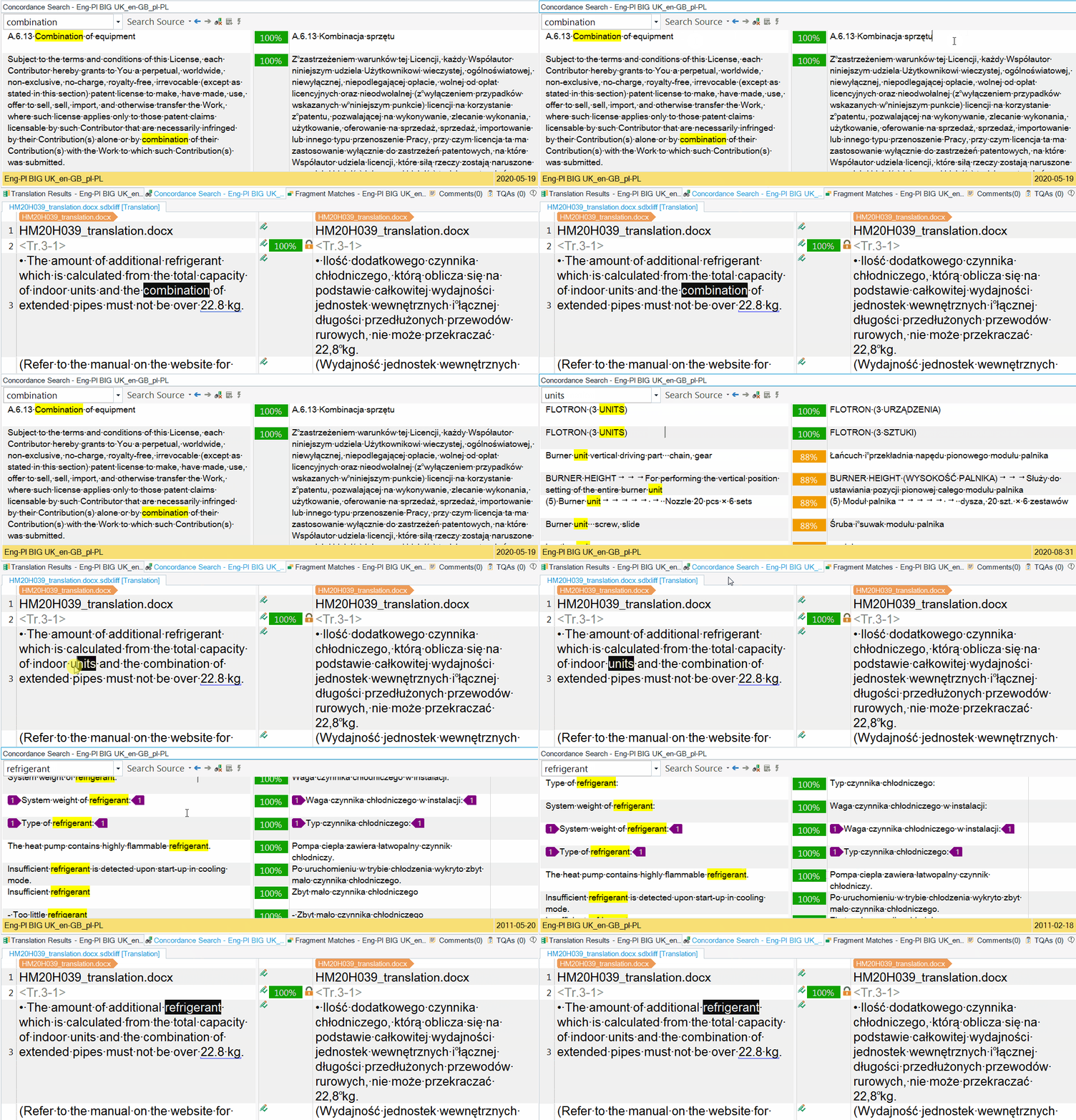
I've been using SDL Trados Studio 2021 for a few weeks now and I found this strange mouse scrolling behaviour in concordance windows. When I want to check if a term has already been translated, I use a key combination to look it up in concordance. And when I click inside concordance window (no matter source or target results), scrolling doesn't work. I have to click again in another window so works, i.e. if I clicked in the left windows, I have to click again in the right window and vice versa. This issue doesn't occur in Studio 2019 so I guess it's not a hardware problem. Does anybody know what might be the reason?

Parents Reply
  • Hi. I checked it again connecting different mice and keyboards. Nothing changes so it's not a hardware issue. But I noticed the following behaviour. When I open Concordance window, enter the text to search manually and press Enter, I can put the mouse cursor inside source or target column and scroll it easily. But when I look up a word using a key combination and the results are displayed, I had to click the mouse in any column (source or target) first - then the searched word in the left upper corner is highlighted for a second. Then I had to click the mouse again in the other column (different from the one I clicked earlier) and now I am able to scroll the results. Studio settings are identical as in versions 2019 and 2017 where this problem does not occur, so I would say it's Studio 2021 fault.

Children