Strange mouse scrolling behaviour in Studio 2021 concordance window

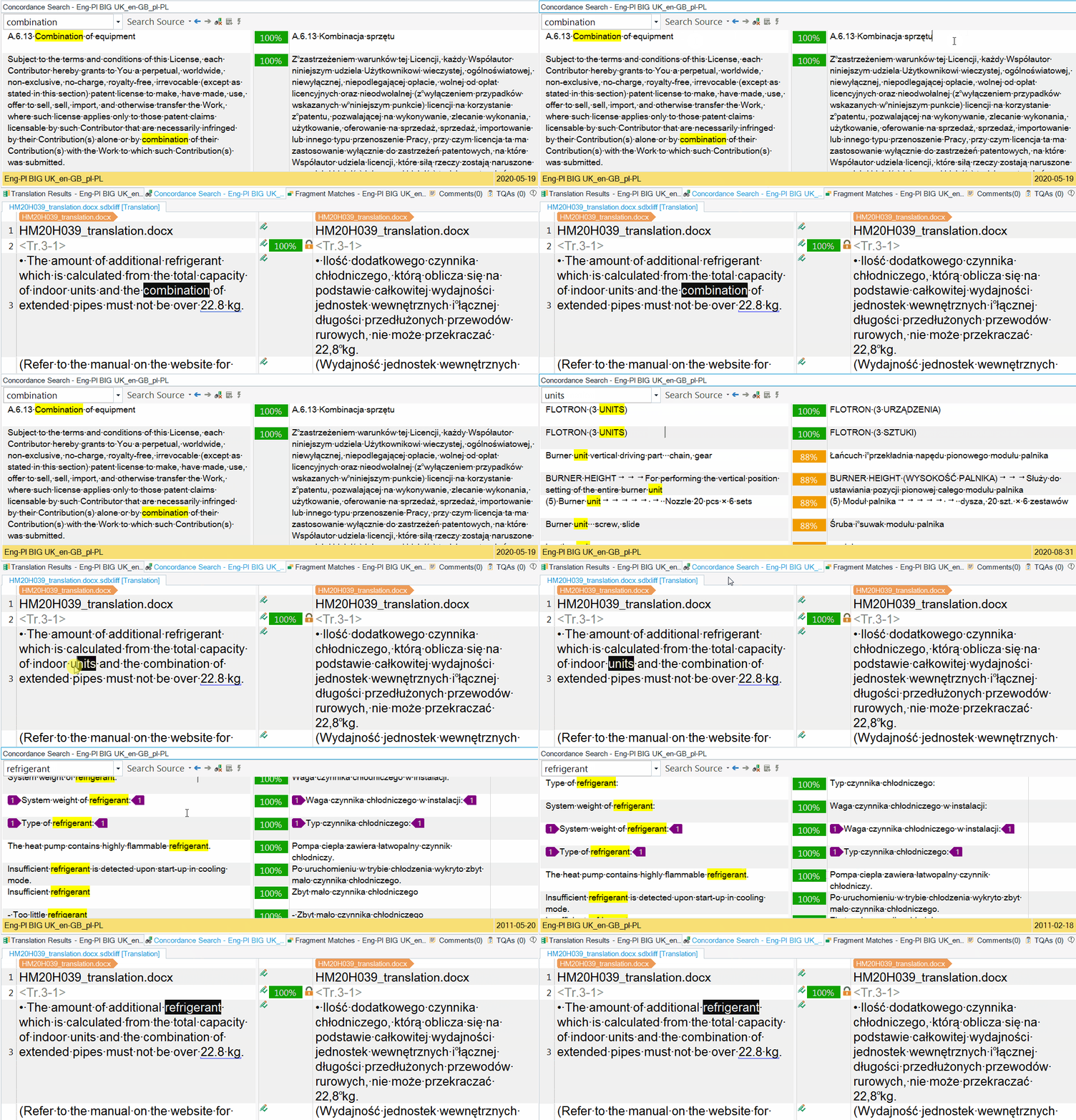
I've been using SDL Trados Studio 2021 for a few weeks now and I found this strange mouse scrolling behaviour in concordance windows. When I want to check if a term has already been translated, I use a key combination to look it up in concordance. And when I click inside concordance window (no matter source or target results), scrolling doesn't work. I have to click again in another window so works, i.e. if I clicked in the left windows, I have to click again in the right window and vice versa. This issue doesn't occur in Studio 2019 so I guess it's not a hardware problem. Does anybody know what might be the reason?

Parents Reply
  • I would say it's Studio 2021 fault.

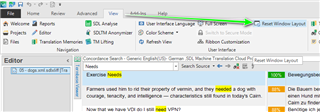
    It may be that something has changed in Studo that prevents your mouse driver from working.  But it doesn't affect all computers... for example:

    I can't reproduce this behaviour either.  I think it's possible that there could also be something in the specific mouse driver you are using that doesn't like whatever changes we have made in Studio, and unfortunately that doesn't mean the Studio development team will spend time trying to reproduce and correct that problem for you.  This would have to be a problem that affected all or a significant number of users for this to happen.

    Have you tried checking to make sure your mouse drivers are all up to date?

    I'd be interested to know if anyone else does have this problem?

    Paul Filkin | RWS Group

    ________________________
    Design your own training!

    You've done the courses and still need to go a little further, or still not clear? 
    Tell us what you need in our Community Solutions Hub

Children