
 Translate


Click through to https://account.rws.com/
On the RWS ID screen, sign in using the email and password you use for your current Trados subscription. If needed, click on the "Don't remember your password" link to reset it.
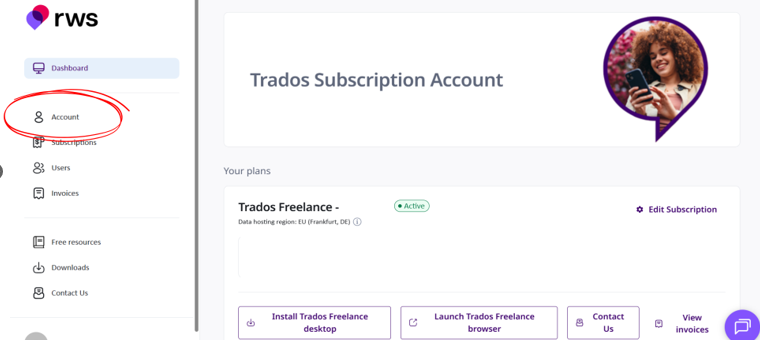
Once you've logged in, click through to "Account" as shown on this image.
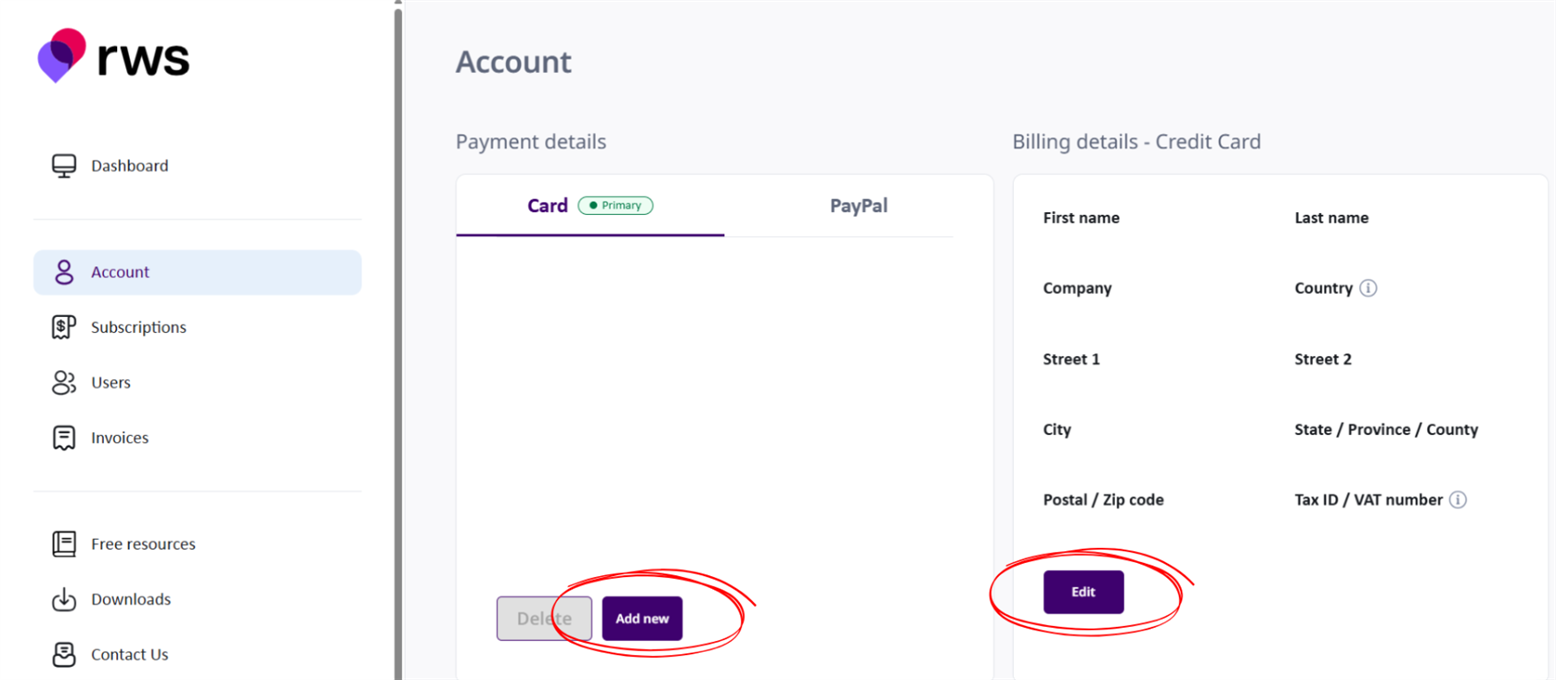
When you are in the "Account" screen, you add your payment details. You can choose either credit/debit card or PayPal.
You'll also need to add your billing details linked to your payment method.
Please don't forget to add your Tax/VAT number if you have one.