text Size of SDL Professional

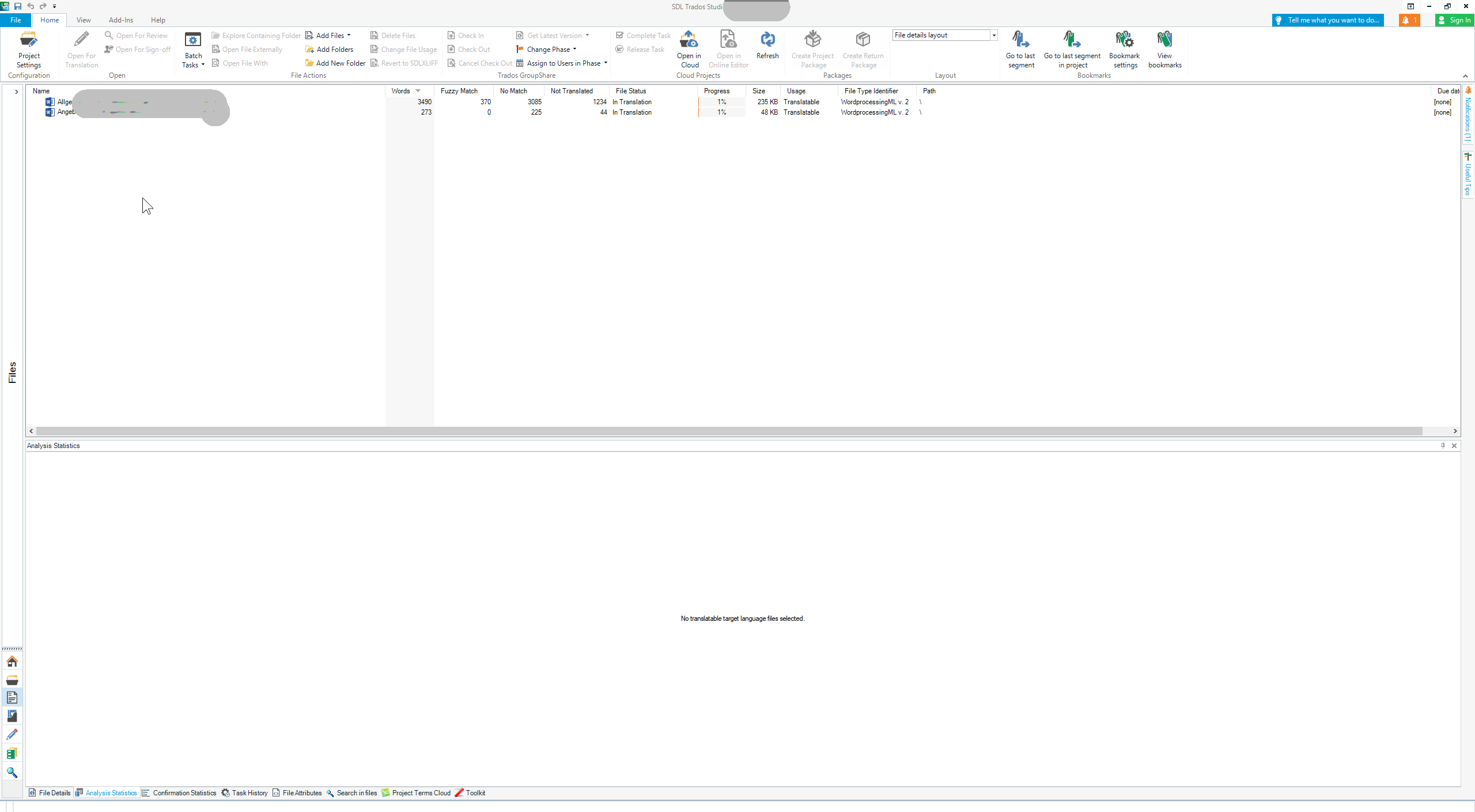
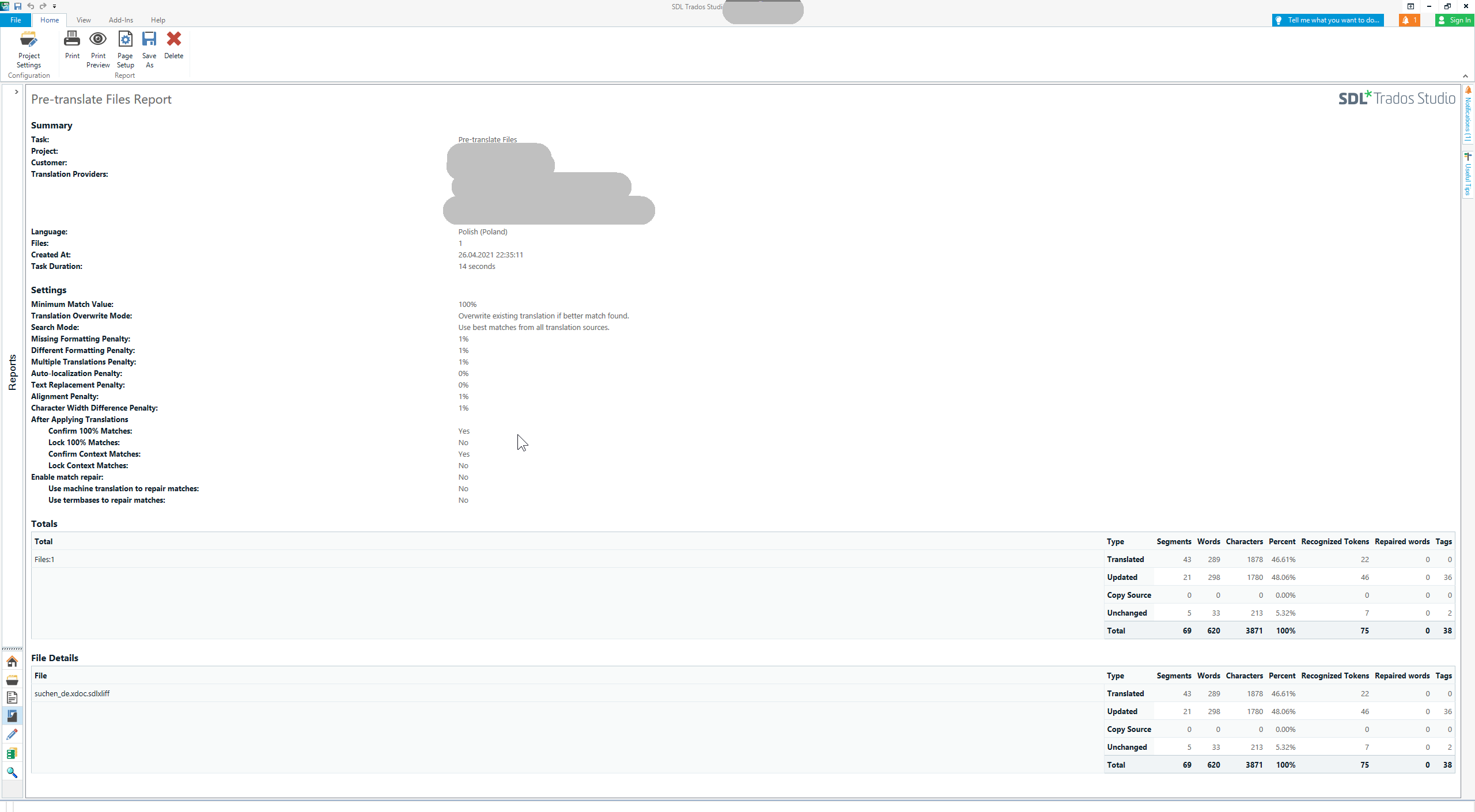
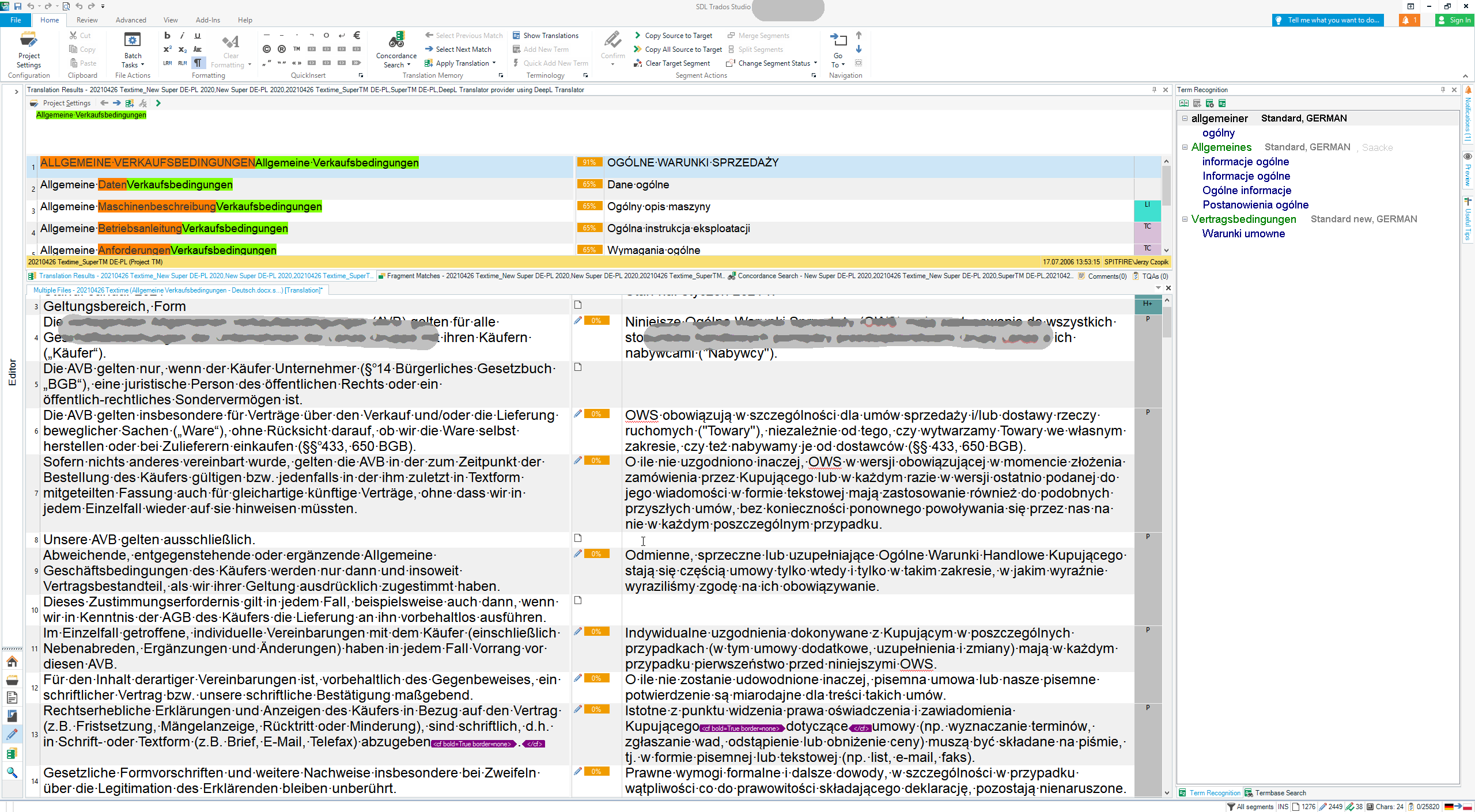
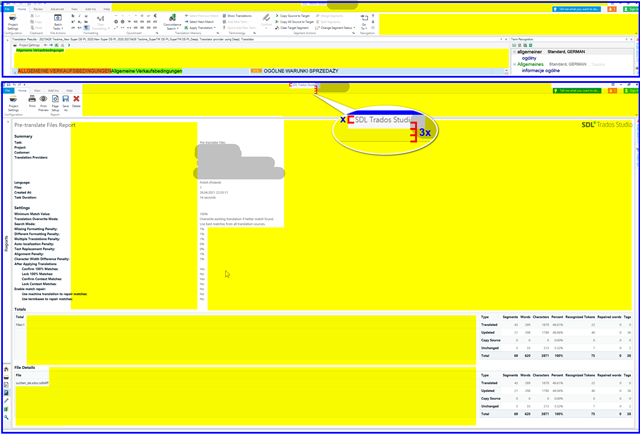
I have just installed SDL Professional and find that the text, buttons and everything else is very very small. I am not referring to the source and target text. That text I know how to increase. But the other information is just too small. How does one increase it?

Parents Reply
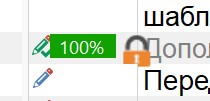
  • Thank you Paul for your patient and detailed explanation. I just received an update that has aggravated the situation even worse. Now I have giant padlock icons :D
    Screenshot showing Trados Studio interface with a large padlock icon next to a 100% scaling indicator.
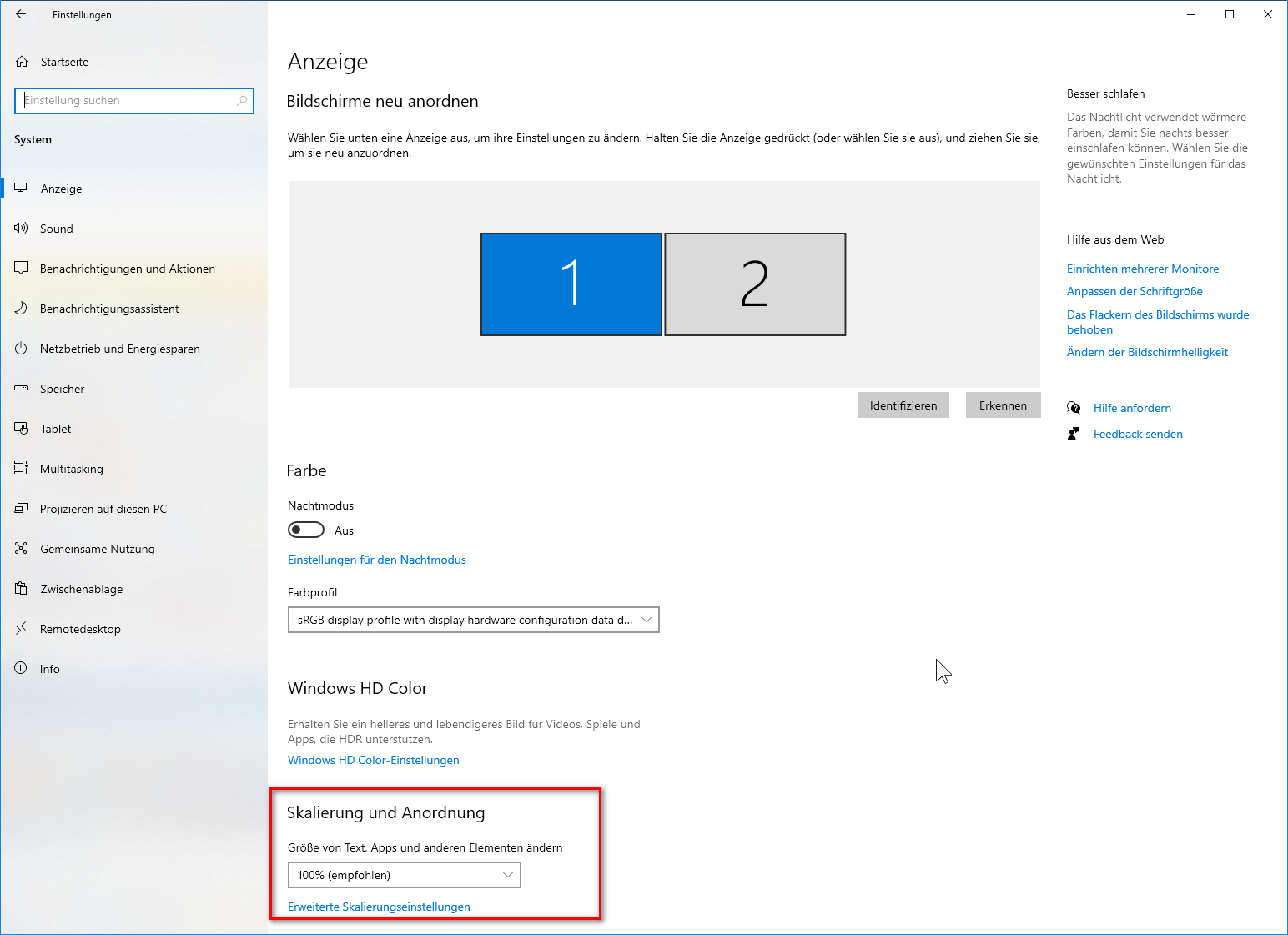
    Update: I switched to 125% scaling. It feels better now. Thank you. 
    But I am going to upgrade my hardware anyway. Could you (or anybody else) please suggest a good PC monitor 22" to 25" that fits Studio best? A monitor that I can just plug and play smoothly. A monitor that you know for sure that it works fine for Studio with default settings (100% scaling). Any idea?


    emoji


    Generated Image Alt-Text
    [edited by: Trados AI at 2:13 AM (GMT 0) on 29 Feb 2024]
Children