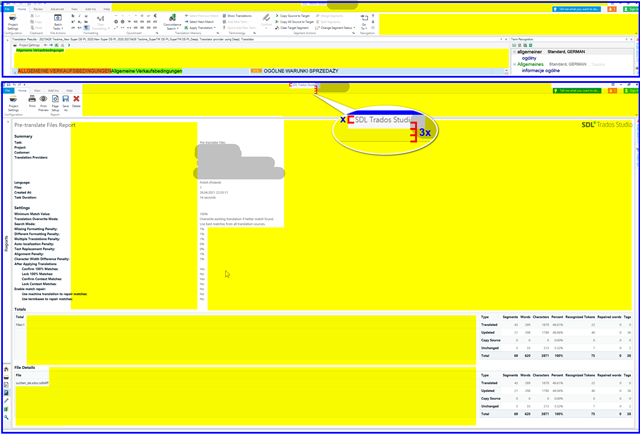
text Size of SDL Professional

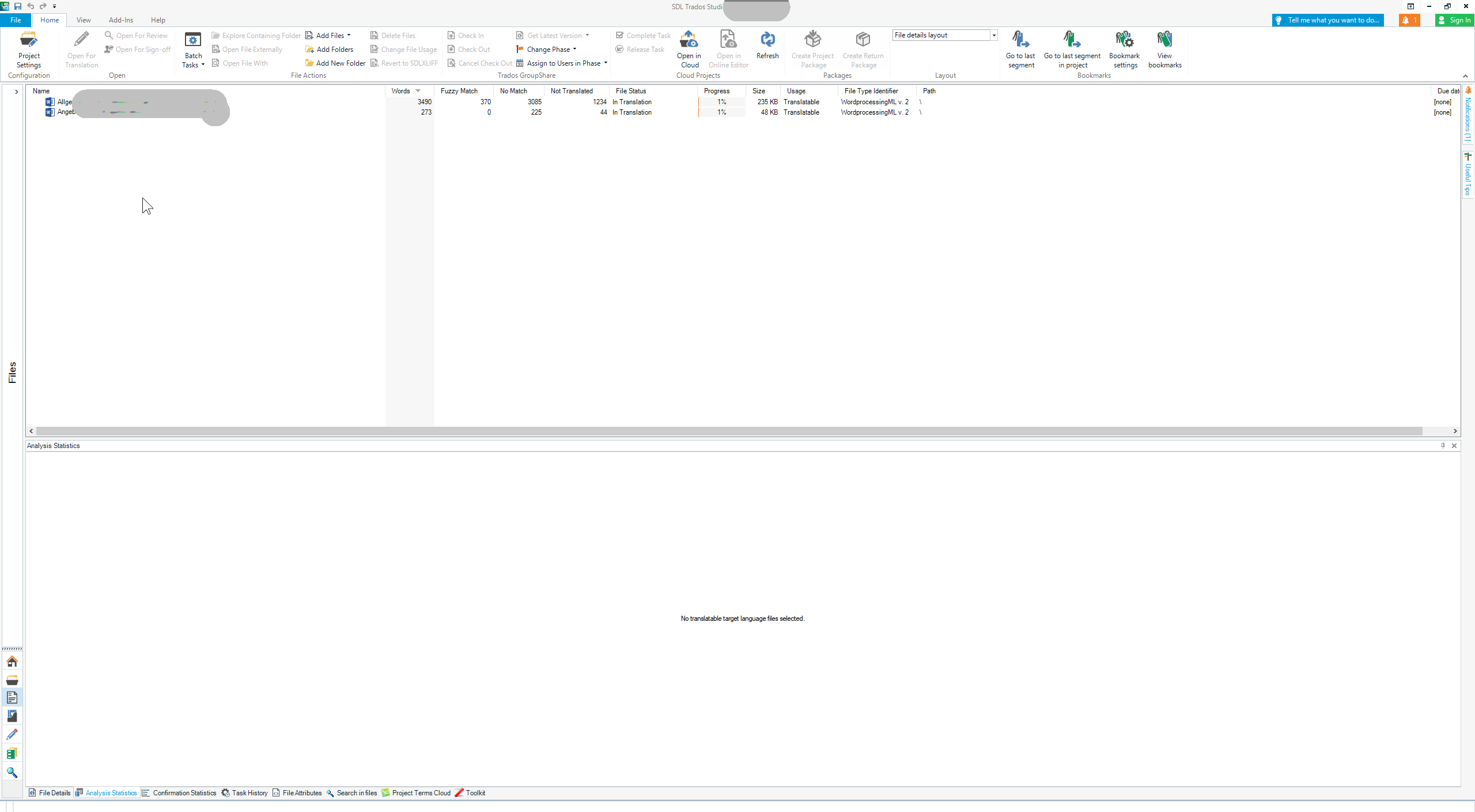
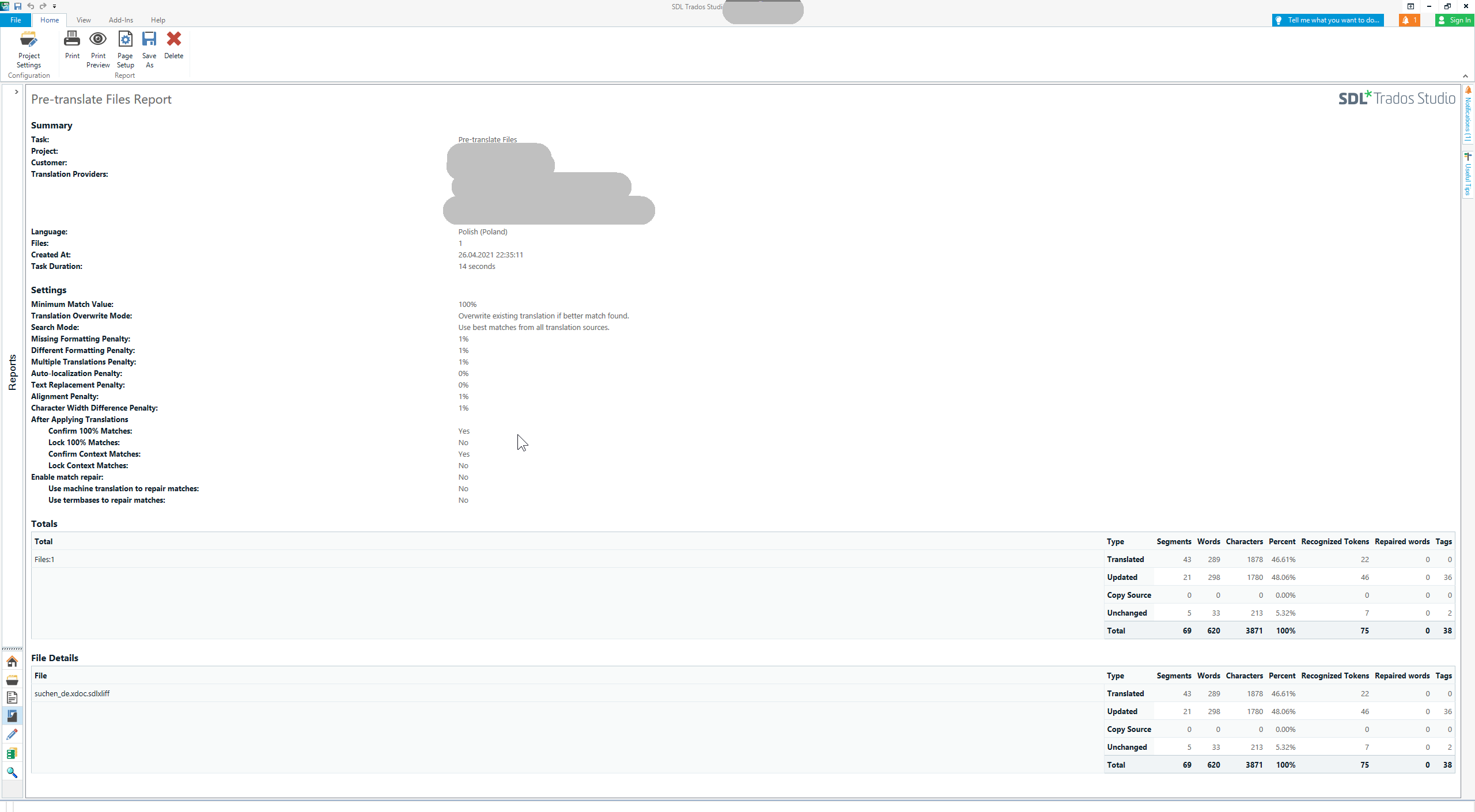
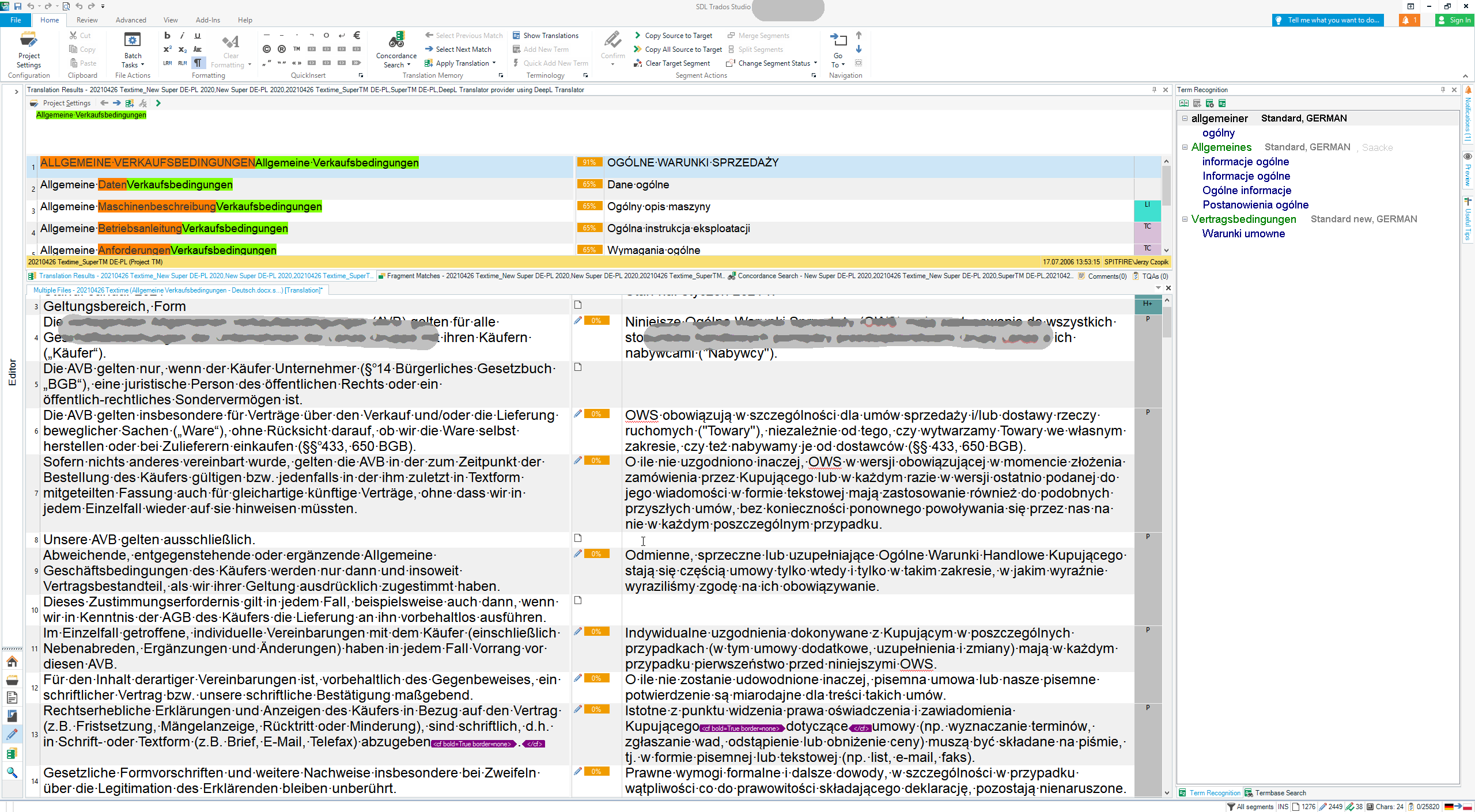
I have just installed SDL Professional and find that the text, buttons and everything else is very very small. I am not referring to the source and target text. That text I know how to increase. But the other information is just too small. How does one increase it?

Parents Reply
  • If you would put as much effort in learning how to adapt Studio GUI, you certainly would have noticed, that you can change the proportions of window parts in Editor. But as I see here, you have plenty of time for playing. This said I return to work I have to do, as any further discussion of the obvious makes no sense for me.

    _________________________________________________________

    When asking for help here, please be as accurate as possible. Please always remember to give the exact version of product used and all possible error messages received. The better you describe your problem, the better help you will get.

    Want to learn more about Trados Studio? Visit the Community Hub. Have a good idea to make Trados Studio better? Publish it here.

Children