text Size of SDL Professional

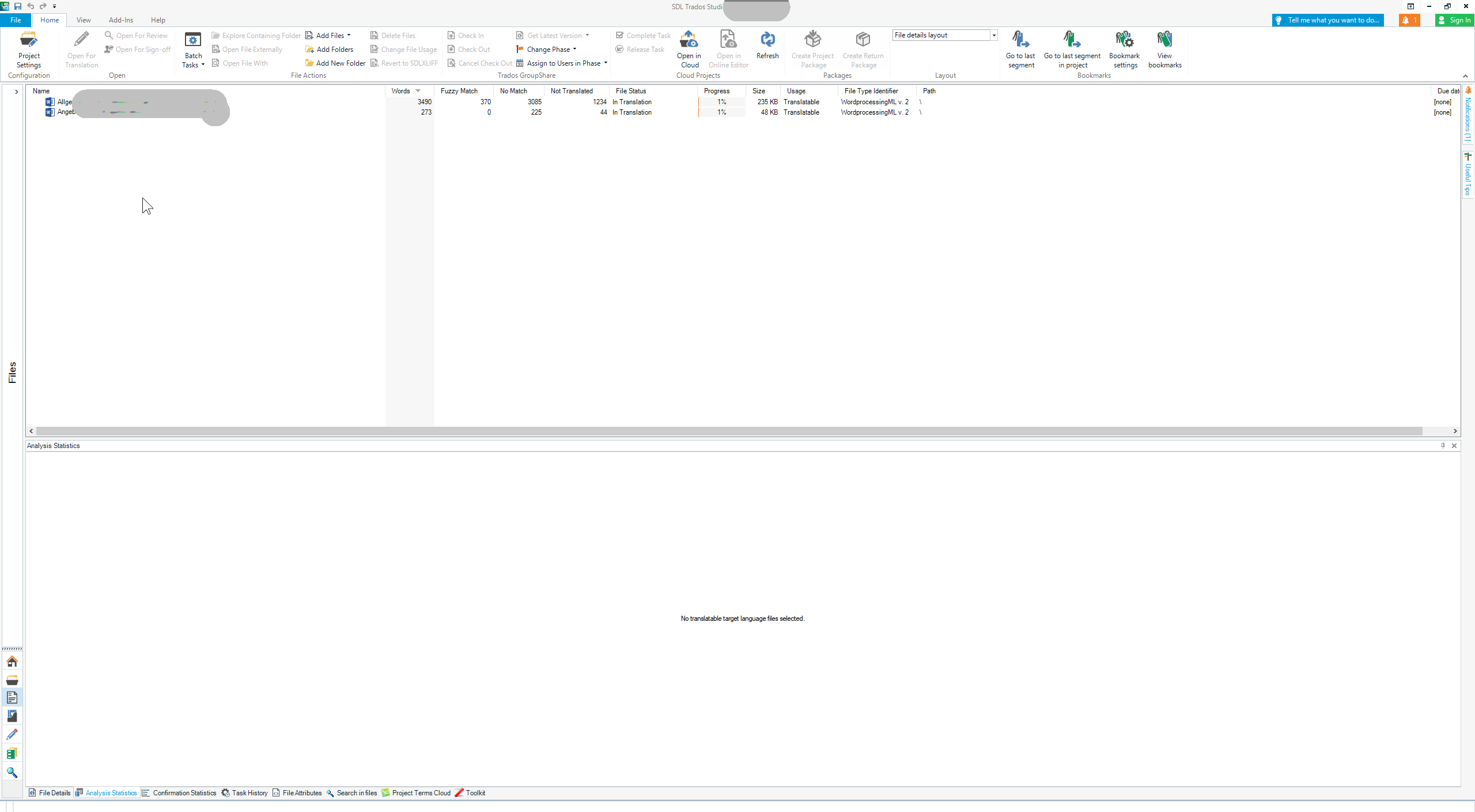
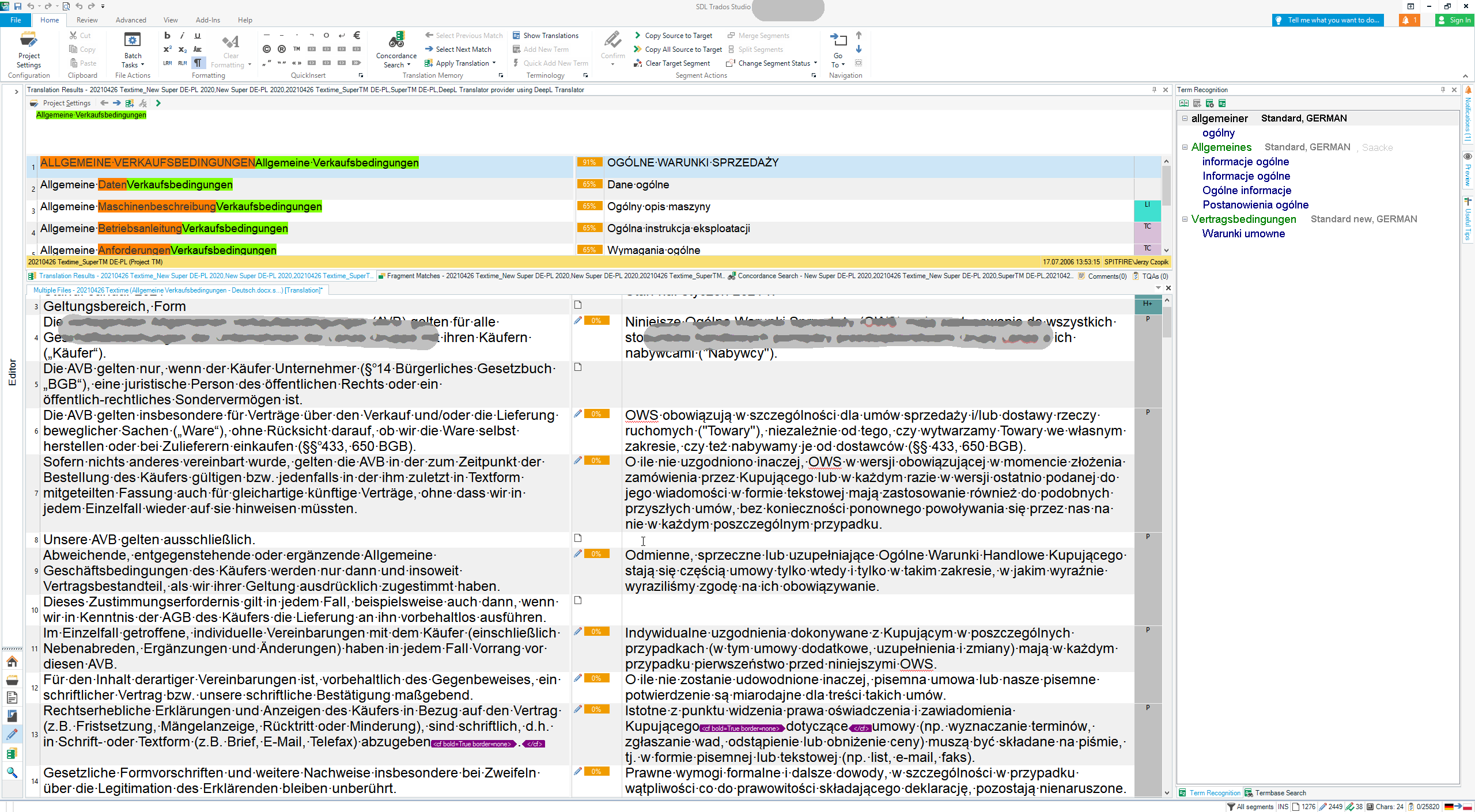
I have just installed SDL Professional and find that the text, buttons and everything else is very very small. I am not referring to the source and target text. That text I know how to increase. But the other information is just too small. How does one increase it?

Parents Reply
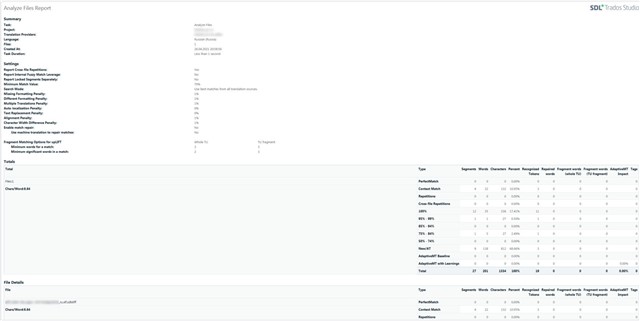
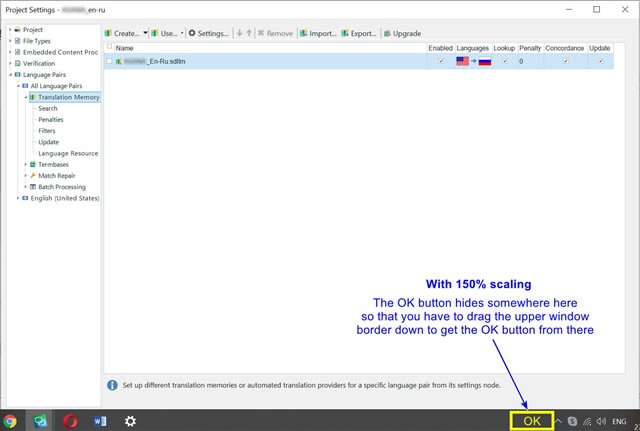
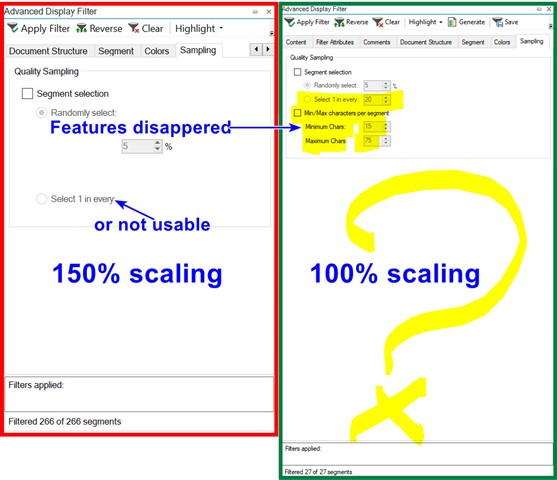
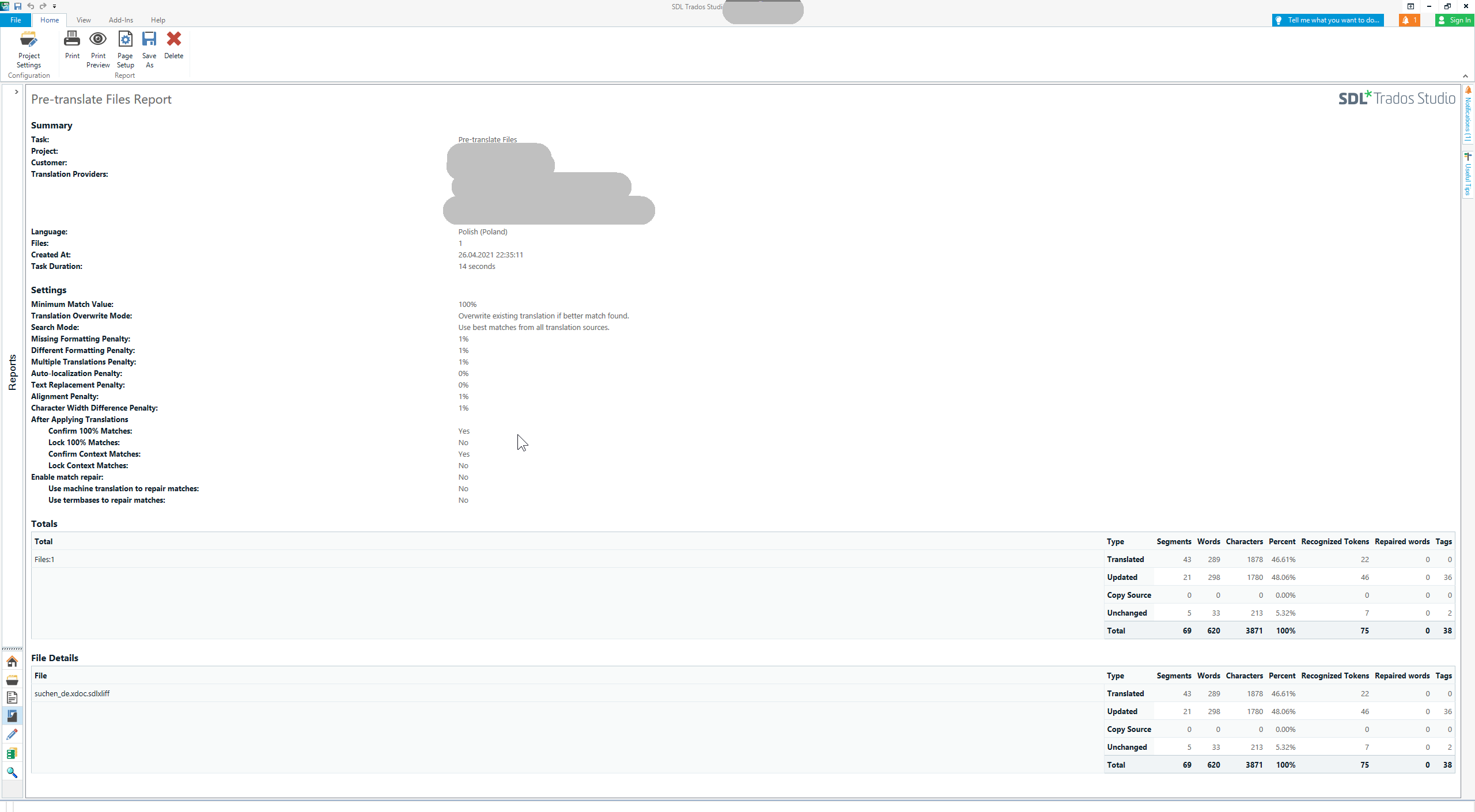
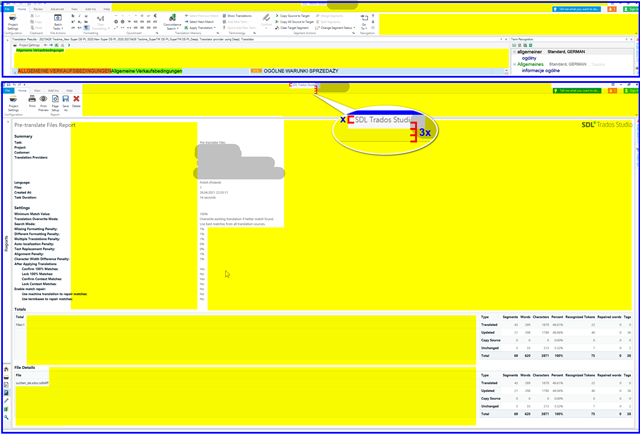
  • I will not argue, that this could be optimized. But OTOH I have so many other construction sites of bigger importance in my life, so I do not really care about this yellow places. You could fill it with letters or flowers, I really do not care. What I need are the analysis results, and these are much better usable in an exported Excel file. You can also quite clearly read these in the files or projects view. What I really do care about ist the Editor view, where my working elements are nicely scaled to a size I can comfortably read both at home on two 27" monitors or underway with my MS Surface—one 12" screen or, when not on the road, plus another 13" UHD screen. I work in Editor, all other views are just for special purpose, so I do not pay so much attention and do not lose my temper on those.

    _________________________________________________________

    When asking for help here, please be as accurate as possible. Please always remember to give the exact version of product used and all possible error messages received. The better you describe your problem, the better help you will get.

    Want to learn more about Trados Studio? Visit the Community Hub. Have a good idea to make Trados Studio better? Publish it here.

Children