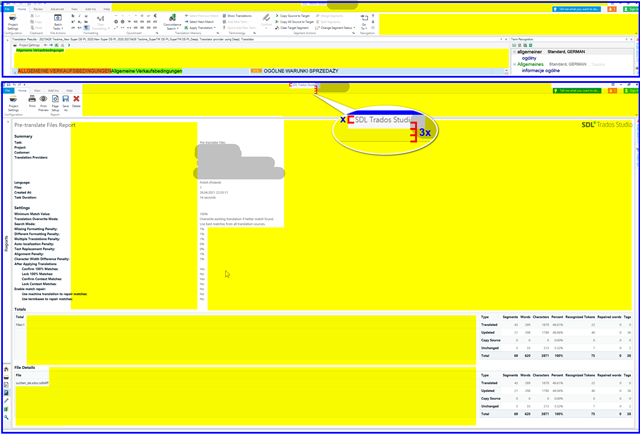
text Size of SDL Professional

I have just installed SDL Professional and find that the text, buttons and everything else is very very small. I am not referring to the source and target text. That text I know how to increase. But the other information is just too small. How does one increase it?

Parents Reply
  • Are serious? Do you really think I am talking about the Report view only?

    I'm well aware of what you are talking about, and I agree with you.  But seeing as you specifically mentioned the report I just gave you a solution to that one problem.

    In general the UI could really use some work to make it more responsive to the space you allocate in a particular window, and also to make better use of the available space in general.  There are many things that need work... what do we do first... we can't do it all at once!

    So thank you for this discussion, it's good to note the opinions here.  Whilst some users are quite happy with the status quo, it's clear there are still improvements to be made.  On the other hand we'll never make everyone happy!

    Paul Filkin | RWS

    Design your own training!
    You've done the courses and still need to go a little further, or still not clear? 
    Tell us what you need in our Community Solutions Hub

Children
No Data